Why this works
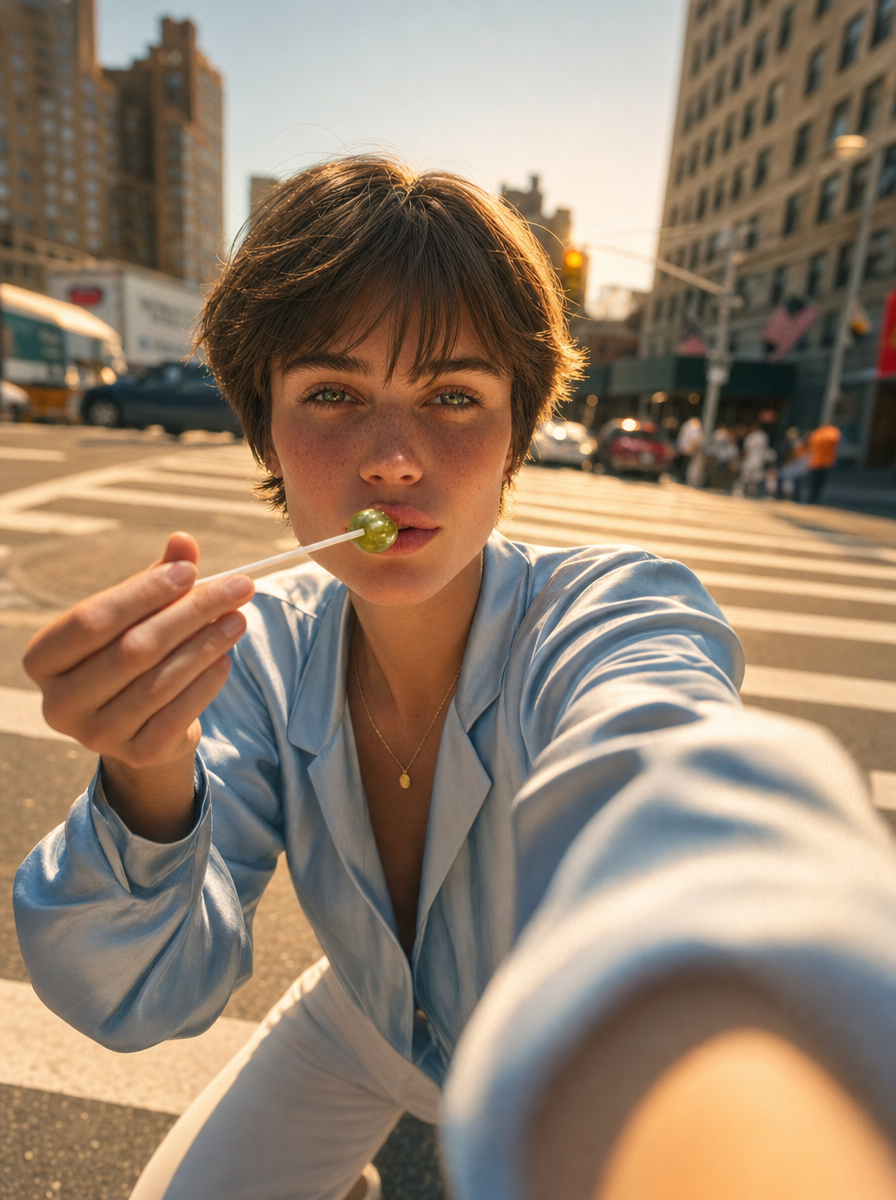
The close-up wide-angle framing and the green lollipop held “toward the camera” create an immediate, playful foreground gesture, while “shallow depth of field” and “soft bokeh” keep the woman dominant against the busy intersection. “Late-afternoon golden hour with warm sunlight” supplies the bright candid mood, and the “light blue satin top” gives the image a cool blue anchor against the beige, tan, and gray city tones. “Natural skin texture” and “candid photorealistic fashion editorial look” prevent the polished clothing and saturated lollipop from feeling overly artificial.
FAQ
→How do I make the green lollipop and hand even more prominent?
Replace “holding a green lollipop toward the camera” with “an oversized green lollipop and hand dominating the extreme foreground, centered directly in front of her face,” and change “close-up wide-angle framing” to “extreme close-up wide-angle framing.” Keep “shallow depth of field” so the enlarged gesture stays sharper than the intersection.
→How do I turn the bright candid mood into a moodier evening editorial?
Replace “late-afternoon golden hour with warm sunlight” with “blue-hour street lighting with cool ambient shadows and isolated storefront neon,” and change “bright, playful, candid urban mood” to “moody, composed nocturnal fashion editorial mood.” Swap “vibrant urban background” for “dim city intersection with wet pavement and restrained background detail” to support the darker tone.
→How do I build a series of variations without losing the portrait’s visual identity?
Keep “young woman with short sleek hair,” “light blue satin top,” “single gold pendant,” “close-up wide-angle framing,” “natural skin texture,” and “soft bokeh” unchanged. Create variations by replacing only “green lollipop” with objects such as “yellow paper fan,” “red translucent sunglasses,” or “small orange flower,” and change “busy city intersection” to locations such as “subway entrance,” “night market,” or “sunlit crosswalk.”
Learn the technique behind this
- Why can't AI spell, and how do I get readable text in an image? — Older diffusion models had no character-level representation of text, so they produced letterform-shaped texture instead of words.
- Why does the model ignore parts of my prompt? — Ignored instructions are almost always conflicts, counts, or spatial relationships — three things current models handle badly — rather than the model failing to read you.
- How do I keep the same character across multiple images? — Text prompts alone won't hold a face across images — a description defines a type, not a person.
Related prompts
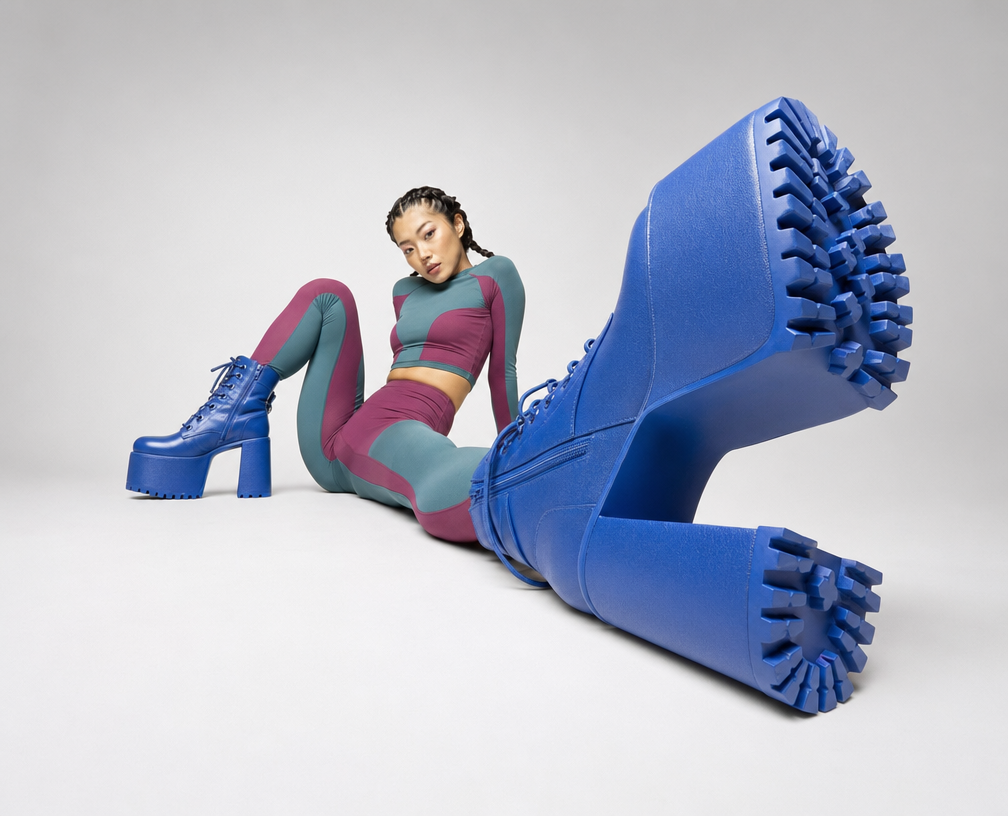
Cobalt Boots in Sleek Studio Edit
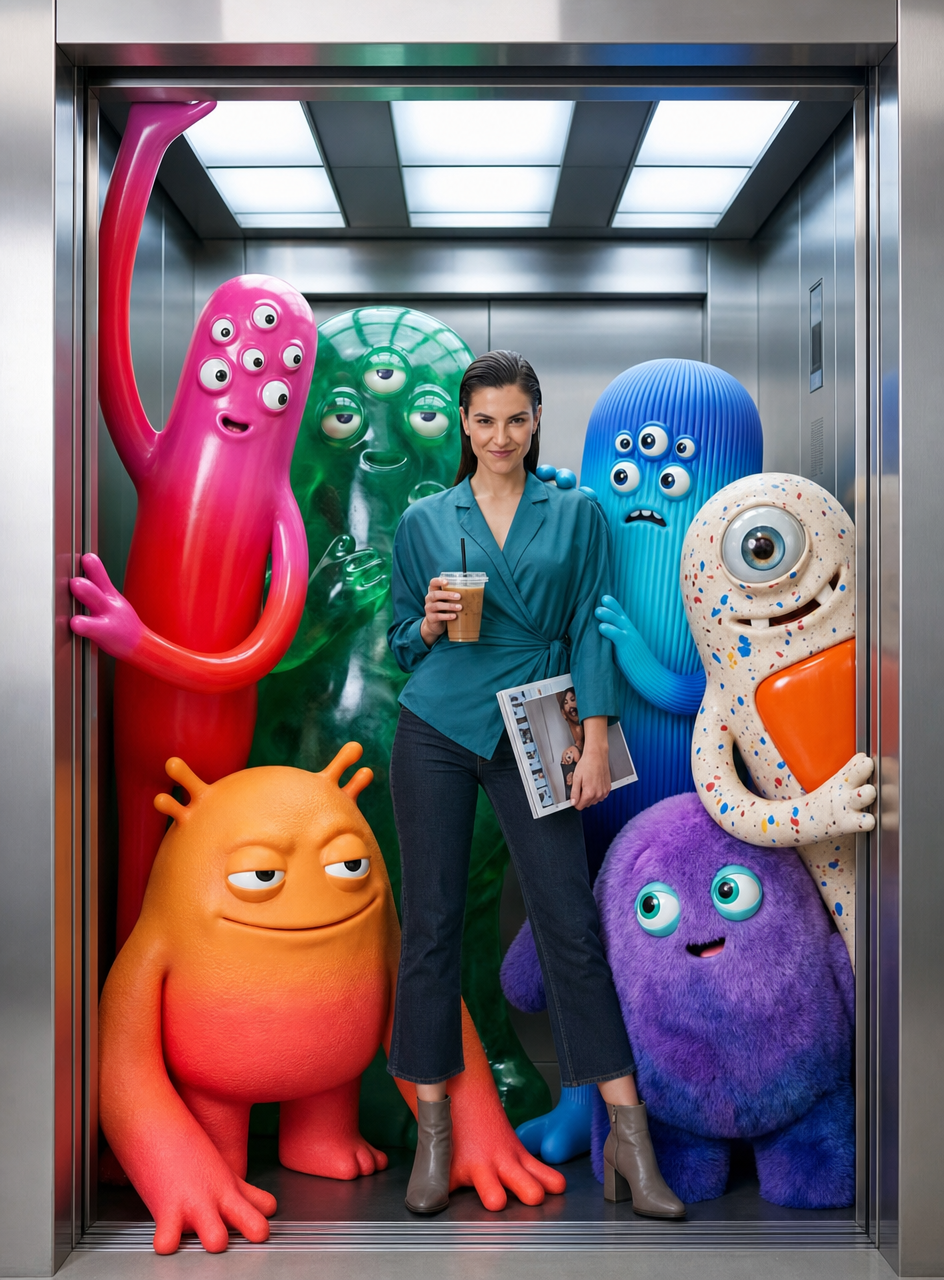
Teal fashion editorial in monster-filled lift

Sunlit editorial on striped beach towel

Silhouette Influencer by Sunlit Window