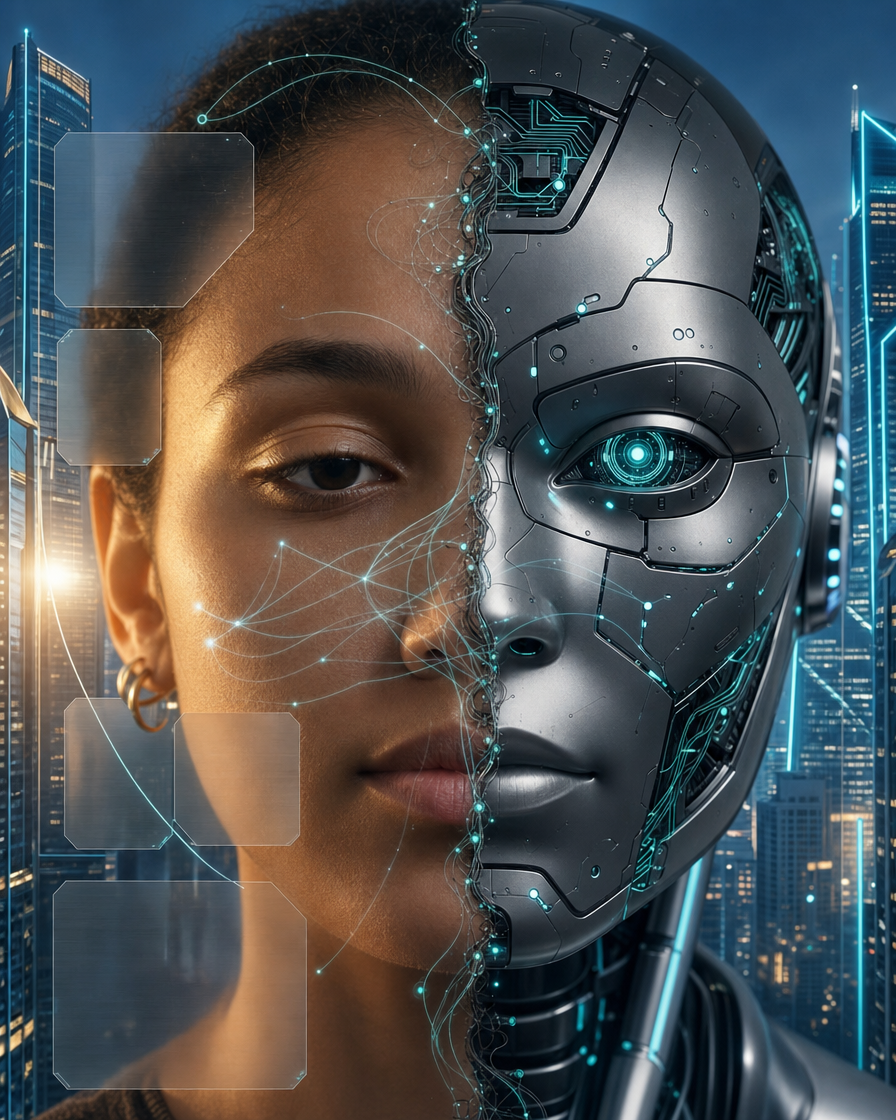
Why this works
The close portrait crop and “emphasizing the face split seam” make the human-to-AI transformation the immediate focal point, while “shallow depth of field” suppresses the corporate interior into supporting context. “Matte-silver and dark graphite cybernetic plating” gives the robot half a controlled industrial structure, and “subtle teal—not blue—glowing circuitry” plus “cool ambient reflections” supplies the restrained teal-blue harmony visible across the image. The mood comes from the combination of “dramatic cinematic lighting,” “corporate high-tech interior,” and “frosted HUD-style interface panels,” which frames the subject as intelligent and engineered rather than chaotic or overtly dystopian.
FAQ
→How do I make the human side feel warmer and more emotionally central?
Replace “cool ambient reflections” with “warm amber window light falling across the human side” and change “dramatic cinematic lighting” to “soft emotional key light with gentle shadow.” Keep “matte-silver and dark graphite cybernetic plating” on the robot side, but add “natural skin warmth, visible expression, and human eye catchlight” so the face remains the emotional anchor.
→How do I make the AI half more prominent and imposing?
Change “close portrait crop emphasizing the face split seam” to “tight three-quarter portrait dominated by the humanoid AI side” and replace “subtle teal—not blue—glowing circuitry” with “brighter teal circuitry radiating from the seam across the robot plating.” Add “slightly low camera angle” and “sharper focus on the cybernetic eye and metal textures” to increase the AI’s visual authority.
→How do I build a consistent series of variations from this image?
Keep the fixed anchors “split-face composite,” “matte-silver and dark graphite cybernetic plating,” “subtle teal circuitry glow,” and “cinematic framing,” then swap only the setting phrase. For example, replace “corporate high-tech interior with brushed metal pillars” with “rain-streaked executive tower at night,” “sterile AI research laboratory,” or “sunlit orbital command center,” while preserving “shallow depth of field” and the same close portrait crop.
Learn the technique behind this
- Why can't AI spell, and how do I get readable text in an image? — Older diffusion models had no character-level representation of text, so they produced letterform-shaped texture instead of words.
- How do I keep the same character across multiple images? — Text prompts alone won't hold a face across images — a description defines a type, not a person.
- Why does AI get hands and faces wrong, and how do I fix it? — Hands fail because they're small in frame, extremely variable in pose, and self-occluding — the model has less usable signal per pixel than for any other body part.
Related prompts

DJ in neon haze at low angle

Glowing Fiber-Optic Cables With Purple Data Lines

Cyan Hologram, Sleek Robotic Hand
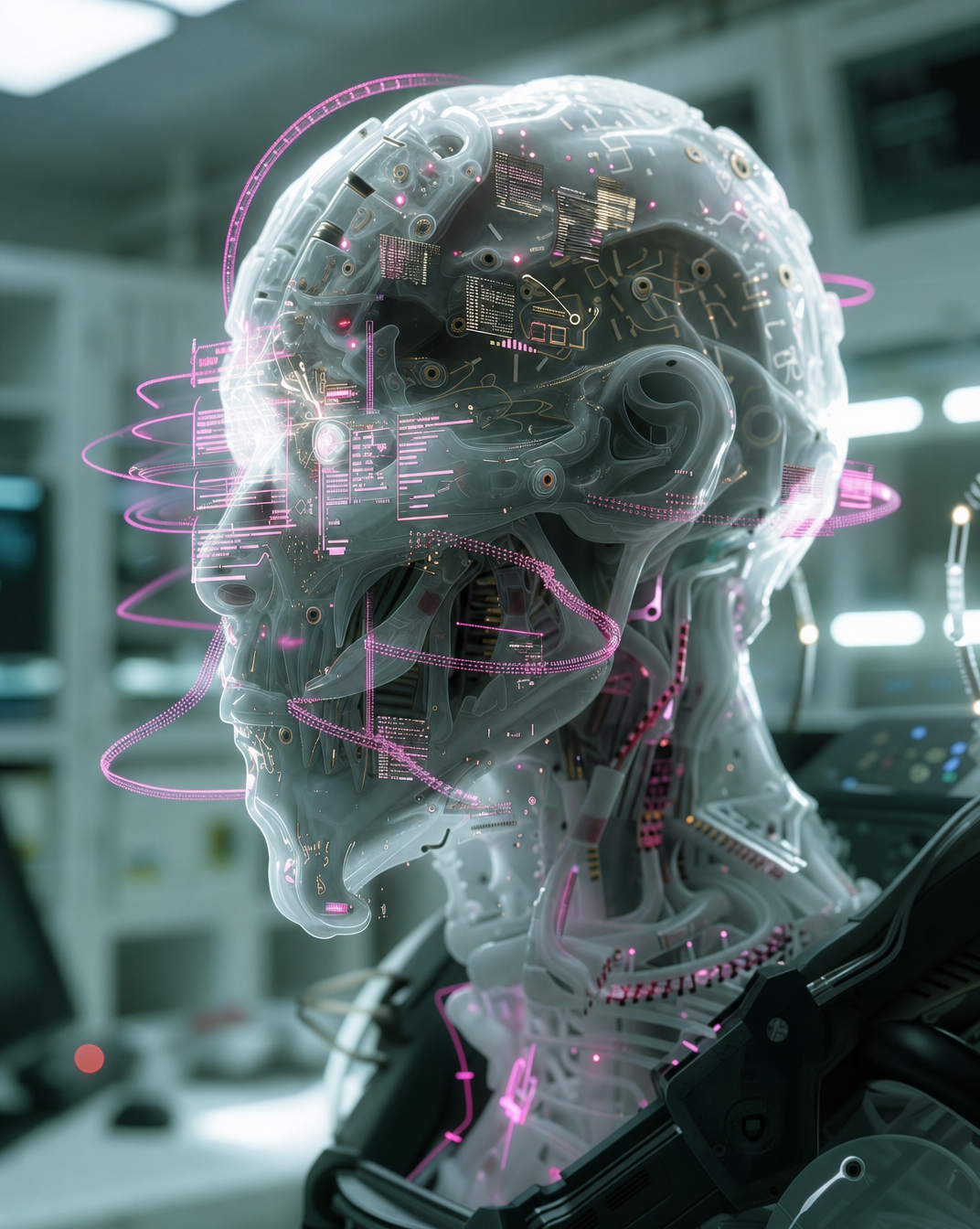
Cyborg head with magenta holograms and translucent skull