Why this works
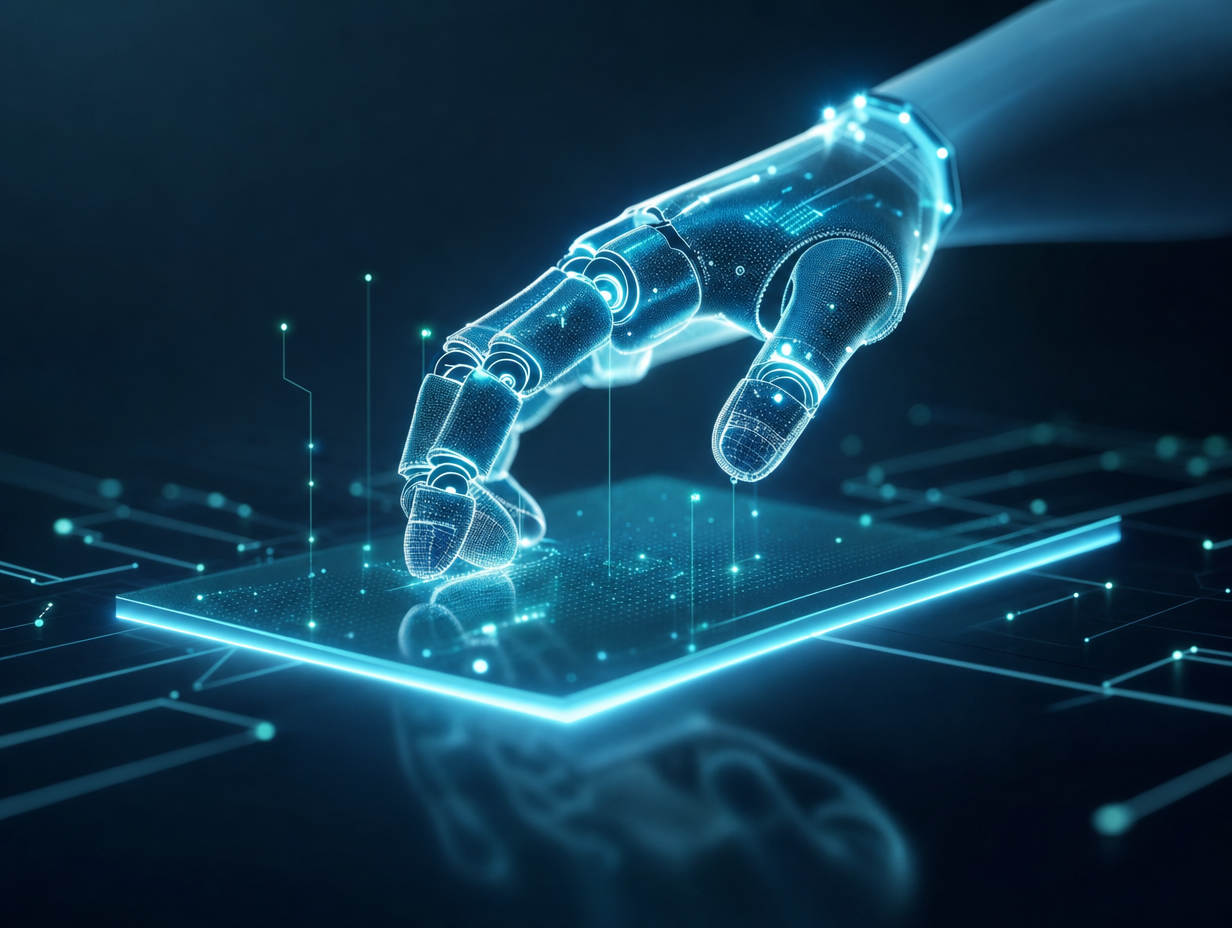
“A futuristic robotic hand hovering over a glowing holographic control panel” supplies a clear focal interaction, while “sharp focus on the hand and hologram” keeps that action legible inside the “wide cinematic framing.” The sky-blue and black balance comes directly from the “soft cyan light” against the “dark, high-tech background,” with “subtle green light accents instead of neon magenta” adding controlled color variation. “Dramatic rim lighting,” “floating data particles,” and “candid-action” give the still image a captured-in-progress feel, while “shallow depth of field” separates the hand and hologram from the circuitry-patterned background.
FAQ
→How do I make the holographic interface more prominent than the robotic hand?
Replace “sharp focus on the hand and hologram” with “sharp focus on the holographic control panel, with the robotic hand slightly softer,” and change “hovering over” to “reaching into and partially framing.” Increase “sleek interface UI panels and faint gridlines” to “large layered interface panels, readable holographic glyphs, and dense luminous gridlines.”
→How do I shift this from dramatic sci-fi tension to a cleaner, calmer interface scene?
Replace “Dramatic rim lighting” and “dramatic contrast” with “even diffuse cyan illumination and low contrast,” and change “floating data particles drifting around the hand” to “sparse, slowly drifting particles.” Keep “dark, high-tech background,” but replace “minimal circuitry patterns” with “clean architectural surfaces with subtle circuitry traces” for a less chaotic backdrop.
→How do I create a consistent series of variations from this robotic-hand prompt?
Keep the fixed anchors “Photorealistic futuristic robotic hand,” “soft cyan light,” “brushed metal + soft-glow fingertips,” and “wide cinematic framing.” For each variation, replace only “holographic control panel” and the action phrase “hovering over” with controlled alternatives such as “transparent navigation map, tracing a route,” “floating medical diagnostic display, scanning a projection,” or “orbital engineering schematic, rotating above the palm,” while retaining “sharp focus on the hand and hologram.”
Learn the technique behind this
- Why can't AI spell, and how do I get readable text in an image? — Older diffusion models had no character-level representation of text, so they produced letterform-shaped texture instead of words.
- Which aspect ratio should I use, and how does it change the image? — Aspect ratio determines what the model composes, not how it's cropped afterwards.
- Why does AI get hands and faces wrong, and how do I fix it? — Hands fail because they're small in frame, extremely variable in pose, and self-occluding — the model has less usable signal per pixel than for any other body part.
Related prompts

DJ in neon haze at low angle
Glowing Fiber-Optic Cables With Purple Data Lines
Cyborg head with magenta holograms and translucent skull
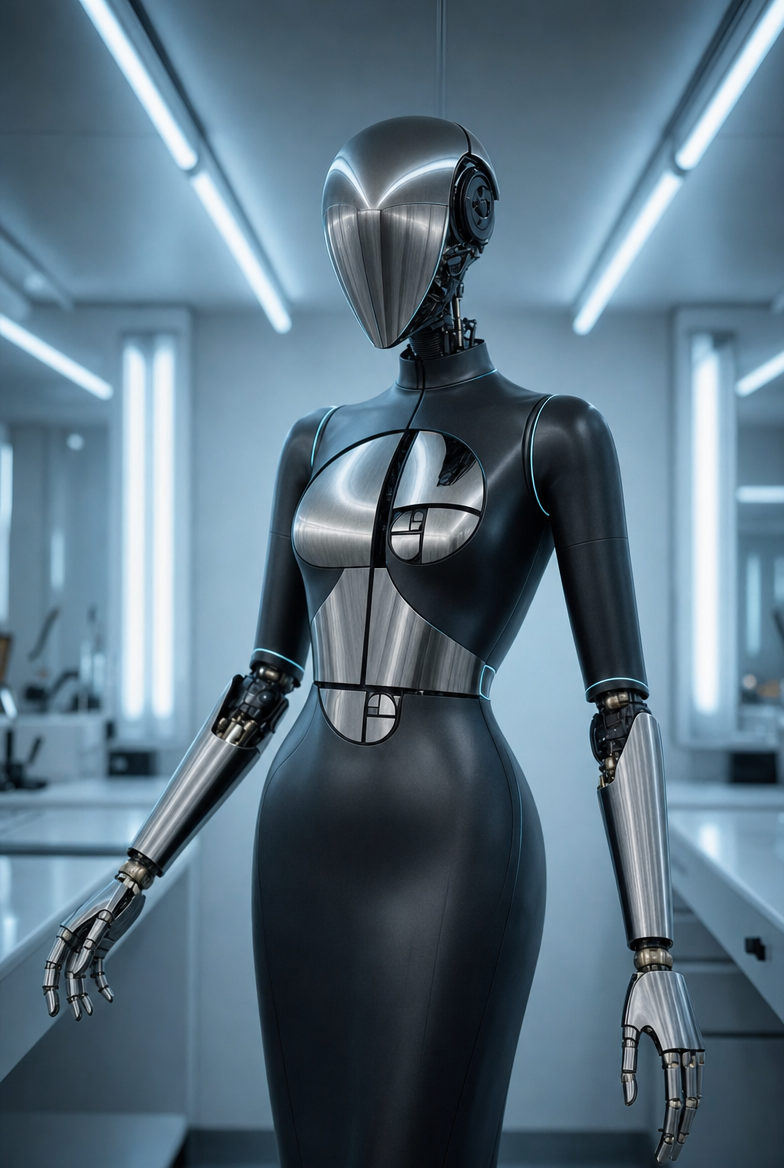
Blue-lit humanoid robot in lab