Why this works
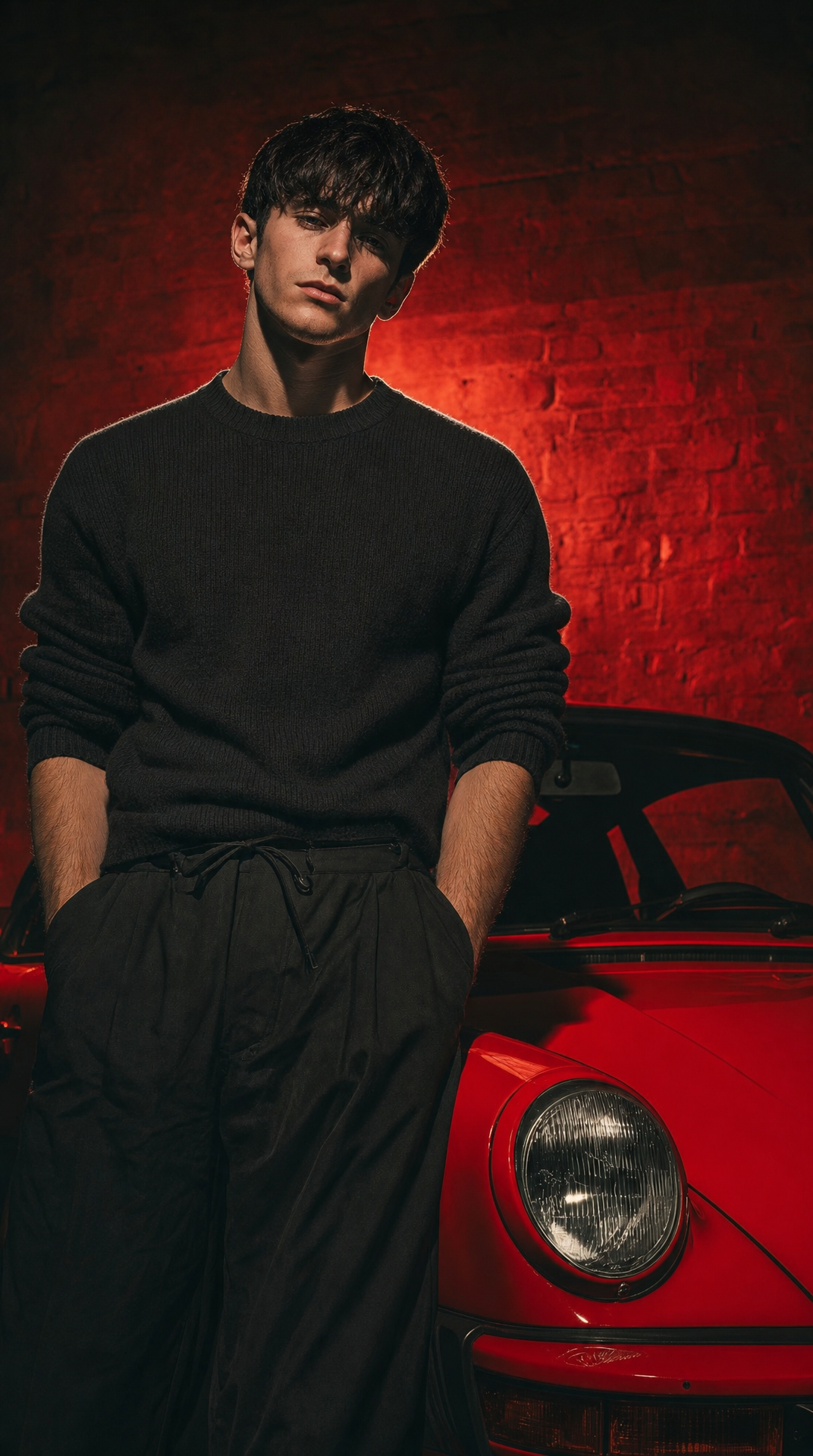
The phrase “young male fashion model standing beside a red sports car” gives the full-body portrait a clear human-and-machine structure, while “editorial fashion portrait framing” keeps the model as the primary subject. “Dramatic low-key lighting” and “cooler red rim light from behind” create the moody, cinematic separation against the “dark brick wall,” with the red car and rim light forming the dominant color anchor. “Sharp detail,” “shallow depth feel,” and “subtle film grain” balance crisp garment texture with a restrained photographic finish rather than a glossy commercial look.
FAQ
→How do I make the model more prominent than the sports car?
Replace “standing beside a red sports car” with “model in the foreground, red sports car partially cropped and receding into the background,” and add “the model’s face and knit sweater are the visual focal point.” Keep “editorial fashion portrait framing” and “sharp detail” so the subject remains dominant.
→How do I make the image feel brighter and more luxurious instead of gritty?
Replace “dramatic low-key lighting” and “moody gritty atmosphere” with “soft directional studio lighting, controlled highlights, and polished luxury campaign atmosphere.” Change “dark brick wall” to “dark charcoal architectural backdrop with subtle reflective surfaces,” while retaining “high-end menswear campaign” and “sharp detail.”
→How do I build a matching series with different cars and poses?
Keep the fixed phrases “photorealistic editorial fashion portrait,” “charcoal-black fitted knit sweater,” “same black cargo trousers,” “dark brick wall,” and “cooler red rim light from behind.” Create variations by replacing “red sports car” with specific vehicles such as “silver vintage coupe” or “black performance sedan,” and replace “standing beside” with poses such as “leaning against,” “walking past,” or “seated on the hood.”
Learn the technique behind this
- How should a prompt be structured, and does word order matter? — A prompt that behaves predictably names one subject first, then what it is doing, then where, then the light, then the lens or medium, then the style.
- Why can't AI spell, and how do I get readable text in an image? — Older diffusion models had no character-level representation of text, so they produced letterform-shaped texture instead of words.
- How do I keep the same character across multiple images? — Text prompts alone won't hold a face across images — a description defines a type, not a person.
Related prompts
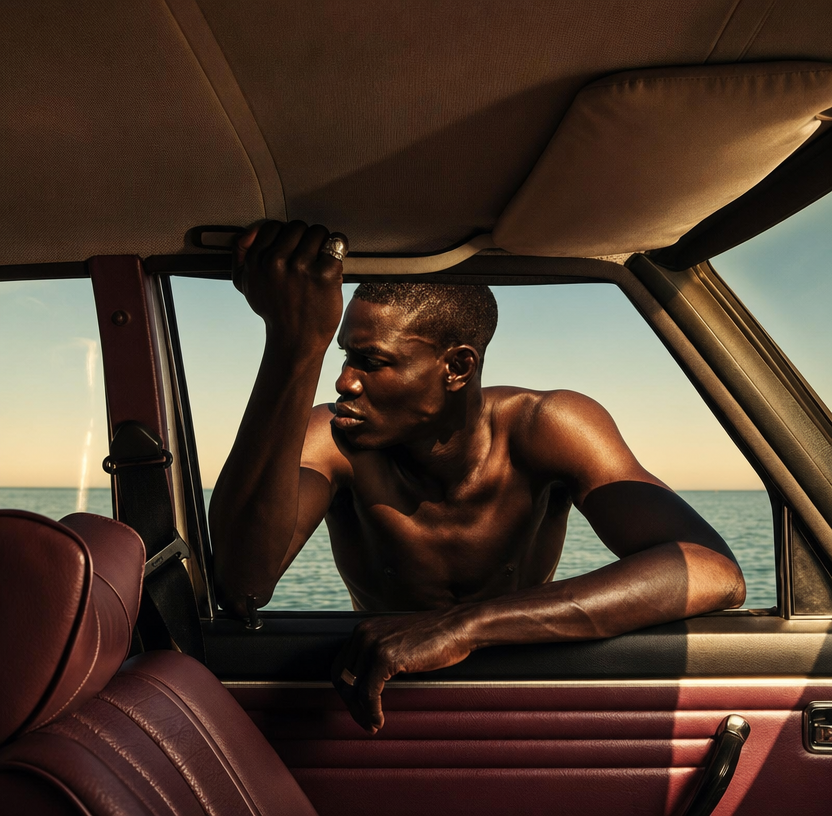
Shirtless Man, Vintage Car, Coastline Light
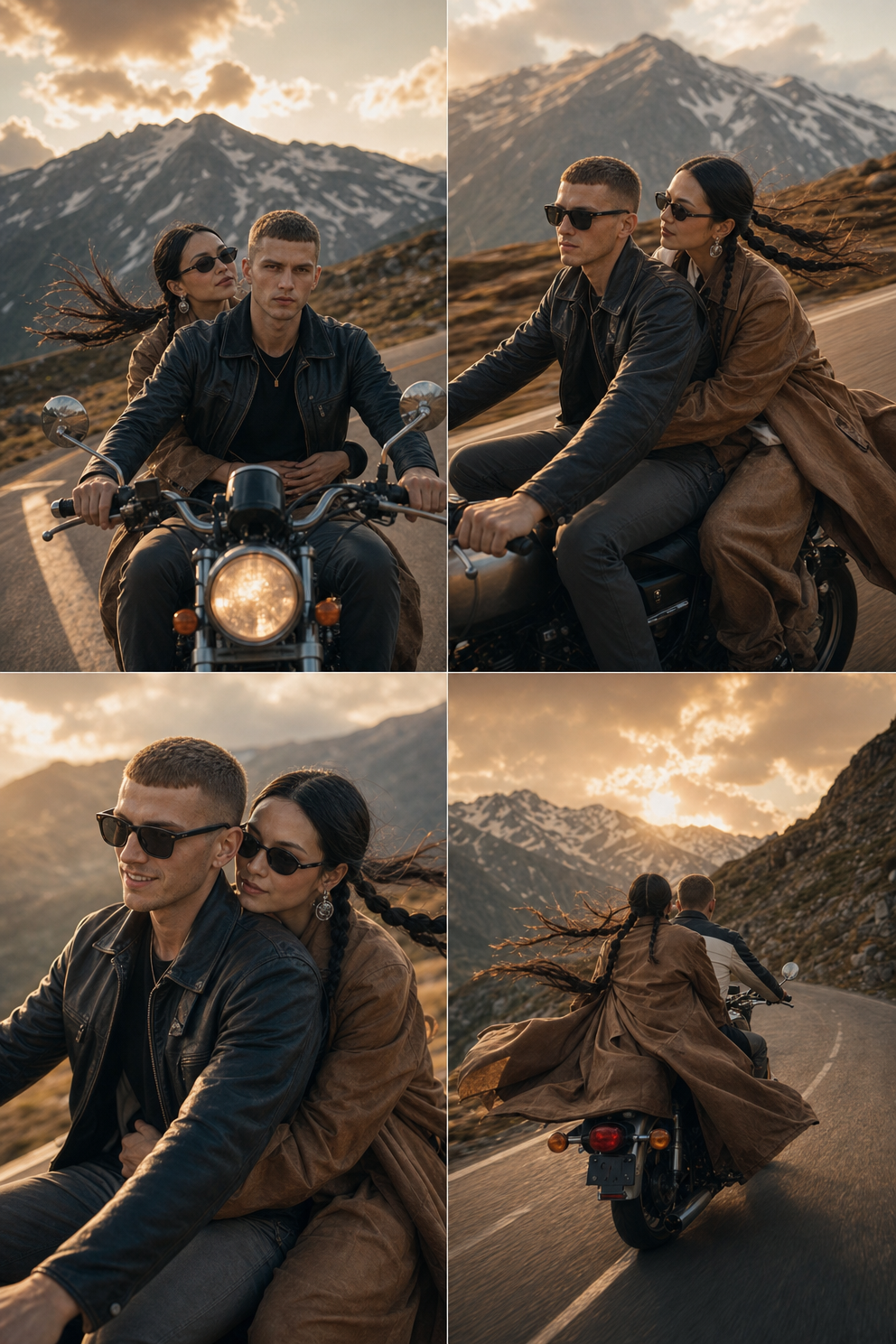
Golden-hour couple rides a classic bike
Golden-hour Matcha Sips in Luxury SUV
Top-Down Yellow Porsche GT2 RS