Why this works
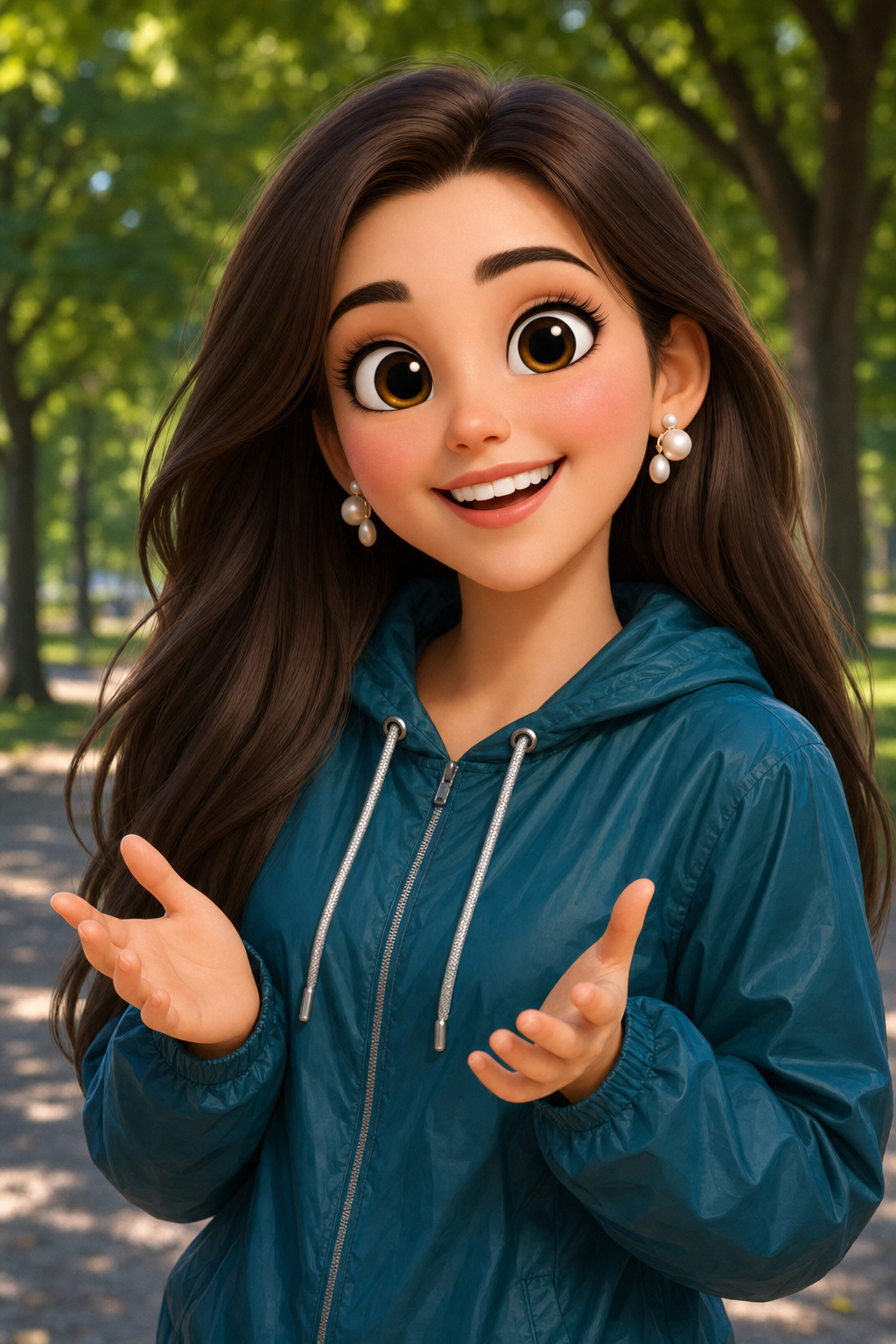
The teal/brown color split traces directly back to 'deep teal windbreaker with silver drawstrings' against the 'blurred park setting with dappled afternoon light filtering through trees' - the jacket becomes the one saturated anchor against a warm, softened backdrop. 'Big expressive eyes, raised eyebrows, and a bright smile' is doing the heavy lifting on the shocked-but-delighted mood, since those are the specific facial cues that read as startled joy rather than generic happiness. The portrait-closeup framing comes from 'hands positioned at chest level showing an excited, welcoming gesture' pulling the subject's energy inward and up toward the face instead of spreading it across a wider scene. 'Soft diffused lighting' paired with 'soft glowing skin' and 'polished textures' is what keeps the render looking Pixar-clean instead of photoreal, even though the park background has real depth-of-field blur to it.
FAQ
→How do I make the background more prominent instead of blurred?
Replace 'Blurred park setting with trees' with something like 'detailed park setting with visible benches, a walking path, and autumn leaves in sharp focus' and drop or soften 'blurred' in the main prompt line. You'll likely also want to widen the shot by swapping 'portrait-closeup' framing language for 'medium shot showing full upper body and surrounding park' so there's room for the environment to register.
→How do I shift the mood from shocked/playful to calm and gentle?
Swap 'raised eyebrows' and 'bright smile' for 'soft closed-mouth smile' and 'relaxed, gentle eyes', and change the hand gesture line from 'excited, welcoming gesture' to 'calmly clasped in front of her, relaxed posture'. Keep 'soft diffused lighting' as is since that part already supports a calmer read, but you could push it further with 'warm golden-hour lighting' instead of 'dappled afternoon light'.
→How do I turn this into a series with different characters but the same style?
Keep the entire style_modifiers block untouched ('Pixar-style 3D cartoon character', 'stylized smooth features', 'soft glowing skin', 'polished textures', 'vibrant colors', 'professional 3D animation style') since that's what locks the consistent render quality across variations. Then just swap the subject description - change 'A delighted young woman' to 'An excited middle-aged man' or 'A cheerful elderly woman', and vary the jacket color phrase ('deep teal windbreaker' to 'mustard yellow cardigan' or 'burgundy zip-up hoodie') so each character in the set reads as distinct while the lighting and setting lines stay fixed.
Learn the technique behind this
- Why can't AI spell, and how do I get readable text in an image? — Older diffusion models had no character-level representation of text, so they produced letterform-shaped texture instead of words.
- Why does AI get hands and faces wrong, and how do I fix it? — Hands fail because they're small in frame, extremely variable in pose, and self-occluding — the model has less usable signal per pixel than for any other body part.
- How do I keep the same character across multiple images? — Text prompts alone won't hold a face across images — a description defines a type, not a person.
Related prompts
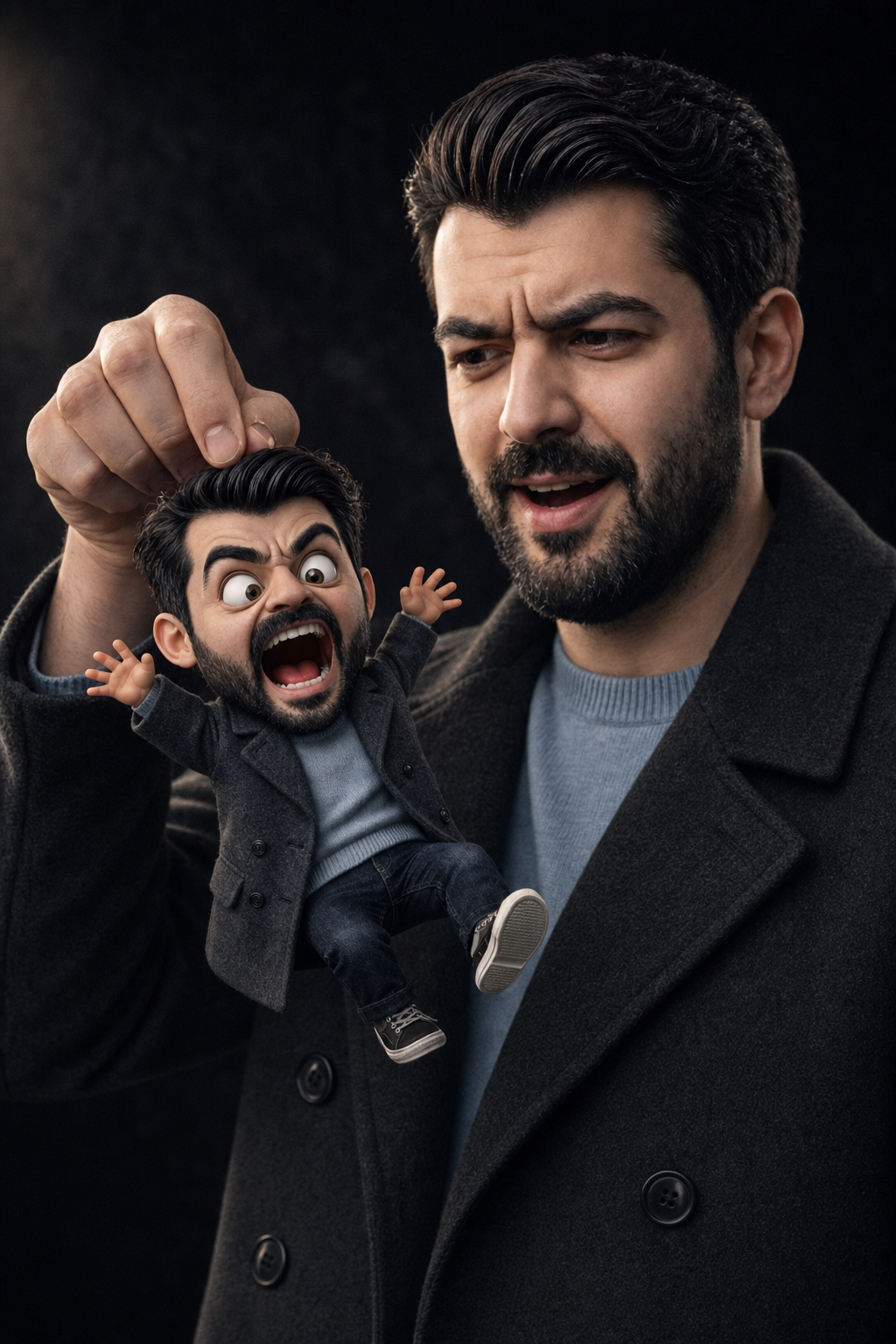
Surprised Man Holding Mini Cartoon Self
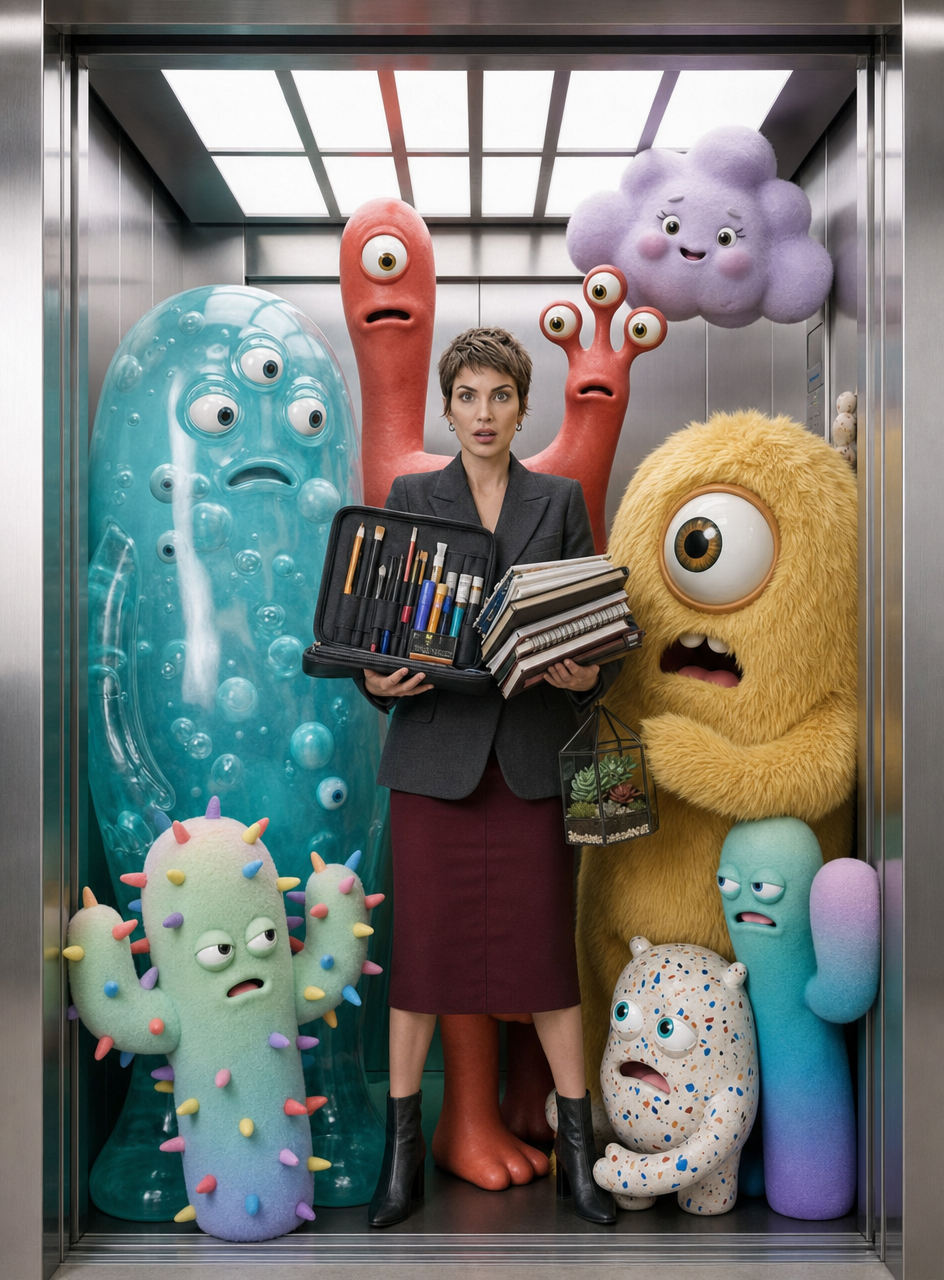
Charcoal-blazer woman with art monsters
Laid-back 3D Caricature Portrait with Streetwear Style
Auburn-haired woman in geometric blouse and sage blazer