Why this works
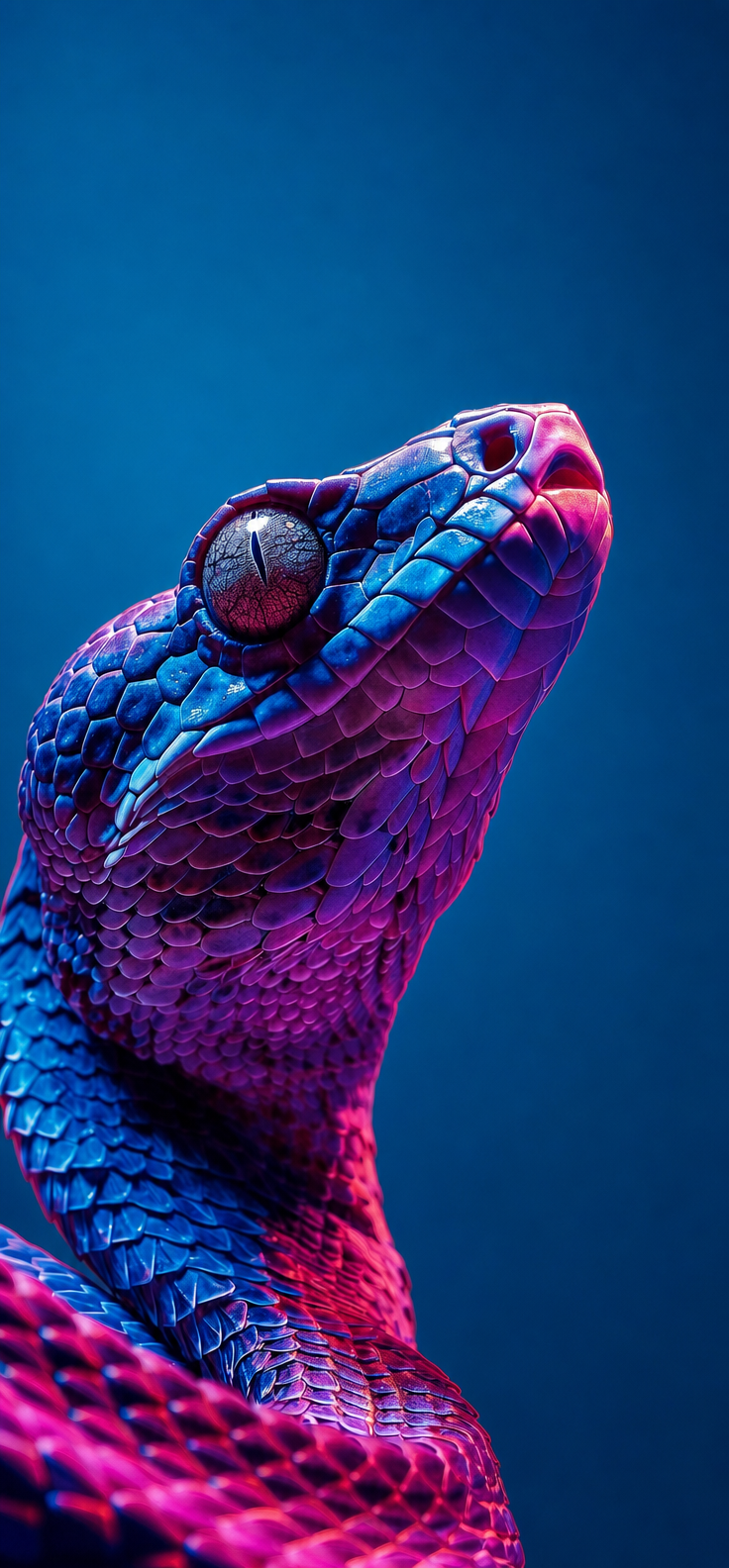
The side-profile close-up and “sharp focus at macro scale” make the snake’s head and scale texture occupy the frame, while “highly detailed scale texture” supplies the tactile focal point. “Iridescent teal-blue, violet, and electric magenta scales” produces the dominant purple-magenta color harmony, and “dramatic studio lighting with pronounced rim light and micro-specular highlights” adds the futuristic glow across the glossy skin. The “smooth deep-cyan background” isolates the silhouette, giving the portrait-closeup composition a clean, high-contrast stage.
FAQ
→How do I make the snake’s eye the main focal point?
Replace “sharp focus at macro scale” with “extreme macro focus locked on the visible eye, razor-sharp iris and pupil,” and add “eye centered near the upper third of the frame.” Keep “side-profile close-up” so the eye remains visually dominant without losing the snake’s profile.
→How do I make this portrait darker and more ominous?
Change “vibrant futuristic neon color palette” to “dark bioluminescent noir palette with restrained magenta accents,” and replace “smooth deep-cyan background” with “near-black seamless background.” Revise “dramatic studio lighting with pronounced rim light” to “low-key lighting with a narrow cold rim light and deep facial shadows.”
→How do I create a matching series with different snakes?
Keep the fixed structure, including “close-up side-profile portrait,” “sharp focus at macro scale,” “smooth deep-cyan background,” and “dramatic studio lighting with pronounced rim light.” Replace only “iridescent snake” and its color phrase with controlled variants such as “emerald tree python with lime and cobalt scales,” “white cobra with pearl and scarlet scales,” or “black mamba with graphite and electric blue scales.”
Learn the technique behind this
- Why can't AI spell, and how do I get readable text in an image? — Older diffusion models had no character-level representation of text, so they produced letterform-shaped texture instead of words.
- How should a prompt be structured, and does word order matter? — A prompt that behaves predictably names one subject first, then what it is doing, then where, then the light, then the lens or medium, then the style.
- How do I keep one consistent style across a whole set of images? — Style consistency is more achievable than character consistency because style lives in describable attributes.
Related prompts
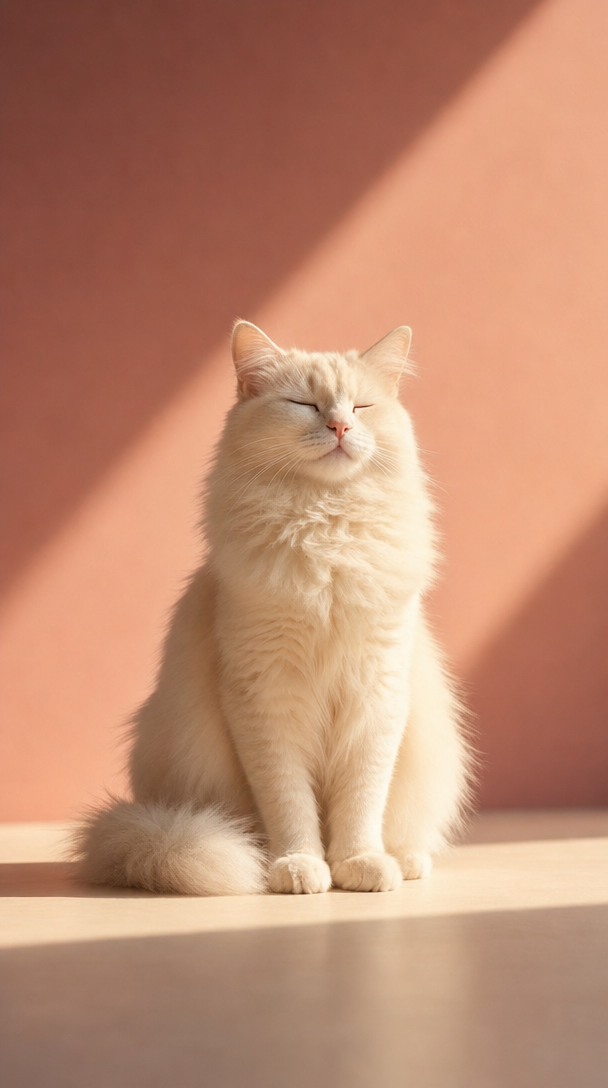
Cream Longhaired Cat in Warm Dusty-Rose Light
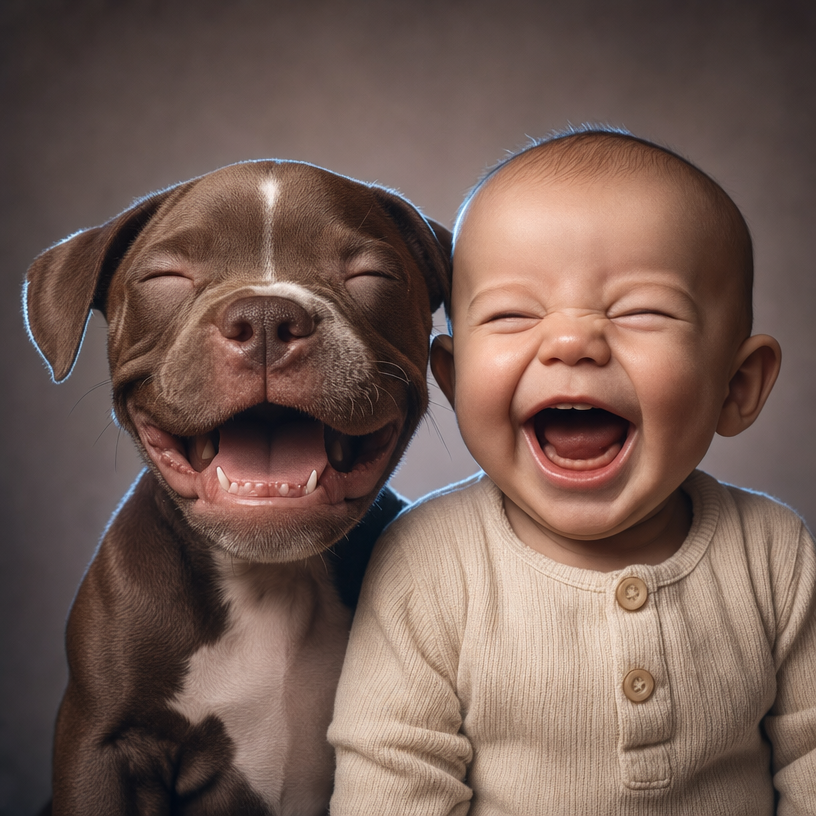
Warm Studio Laughter With Brown Puppy
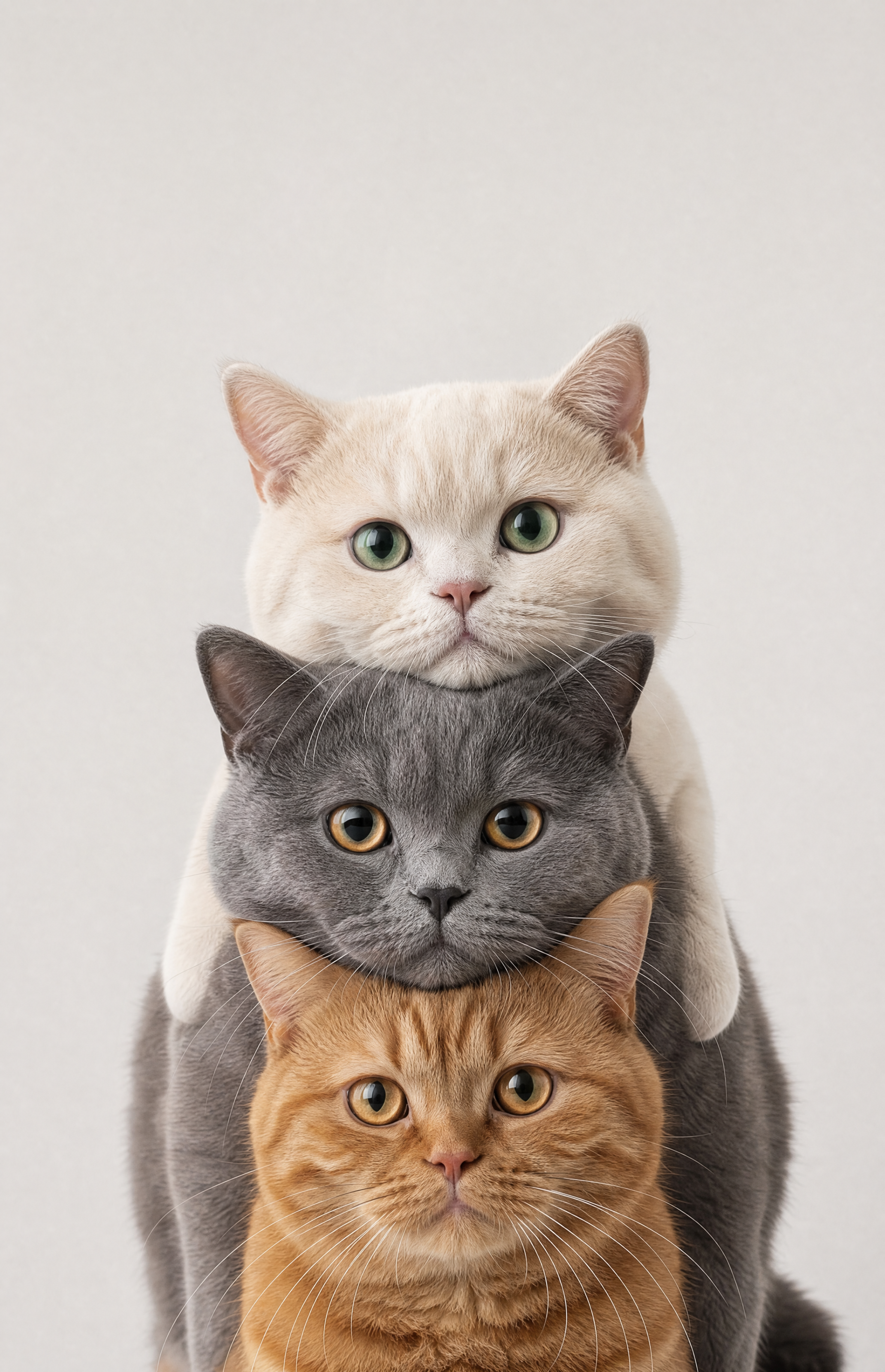
Cream, Smoky Gray, and Ginger Tabby Stacked Cats
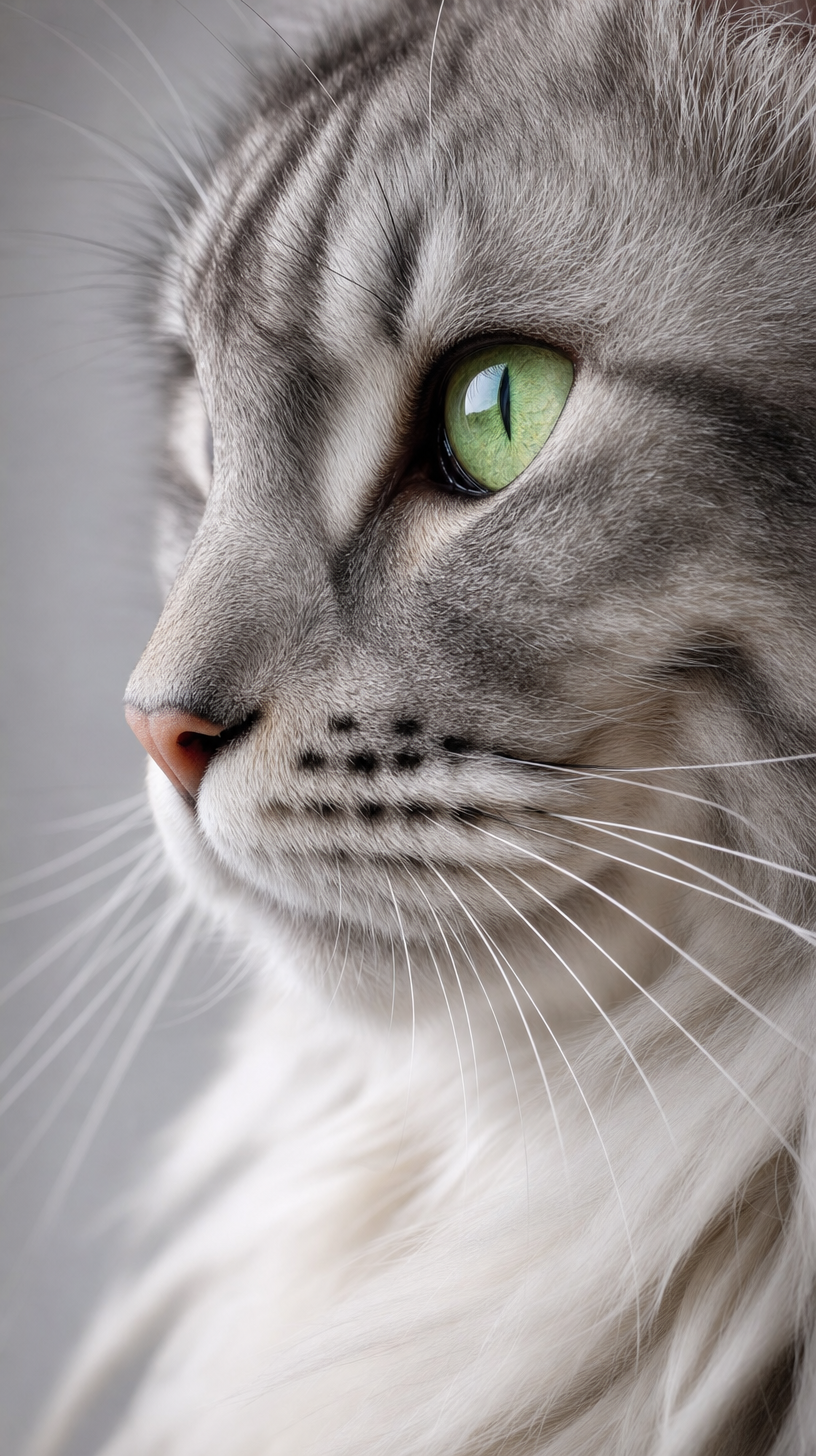
Long-haired gray tabby cat with green eyes