Why this works
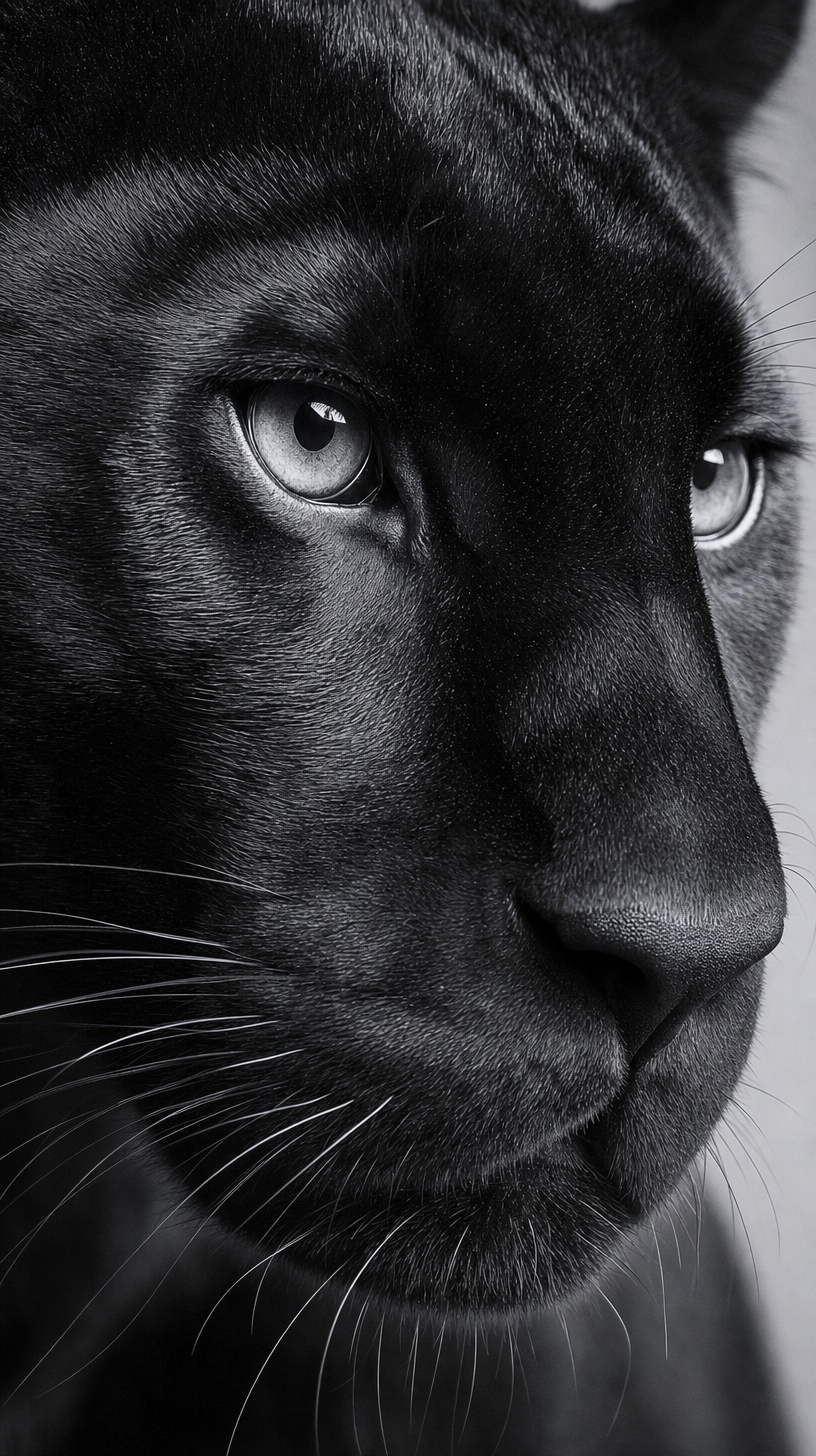
“Tighter crop on the face” and “close-up” make the eyes and fur fill the portrait frame, while “intense reflective eyes” gives the composition its immediate focal point. “Shallow depth of field” separates the panther from the “minimalist soft gray background,” and “cooler silver-gray highlights” creates the restrained gray harmony visible across the glossy fur. “High contrast,” “strong catchlights,” and “dramatic wildlife photography look” supply the intense, elegant tone without introducing competing background detail.
FAQ
→How do I make the panther’s eyes even more central and commanding?
Keep “close-up” but replace “slightly wider catchlight pattern” with “large, sharply defined catchlights centered in both irises,” and add “eyes occupy the visual center of the frame.” Replace “detailed glossy fur texture” with “fur detail secondary to razor-sharp eyes” if the face is becoming too textural.
→How do I make this portrait feel softer and less severe while keeping the black-and-white look?
Replace “high contrast” and “strong catchlights” with “soft tonal range” and “diffused, subtle catchlights.” Change “dramatic, intense, elegant mood” to “quiet, contemplative, elegant mood,” and replace “cooler silver-gray highlights” with “soft pearl-gray highlights” for gentler transitions across the fur.
→How do I build a matching series with different big cats?
Replace “black panther” with a specific subject such as “snow leopard,” “African lioness,” or “Bengal tiger,” while keeping “close-up black-and-white photorealistic portrait,” “tighter crop on the face,” “shallow depth of field,” and “minimalist soft gray background” unchanged. Adjust “cooler silver-gray highlights” to “pale icy highlights” for the snow leopard, “warm charcoal highlights” for the lioness, or “silver-gray highlights with faint striping separation” for the tiger.
Learn the technique behind this
- Why can't AI spell, and how do I get readable text in an image? — Older diffusion models had no character-level representation of text, so they produced letterform-shaped texture instead of words.
- How should a prompt be structured, and does word order matter? — A prompt that behaves predictably names one subject first, then what it is doing, then where, then the light, then the lens or medium, then the style.
- Which aspect ratio should I use, and how does it change the image? — Aspect ratio determines what the model composes, not how it's cropped afterwards.
Related prompts
Cream Longhaired Cat in Warm Dusty-Rose Light
Warm Studio Laughter With Brown Puppy
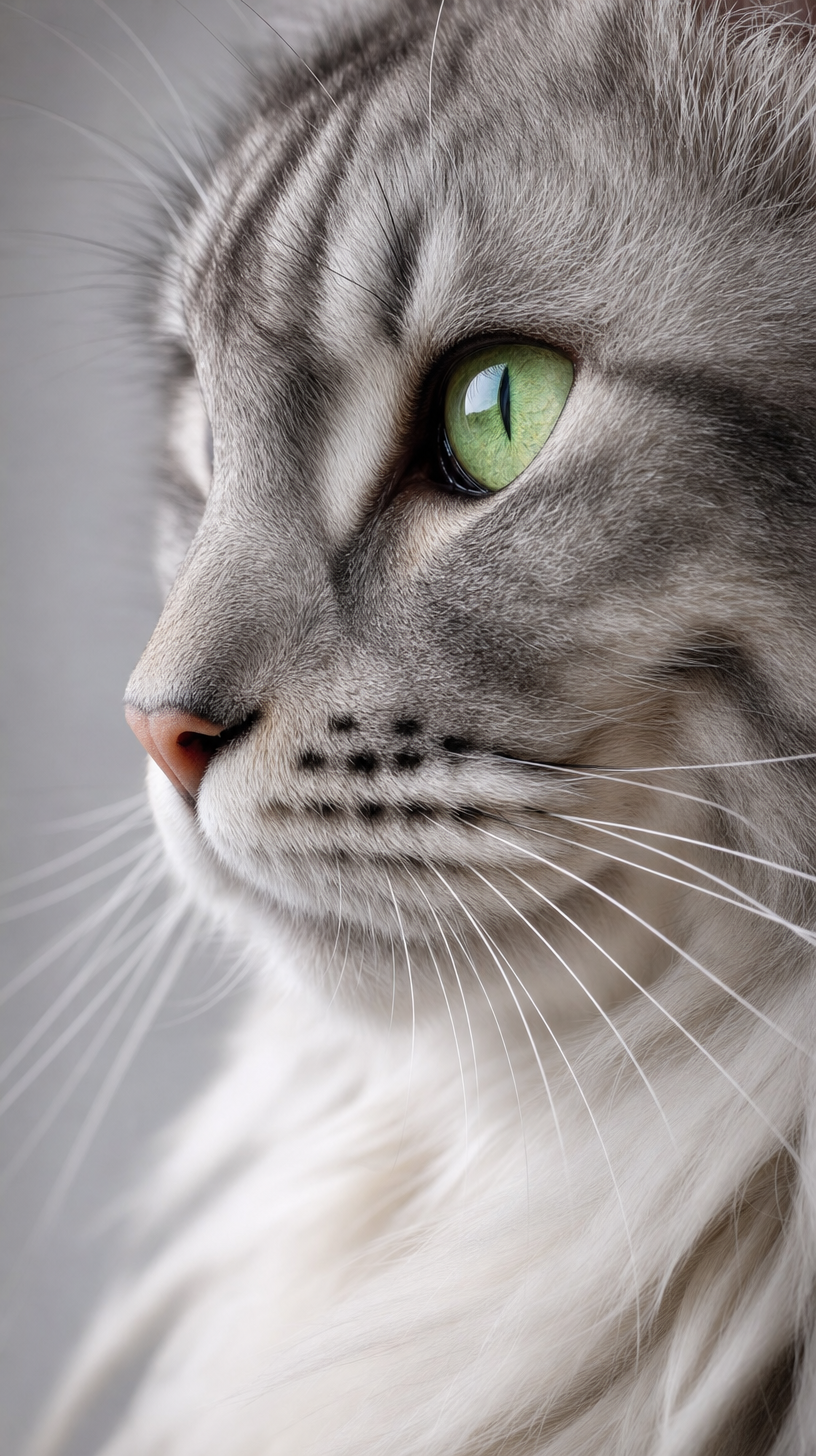
Long-haired gray tabby cat with green eyes
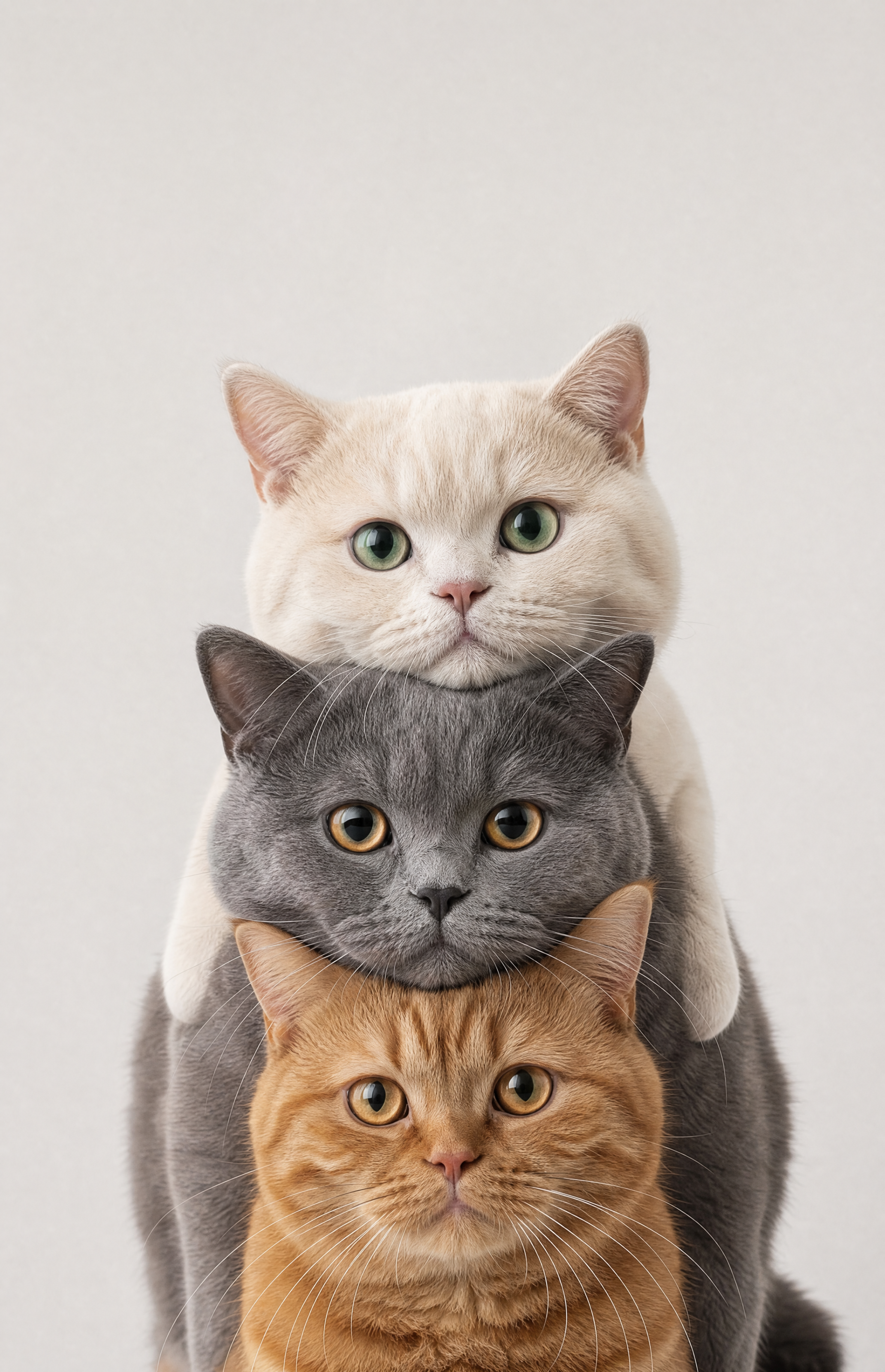
Cream, Smoky Gray, and Ginger Tabby Stacked Cats