
Why this works
The centered holographic globe and “cinematic wide-to-medium framing” give the image a clear anchor, while “shallow depth of field focused on the globe/HUD” keeps the interface crisp against the blurred server room. The cool blue, green, and purple harmony comes directly from “cool cyan and magenta digital continents” and “orbital data rings...tinted in neon green and cyan,” with “cinematic low-key lighting” and “glossy reflections” supplying the sleek, controlled mood. “Multiple orbital data rings,” “semi-transparent HUD panels,” and “line/arc charts” add layered circular and linear framing without disrupting the minimal cyber control center.
FAQ
→How do I make the globe feel larger and more dominant in the composition?
Replace “cinematic wide-to-medium framing” with “tight medium close-up framing centered on the globe,” and change “server room background falls into soft blur” to “server room reduced to indistinct peripheral blur.” Keep “focused on the globe/HUD” so the interface remains the sharpest element.
→How do I shift this from a cool analytical mood to a more urgent, dramatic control-room scene?
Replace “cinematic low-key lighting with glossy reflections” with “high-contrast emergency lighting with pulsing red accents and hard rim light,” and change “cool neon highlights” to “red, amber, and cyan warning highlights.” You can also replace “sleek and minimal” with “dense, active control center filled with warning indicators” for a busier, higher-pressure tone.
→How do I create a series of variations while keeping the same visual language?
Keep “photorealistic futuristic CGI,” “multiple orbital data rings,” “semi-transparent HUD panels,” and “shallow depth of field,” then swap only the subject or setting phrase. For example, replace “holographic globe data interface” with “holographic planetary weather model” or “floating financial market network,” and replace “high-tech server room” with “dark orbital command deck” or “underground cyber operations center.”
Learn the technique behind this
- Why can't AI spell, and how do I get readable text in an image? — Older diffusion models had no character-level representation of text, so they produced letterform-shaped texture instead of words.
- How should a prompt be structured, and does word order matter? — A prompt that behaves predictably names one subject first, then what it is doing, then where, then the light, then the lens or medium, then the style.
- Do negative prompts work, and what should go in one? — Negative prompts work on models that support a separate negative conditioning channel — mainly Stable Diffusion and FLUX-family models.
Related prompts

DJ in neon haze at low angle
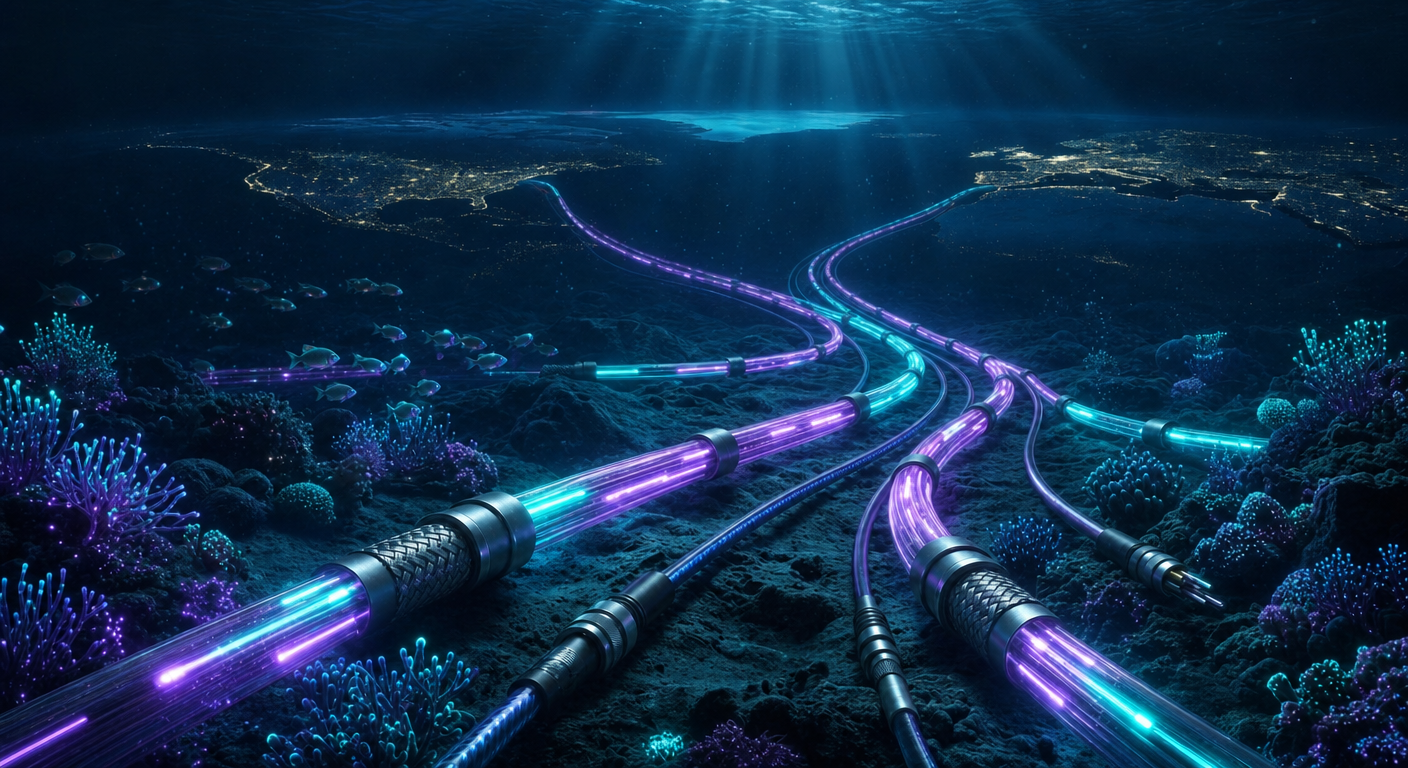
Glowing Fiber-Optic Cables With Purple Data Lines

Cyan Hologram, Sleek Robotic Hand
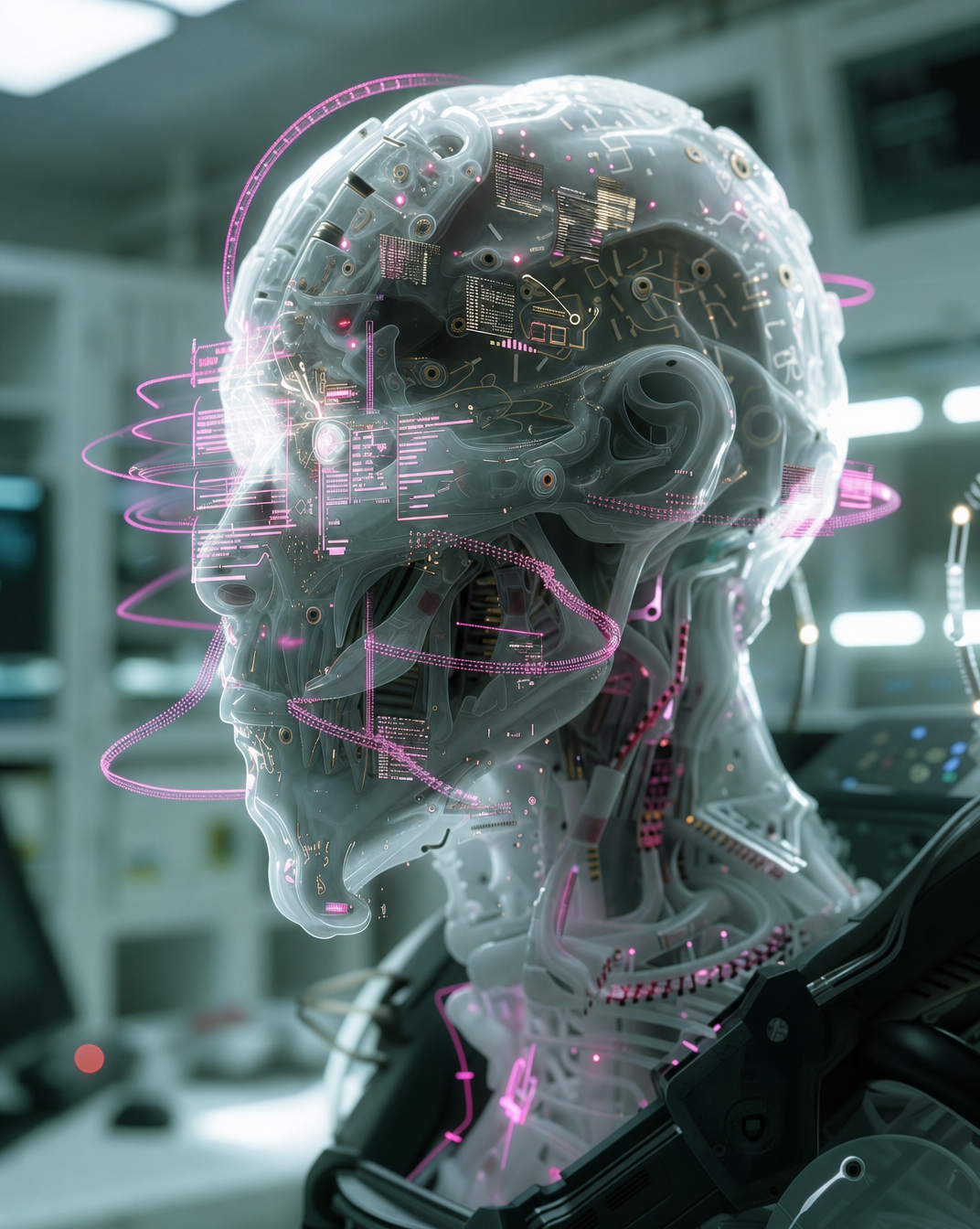
Cyborg head with magenta holograms and translucent skull