Why this works
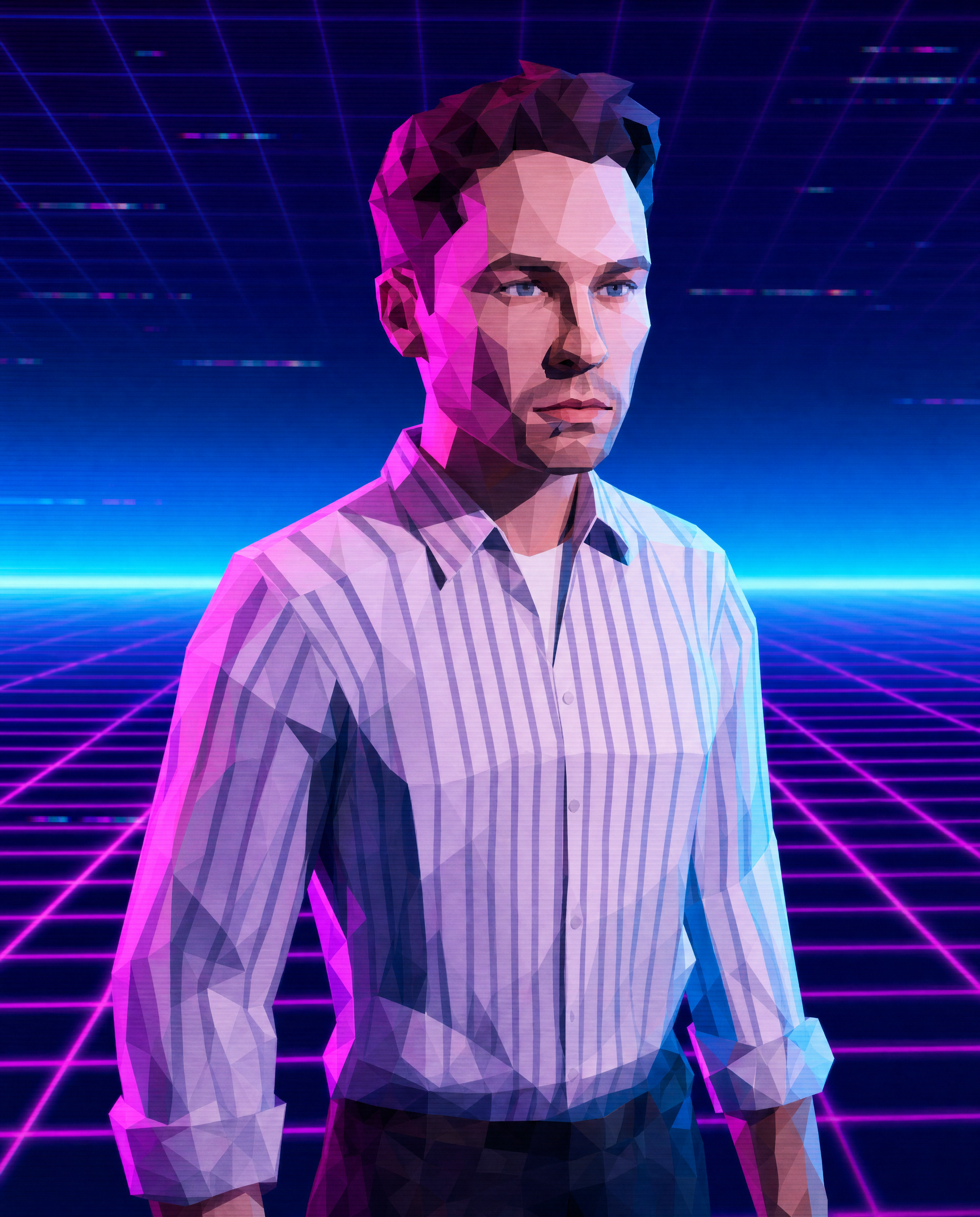
The “portrait framing, close-up character view” gives the male character immediate visual priority, while the image’s purple-and-magenta dominance comes from the “dark indigo-to-cyan gradient void” and “magenta and electric-blue neon rim lighting.” “Visible polygons and jagged edges” preserve the PS1-era silhouette, and “cleaner mesh with slightly smoother shading” prevents the portrait from becoming unreadably crude. The futuristic glitch mood is anchored by “subtle scrolling glitch grid,” “stronger CRT scanline glow,” and “chromatic aberration,” while “pixel-mapped face texture feel” supplies the nostalgic 32-bit surface detail.
FAQ
→How do I make the character’s face more prominent and expressive?
Replace “portrait framing, close-up character view typical of game render” with “extreme head-and-shoulders close-up, face centered and filling most of the frame, direct eye contact.” Replace “pixel-mapped face texture feel” with “high-contrast pixel-mapped facial features, clearly readable eyes and mouth,” while keeping the low-poly geometry around the jaw and cheekbones.
→How do I make the scene feel darker and more ominous instead of colorful and nostalgic?
Replace “dark indigo-to-cyan gradient void” with “near-black indigo void fading into deep cobalt,” and replace “magenta and electric-blue neon rim lighting” with “sparse crimson rim light and cold blue edge light.” Reduce “stronger CRT scanline glow” to “faint uneven CRT scanlines” so the face remains legible without the bright vaporwave bloom.
→How do I create a consistent series with different characters or poses?
Keep the fixed style phrases “PS1-inspired low-poly 3D render,” “vaporwave/Y2K retro game graphics,” “visible polygons and jagged edges,” and “dark indigo-to-cyan gradient void with a subtle scrolling glitch grid.” Change only “stylized male character portrait” to entries such as “stylized female android portrait” or “masked low-poly street racer,” and replace “portrait framing, close-up character view” with a controlled variation such as “three-quarter bust view, shoulders turned left, face toward camera.”
Learn the technique behind this
- Why can't AI spell, and how do I get readable text in an image? — Older diffusion models had no character-level representation of text, so they produced letterform-shaped texture instead of words.
- How do I keep the same character across multiple images? — Text prompts alone won't hold a face across images — a description defines a type, not a person.
- Do negative prompts work, and what should go in one? — Negative prompts work on models that support a separate negative conditioning channel — mainly Stable Diffusion and FLUX-family models.
Related prompts
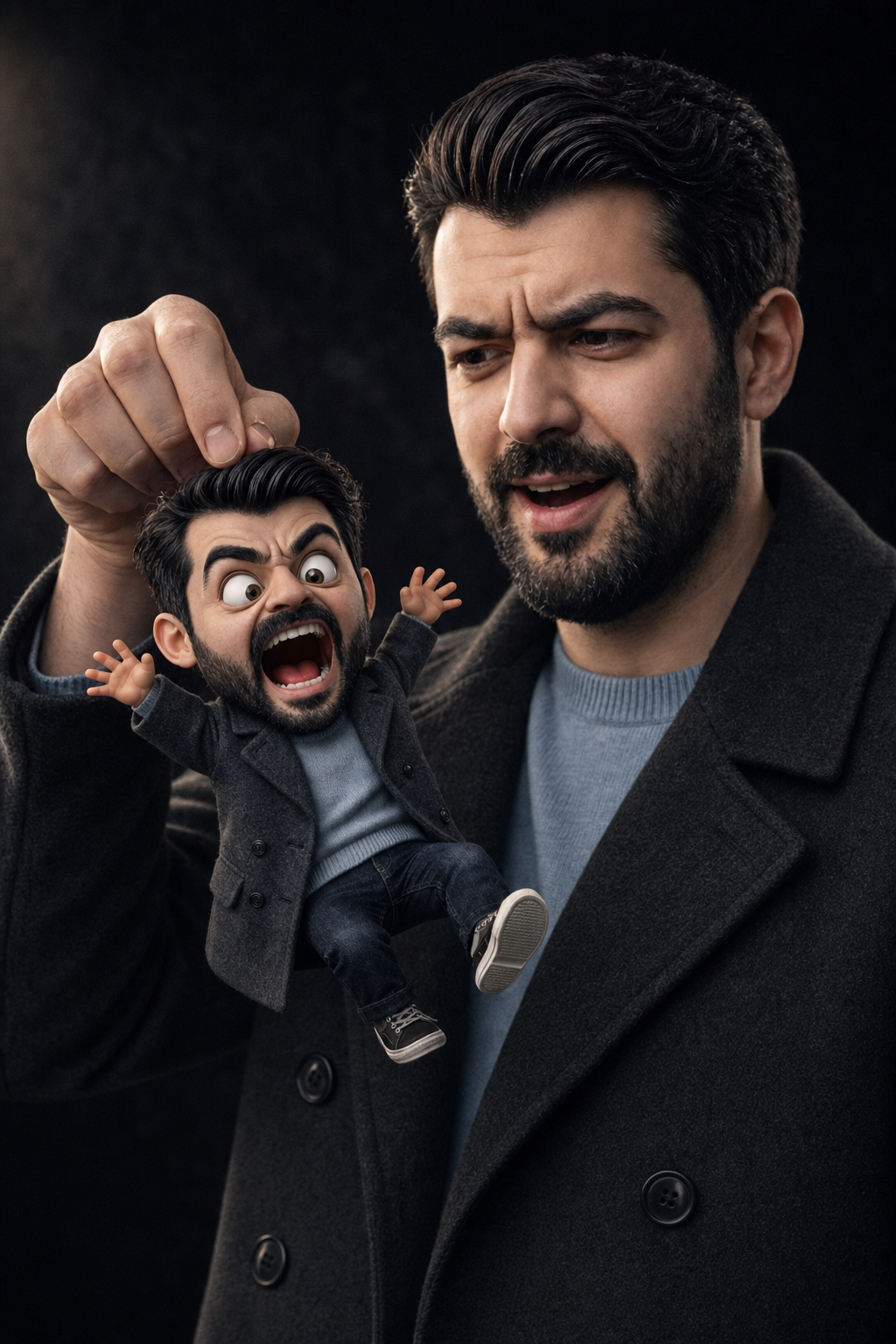
Surprised Man Holding Mini Cartoon Self
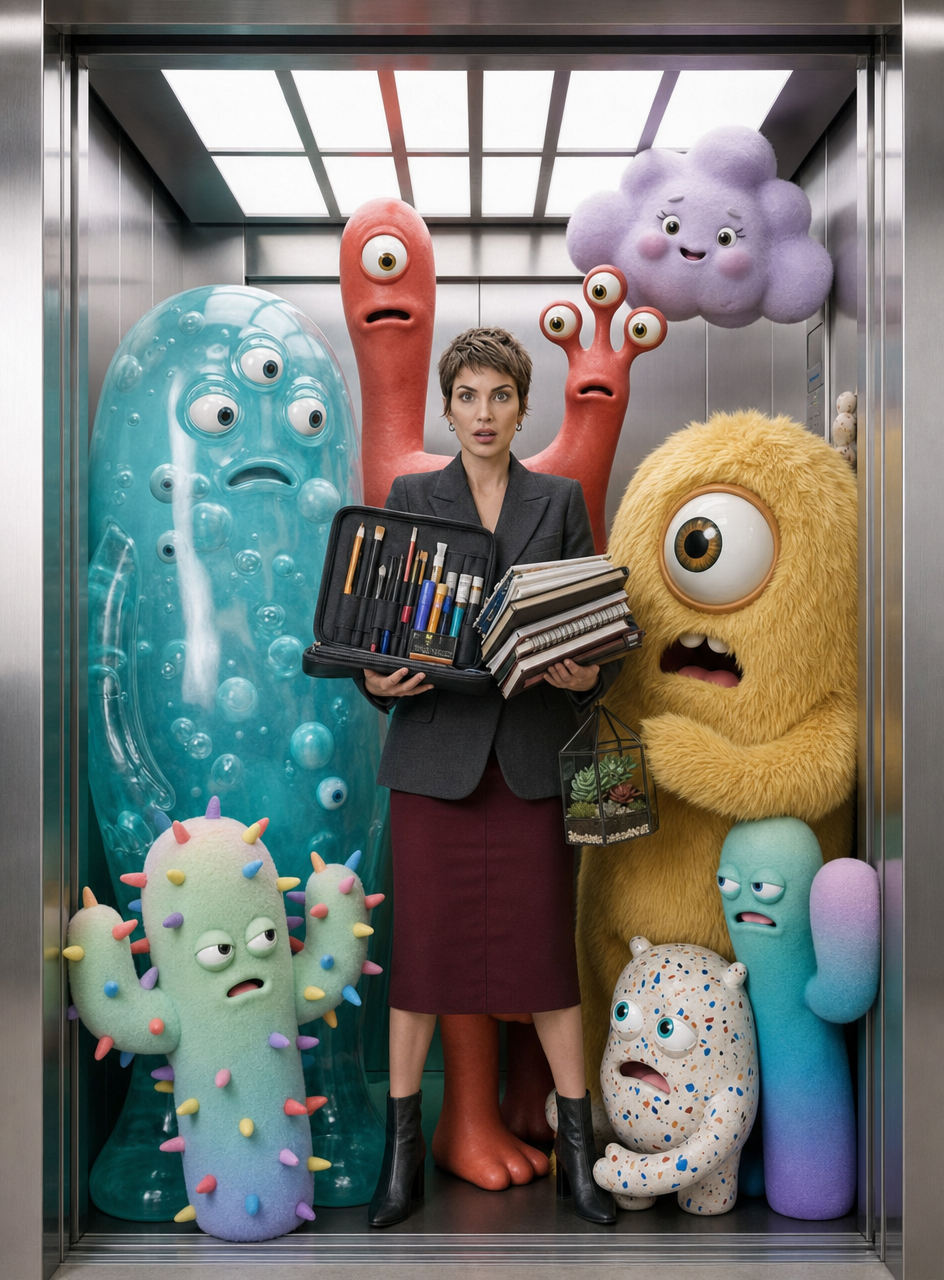
Charcoal-blazer woman with art monsters
Laid-back 3D Caricature Portrait with Streetwear Style
Cozy woman with golden puppy companion