
Why this works
The centered arrangement is anchored by “four business professionals gathered around a glowing holographic digital globe” and reinforced by the camera instruction “looking down at the conference table and hologlobe center,” making the sphere the clear focal point. “Dark modern command-control room,” “black” and “gray” dominant tones, and “charcoal suits with subtle silver trim” establish a restrained corporate palette, while “green-and-teal neon accents” and the “dramatic cool glow around the holographic sphere” provide the controlled color contrast. “More pronounced transparent interface panels and floating HUD lines around the sphere” add layered framing and scale without introducing readable text, and “realistic faces, high-detail” keeps the professionals grounded in the photorealistic scene.
FAQ
→How do I make one professional more central than the other three?
Replace “four business professionals gathered around” with “one lead business professional in the foreground, with three colleagues positioned behind in supporting roles,” and change “centered” to “lead subject slightly off-center, hologlobe aligned between the lead subject and camera.” Keep “realistic faces” so the foreground person receives enough facial detail.
→How do I shift the scene from serious command-center work to a more urgent crisis mood?
Replace “serious, high-tech, focused mood” with “tense emergency-response mood,” change “green-and-teal neon accents” to “pulsing red-and-amber warning accents,” and add “sharper intermittent light bands across the room.” Retain “transparent data/HUD visuals without visible text” to preserve the security-themed interface language without adding readable signage.
→How do I build a variation set with different global locations while keeping this composition?
Keep “four business professionals,” “looking down at the conference table and hologlobe center,” “charcoal suits with subtle silver trim,” and “green-and-teal neon accents,” then replace “glowing holographic digital globe” with location-specific versions such as “glowing holographic map of global shipping routes,” “holographic satellite terrain model,” or “holographic climate-monitoring sphere.” Pair each replacement with matching HUD geometry while retaining “transparent interface panels” and “without any visible text.”
Learn the technique behind this
- Why can't AI spell, and how do I get readable text in an image? — Older diffusion models had no character-level representation of text, so they produced letterform-shaped texture instead of words.
- How should a prompt be structured, and does word order matter? — A prompt that behaves predictably names one subject first, then what it is doing, then where, then the light, then the lens or medium, then the style.
- Do negative prompts work, and what should go in one? — Negative prompts work on models that support a separate negative conditioning channel — mainly Stable Diffusion and FLUX-family models.
Related prompts

DJ in neon haze at low angle

Glowing Fiber-Optic Cables With Purple Data Lines

Cyan Hologram, Sleek Robotic Hand
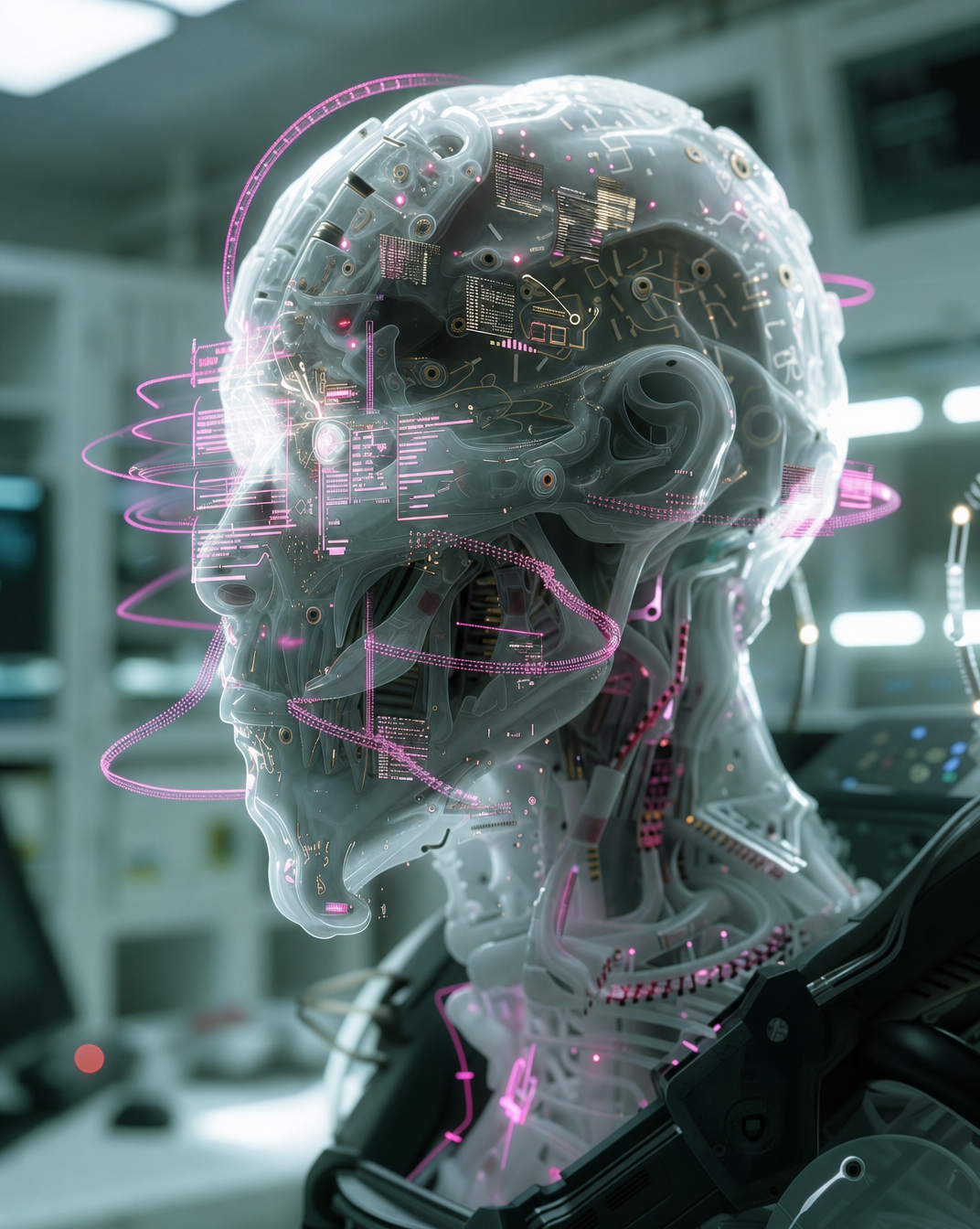
Cyborg head with magenta holograms and translucent skull