
Why this works
The phrase “friendly glossy humanoid robot with warm amber LED eyes” establishes the approachable futuristic mood, while “softly smiling” prevents the machine from feeling cold. “Centered composition, medium framing focused on robot and laptop” makes the robot and its work context the visual anchors, and the “floating glowing circular thought bubbles” add a playful secondary layer around them. “Deep navy-to-purple gradient background” supplies contrast for the dominant orange, gold, white, and brown accents, while “gentle softbox studio lighting” and “crisp clean reflections” define the polished CGI finish.
FAQ
→How do I make the robot feel more cheerful and energetic?
Replace “softly smiling” with “broad cheerful grin and bright excited LED eyes,” and change “gentle softbox studio lighting” to “bright colorful studio lighting with warm rim light.” You can also replace “deep navy-to-purple gradient background” with “vibrant cyan-to-magenta gradient background” for a livelier tone.
→How do I make one thought bubble more prominent?
Change “the floating glowing circular thought bubbles show a small house icon, a star icon, and a simple lightning bolt symbol” to “one large foreground thought bubble shows a glowing star icon, with smaller house and lightning bolt bubbles receding behind it.” Add “sharp focus on the star bubble” and replace “medium framing focused on robot and laptop” with “medium close-up framing focused on the robot’s face and star bubble.”
→How do I turn this into a series of related robot scenes?
Keep “friendly glossy humanoid robot,” “warm amber LED eyes,” “polished 3D CGI render,” and “centered composition” unchanged for continuity. Replace the icon phrase with a repeated template such as “floating glowing circular thought bubbles showing [three theme icons],” then swap “minimalist desk with a laptop” for settings like “plant-filled home office,” “creative workshop,” or “quiet control room” while preserving the same “deep navy-to-purple gradient background” and “gentle softbox studio lighting.”
Learn the technique behind this
- Why can't AI spell, and how do I get readable text in an image? — Older diffusion models had no character-level representation of text, so they produced letterform-shaped texture instead of words.
- How should a prompt be structured, and does word order matter? — A prompt that behaves predictably names one subject first, then what it is doing, then where, then the light, then the lens or medium, then the style.
- Why does the model ignore parts of my prompt? — Ignored instructions are almost always conflicts, counts, or spatial relationships — three things current models handle badly — rather than the model failing to read you.
Related prompts

DJ in neon haze at low angle

Glowing Fiber-Optic Cables With Purple Data Lines

Cyan Hologram, Sleek Robotic Hand
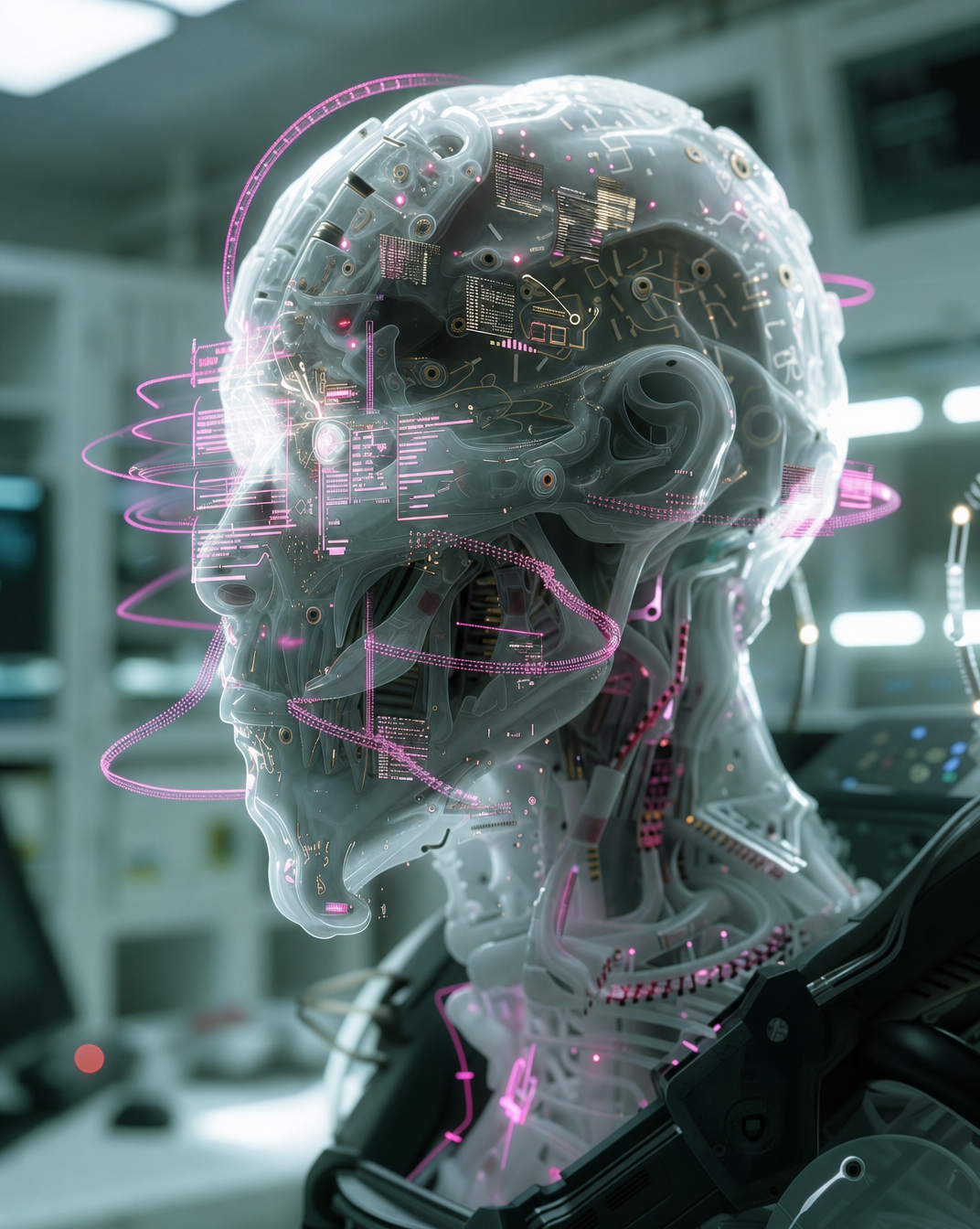
Cyborg head with magenta holograms and translucent skull