Why this works
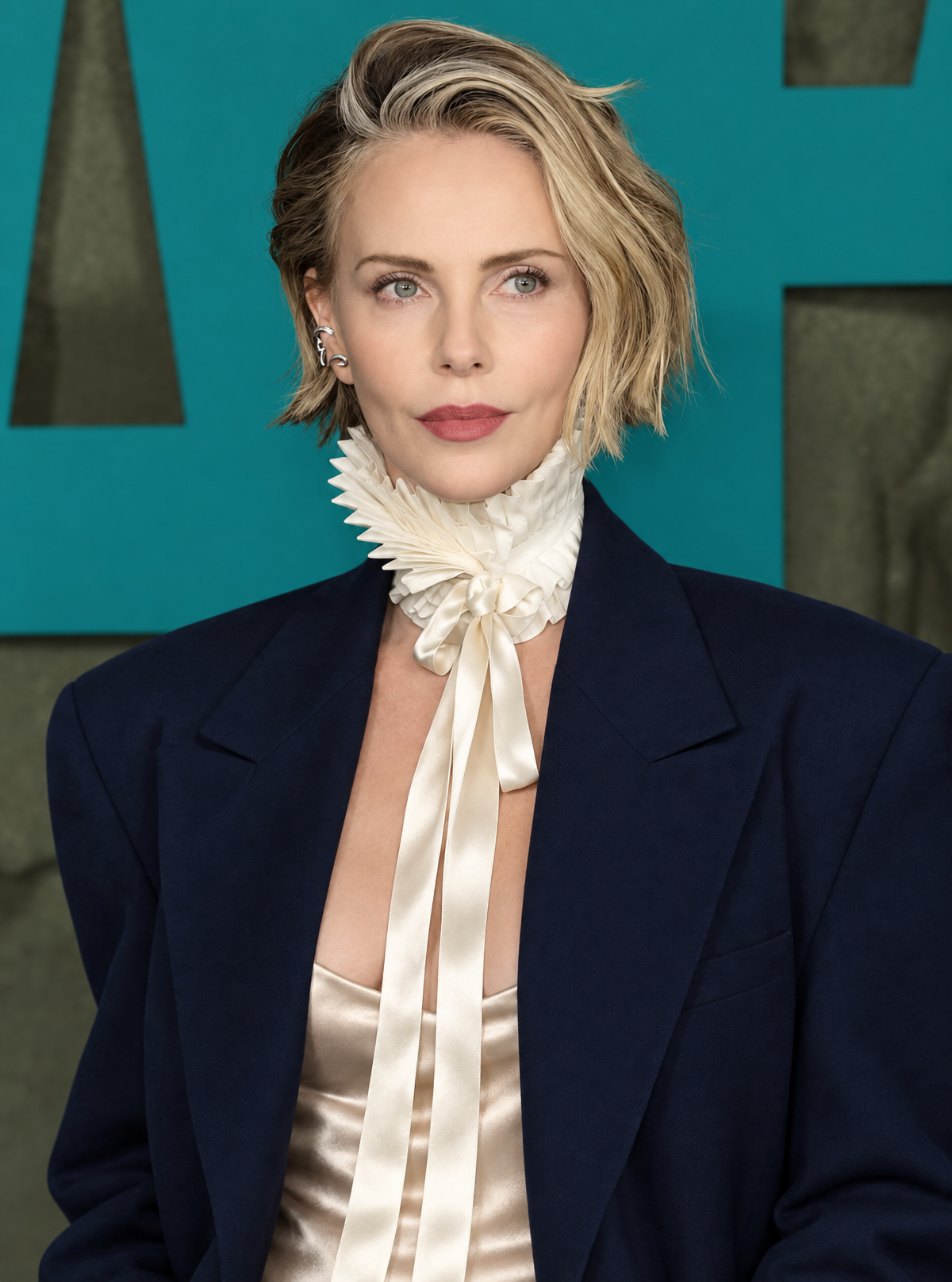
The “bold teal event backdrop” supplies a saturated color field against the “deep navy blazer,” “satin champagne camisole,” and “off-white ruffled neck accessory,” creating a controlled teal, beige, and dark-neutral harmony visible across the full-body portrait. “Editorial fashion framing” and the specified “portrait-full-body” composition keep the outfit and lowered, softly draped ribbons readable while “crisp facial detail” preserves the woman’s expression as the visual anchor. “Soft flattering on-camera flash” gives the scene its polished event-photography mood, while “shallow depth of field” separates her from the backdrop without removing its graphic presence.
FAQ
→How do I make the ruffled neck accessory more central and visually prominent?
Replace “lower and more softly draped than before” with “high, architectural ruffled neck accessory rising toward the jawline, with long ribbons framing the face,” and add “accessory as the primary focal point.” Keep “portrait-full-body” if the blazer and camisole should remain visible.
→How do I shift this from polished glamour to a darker, more dramatic editorial mood?
Replace “soft flattering on-camera flash” with “hard directional flash from camera left with deep sculptural shadows,” and change “bold teal event backdrop” to “near-black textured event backdrop with a narrow teal spotlight.” Replace “confident neutral expression” with “cool, severe expression” for a sharper tone.
→How do I create a coordinated series of variations from this portrait?
Keep the fixed phrases “blonde woman with a short wavy bob haircut,” “high-end fashion event aesthetic,” and “editorial fashion framing,” then swap one controlled variable per image: replace “bold teal event backdrop” with “cobalt blue,” “warm burgundy,” or “soft gray,” and change “deep navy blazer” to “black velvet blazer,” “ivory tuxedo jacket,” or “charcoal oversized blazer.”
Learn the technique behind this
- Why can't AI spell, and how do I get readable text in an image? — Older diffusion models had no character-level representation of text, so they produced letterform-shaped texture instead of words.
- Why does AI get hands and faces wrong, and how do I fix it? — Hands fail because they're small in frame, extremely variable in pose, and self-occluding — the model has less usable signal per pixel than for any other body part.
- How do I keep the same character across multiple images? — Text prompts alone won't hold a face across images — a description defines a type, not a person.
Related prompts
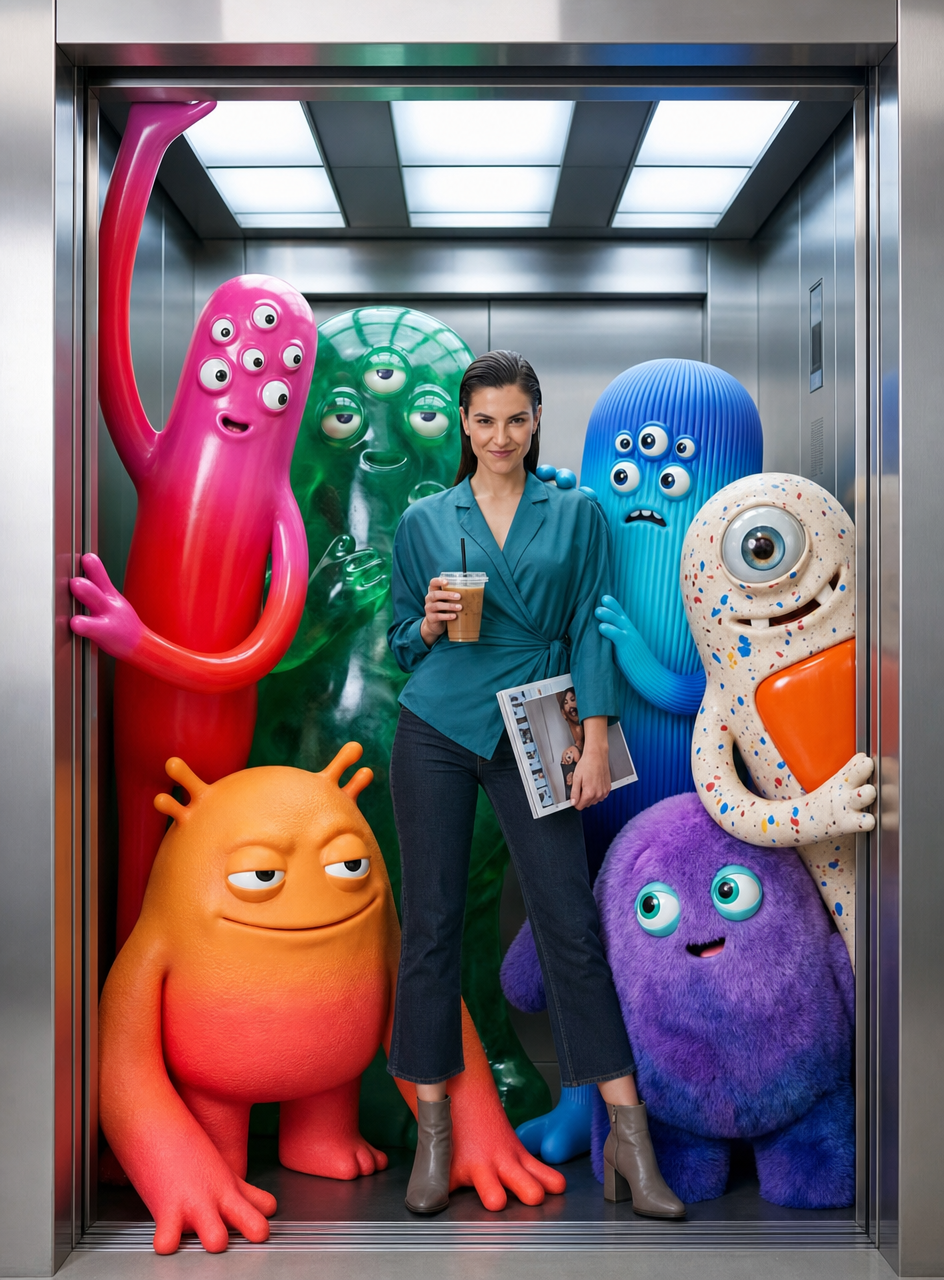
Teal fashion editorial in monster-filled lift
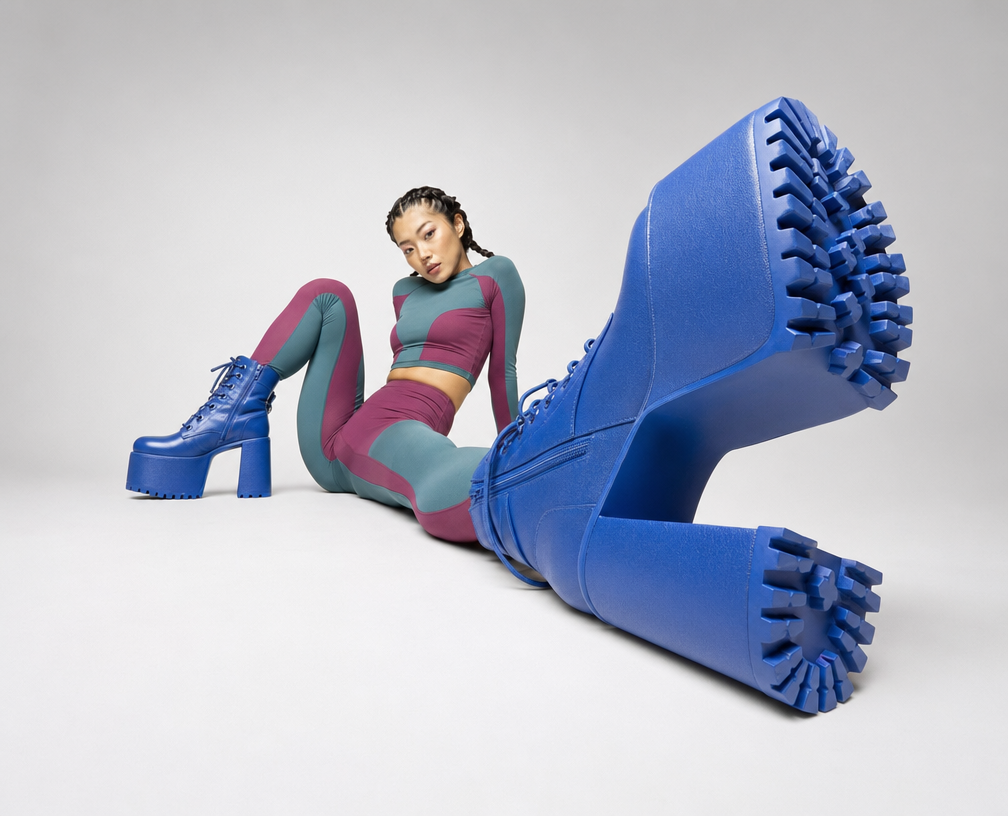
Cobalt Boots in Sleek Studio Edit
Silhouette Influencer by Sunlit Window
Sunlit editorial on striped beach towel