Why this works
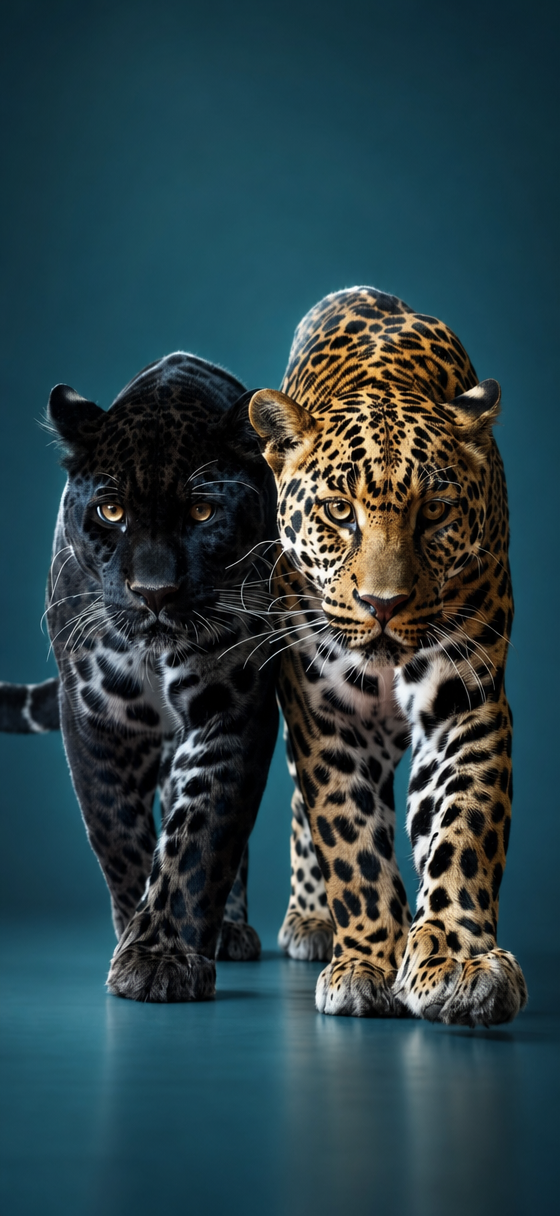
“Two big cats walking toward the camera,” “centered composition,” and “eye-level view” create a direct, portrait-like confrontation, while the full-body framing preserves their synchronized stride. The contrast between “a melanistic black leopard and a golden spotted leopard” gives the image a built-in black, tan, and brown color structure against the requested “cool teal seamless backdrop.” “Softer rim-lit studio illumination” keeps the mood dramatic through edge separation and “dramatic contrast,” while “sharp focus,” “highly realistic fur detail,” and “crisp texture rendering” make the fur the visual anchor rather than the background.
FAQ
→How do I make the black leopard the dominant subject?
Change “a melanistic black leopard and a golden spotted leopard side by side” to “a dominant melanistic black leopard in the foreground, with a golden spotted leopard slightly behind and offset to the side.” Replace “centered composition” with “black leopard centered, golden spotted leopard secondary,” and add “slightly larger apparent scale for the black leopard.”
→How do I make the scene feel calmer and less confrontational?
Replace “dramatic, bold, striking mood” and “walking toward the camera” with “quiet, composed mood” and “standing calmly side by side, facing slightly inward.” Change “dramatic contrast” to “low-contrast tonal transitions” and “softer rim-lit studio illumination” to “broad diffused studio light with gentle edge light.”
→How do I build a matching series with different animals?
Keep “cool teal seamless backdrop,” “clean floor reflection,” “eye-level view,” “centered composition,” “commercial wildlife portrait framing,” and “photorealistic studio wildlife photography” unchanged. Replace “a melanistic black leopard and a golden spotted leopard” with paired subjects such as “a white tiger and a Bengal tiger,” or “a gray wolf and a red fox,” while retaining “walking toward the camera” and “highly detailed realistic fur texture” for consistent composition and rendering.
Learn the technique behind this
- Why can't AI spell, and how do I get readable text in an image? — Older diffusion models had no character-level representation of text, so they produced letterform-shaped texture instead of words.
- Which aspect ratio should I use, and how does it change the image? — Aspect ratio determines what the model composes, not how it's cropped afterwards.
- How should a prompt be structured, and does word order matter? — A prompt that behaves predictably names one subject first, then what it is doing, then where, then the light, then the lens or medium, then the style.
Related prompts
Cream Longhaired Cat in Warm Dusty-Rose Light
Warm Studio Laughter With Brown Puppy
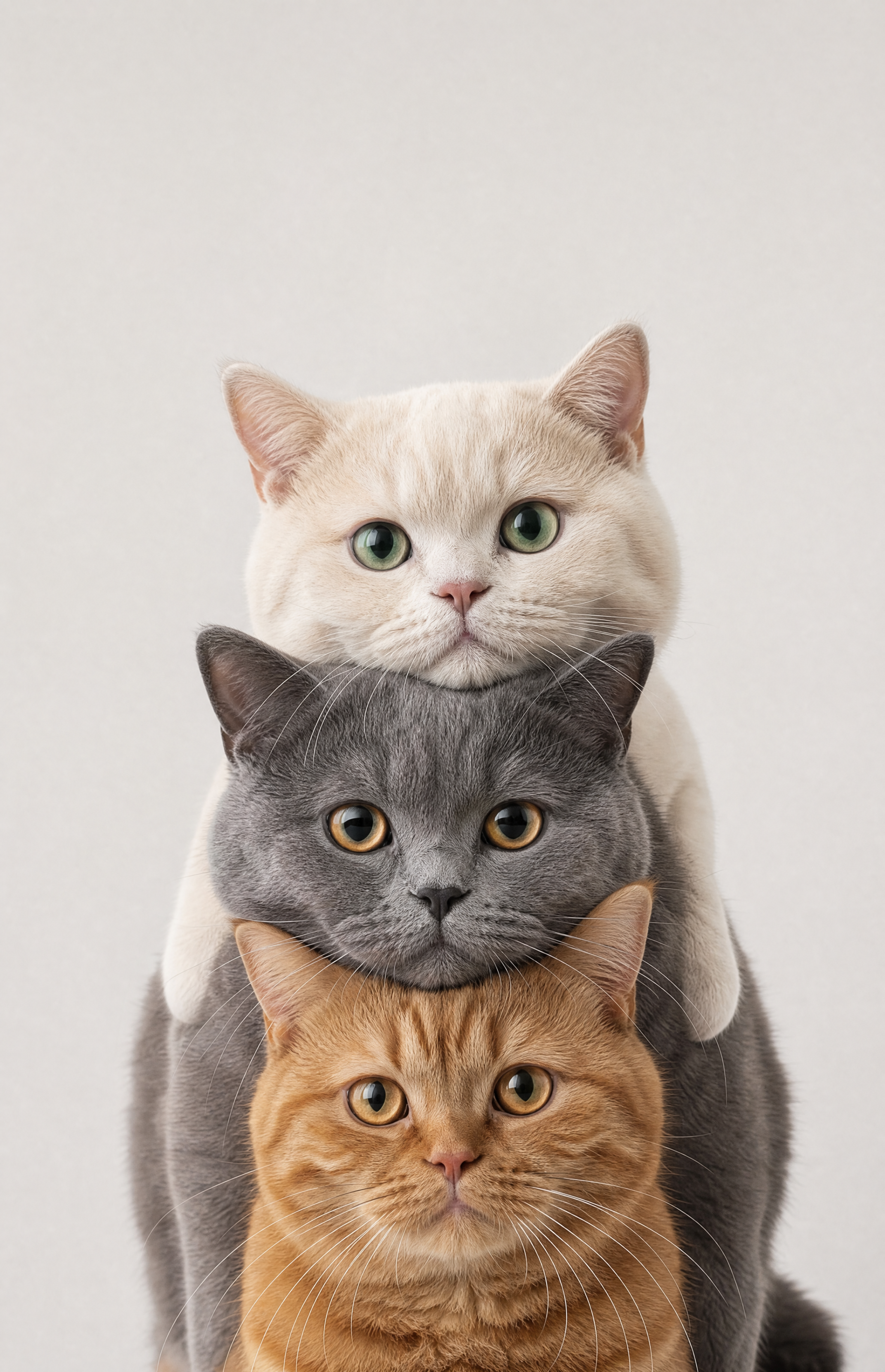
Cream, Smoky Gray, and Ginger Tabby Stacked Cats
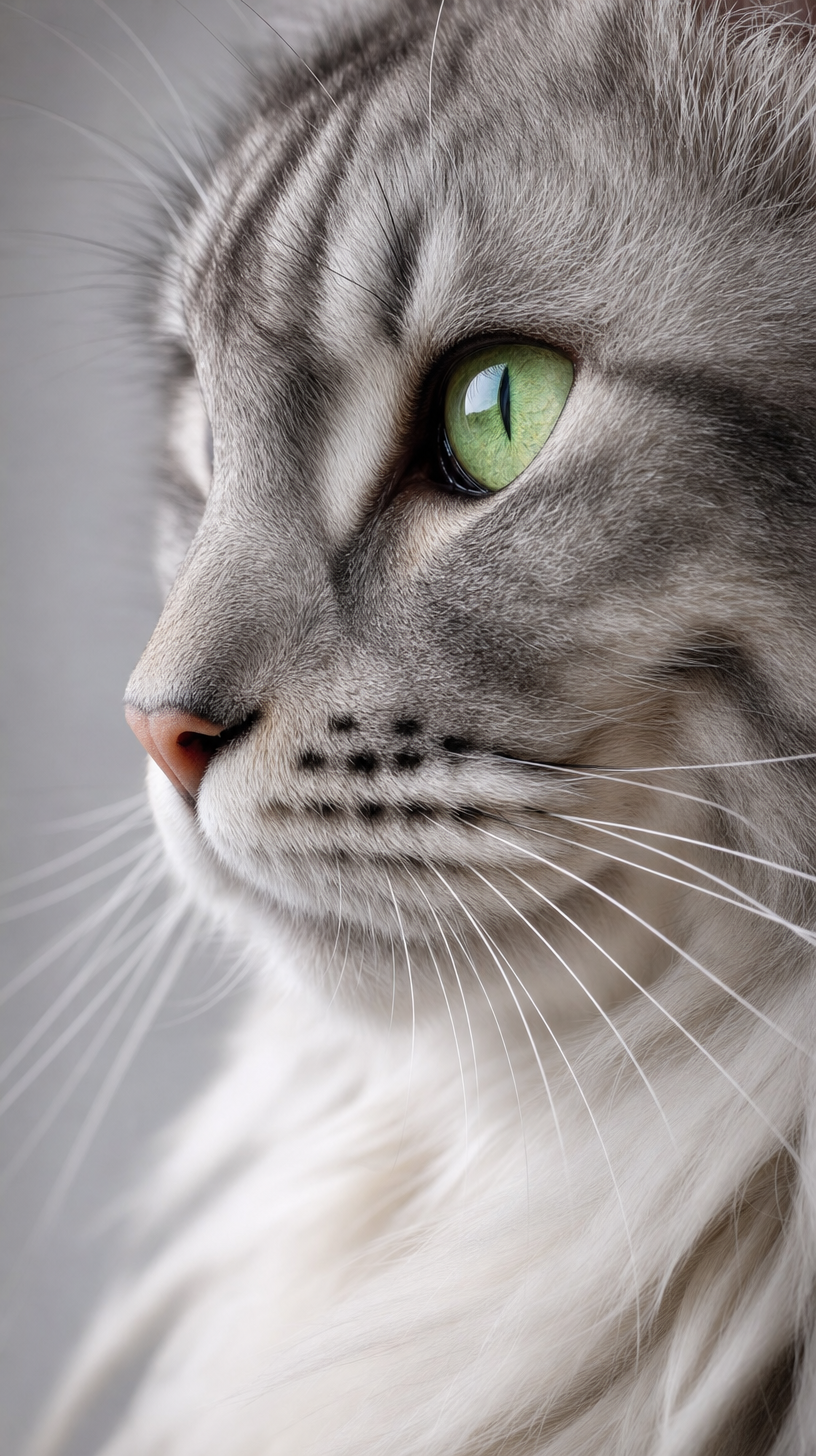
Long-haired gray tabby cat with green eyes