This is the question underneath most prompt frustration: someone copies a prompt that worked for someone else, runs it somewhere else, and gets something meaningfully different. The honest answer is that a prompt is not a specification — it is a request, interpreted by a model with its own defaults. We can put numbers on how much interpretation varies, because 68 prompts in this library have been run through all three engines we publish with.
The measurement
| Across 68 prompts run on all three models | Result |
|---|---|
| Prompts where all three engines produced the same composition class | 45 of 68 (66%) |
| Prompts where at least one engine framed it differently | 23 of 68 (34%) |
| Prompts where the dominant colour of the result differed | 35 of 68 (51%) |
So: roughly two thirds of the time the prompt survives the move intact, and half the time the palette shifts anyway. Framing is where the disagreement concentrates — and framing is the thing people notice first, which is why moving a prompt between generators feels less reliable than it statistically is.
One prompt, three engines
A 66-word fashion prompt asking for a seated model with oversized cobalt platform boots dominating the foreground, low-angle perspective, seamless light-grey studio background, generous negative space. All three engines got the colour right — every result came back cobalt-dominant. Two read 'low-angle, boots in the foreground' as a full-body portrait frame. FLUX 2 Pro read the 'generous negative space' clause as the stronger instruction and pulled back to a wide shot:
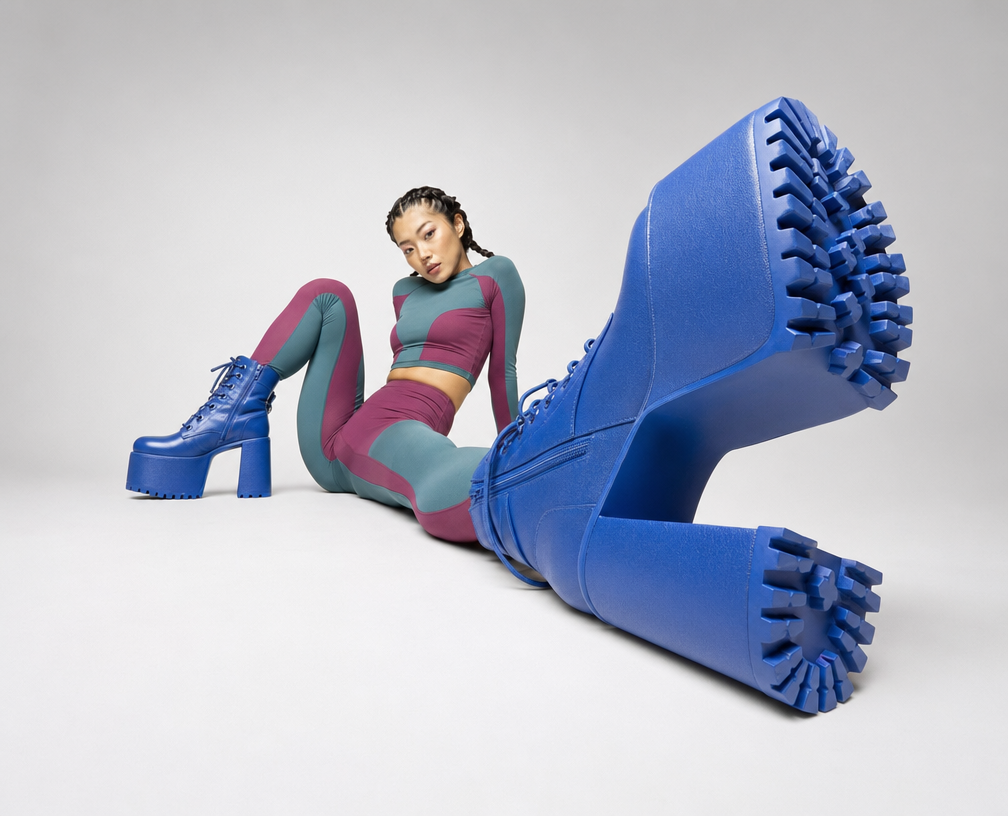
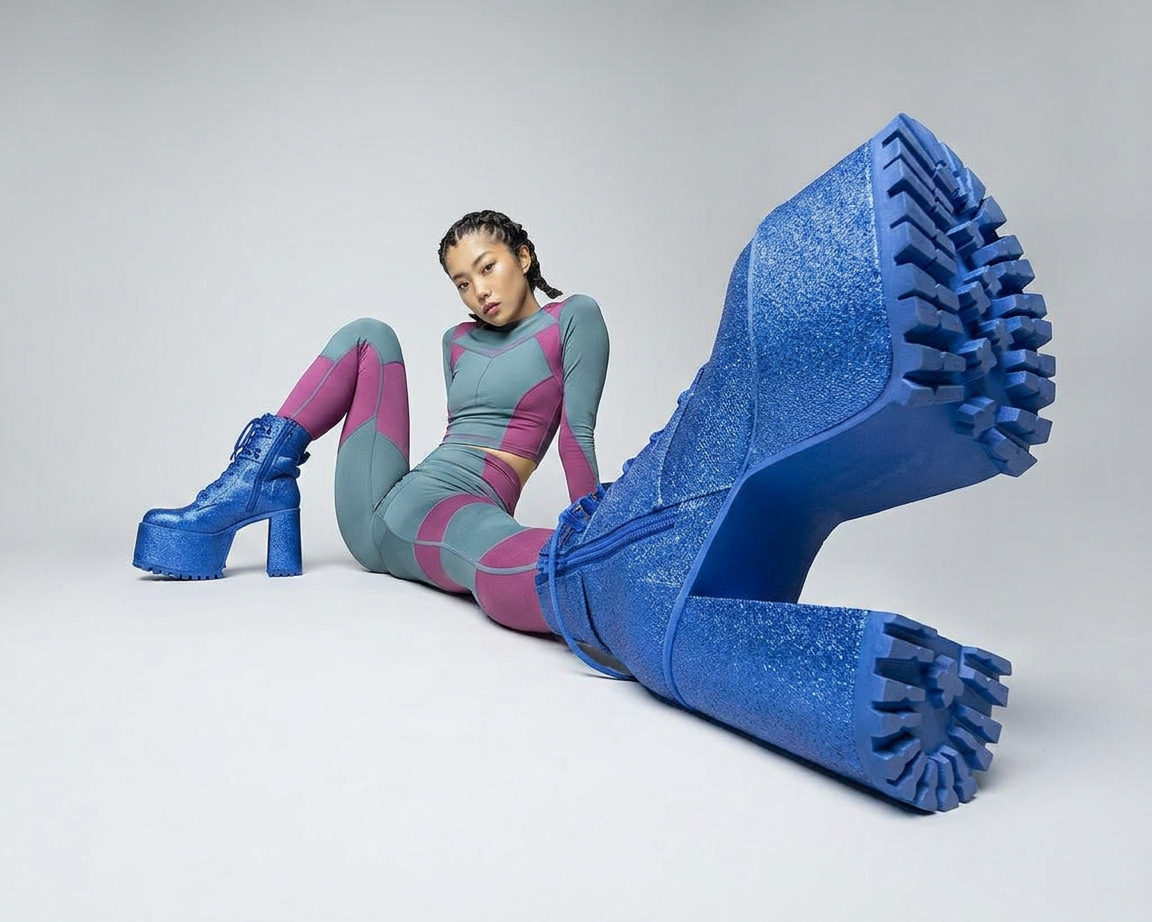
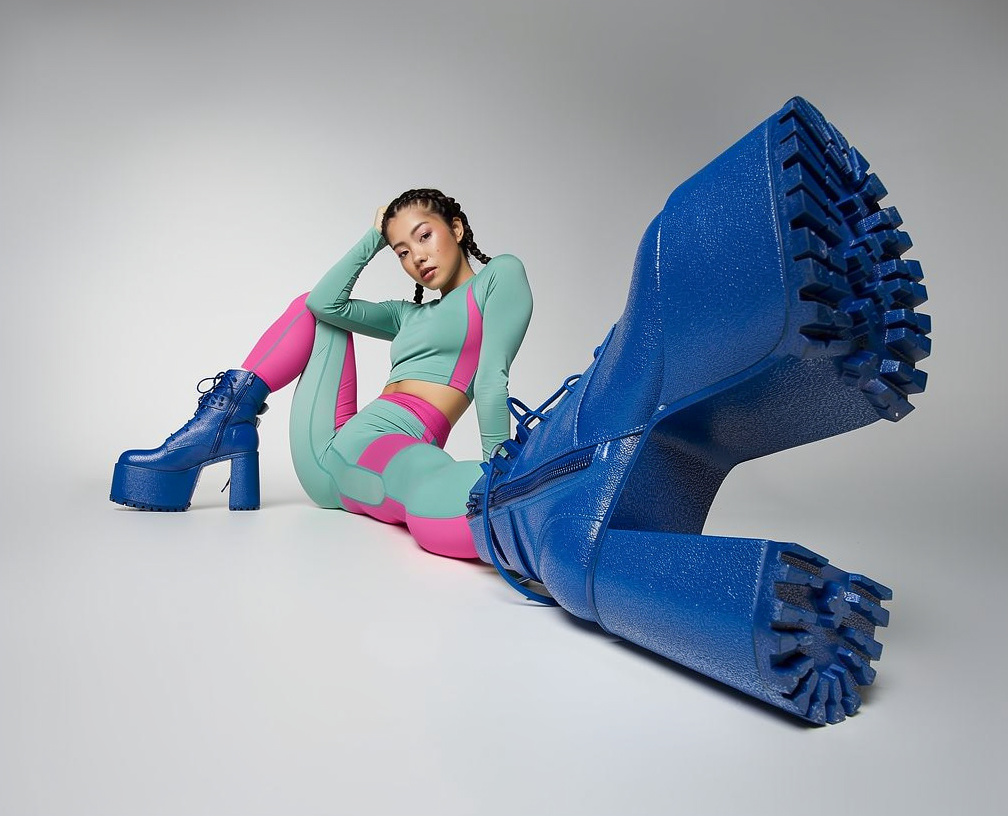
Neither reading is wrong. The prompt contained two competing framing instructions and each engine resolved the conflict by its own priors. That is the general lesson: divergence between generators is usually your prompt's ambiguity being resolved differently, not the model being bad. When three engines disagree, re-read the prompt for the contradiction before blaming any of them.
A second case: when only one engine breaks ranks
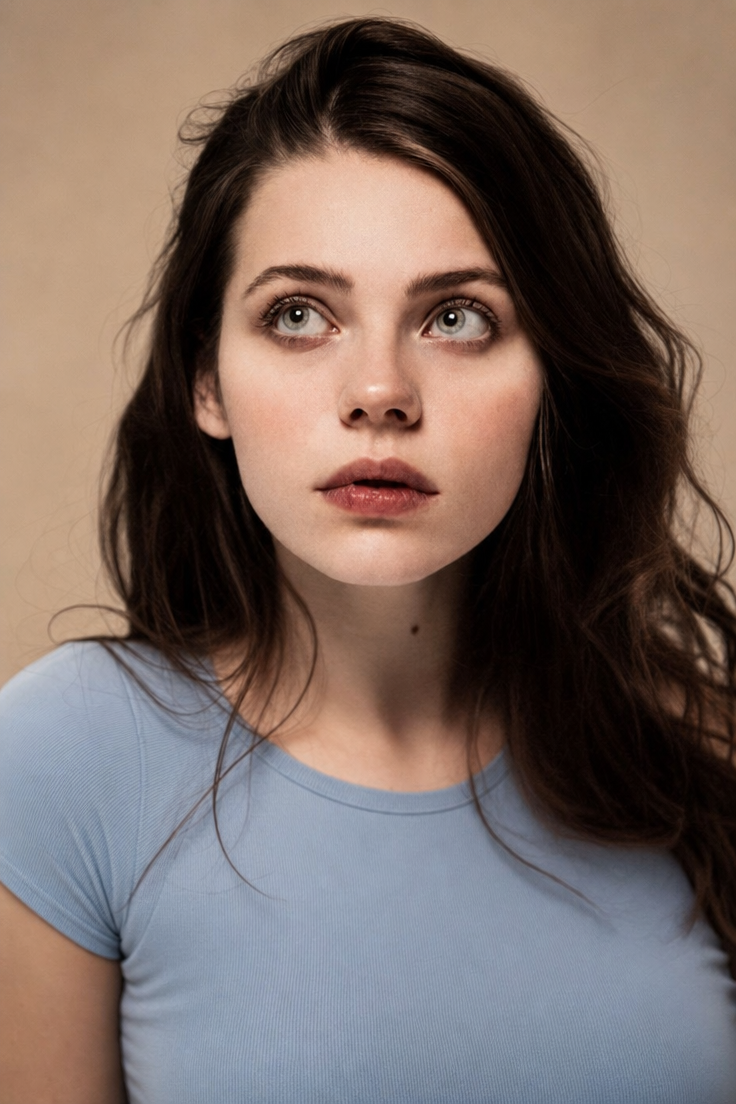
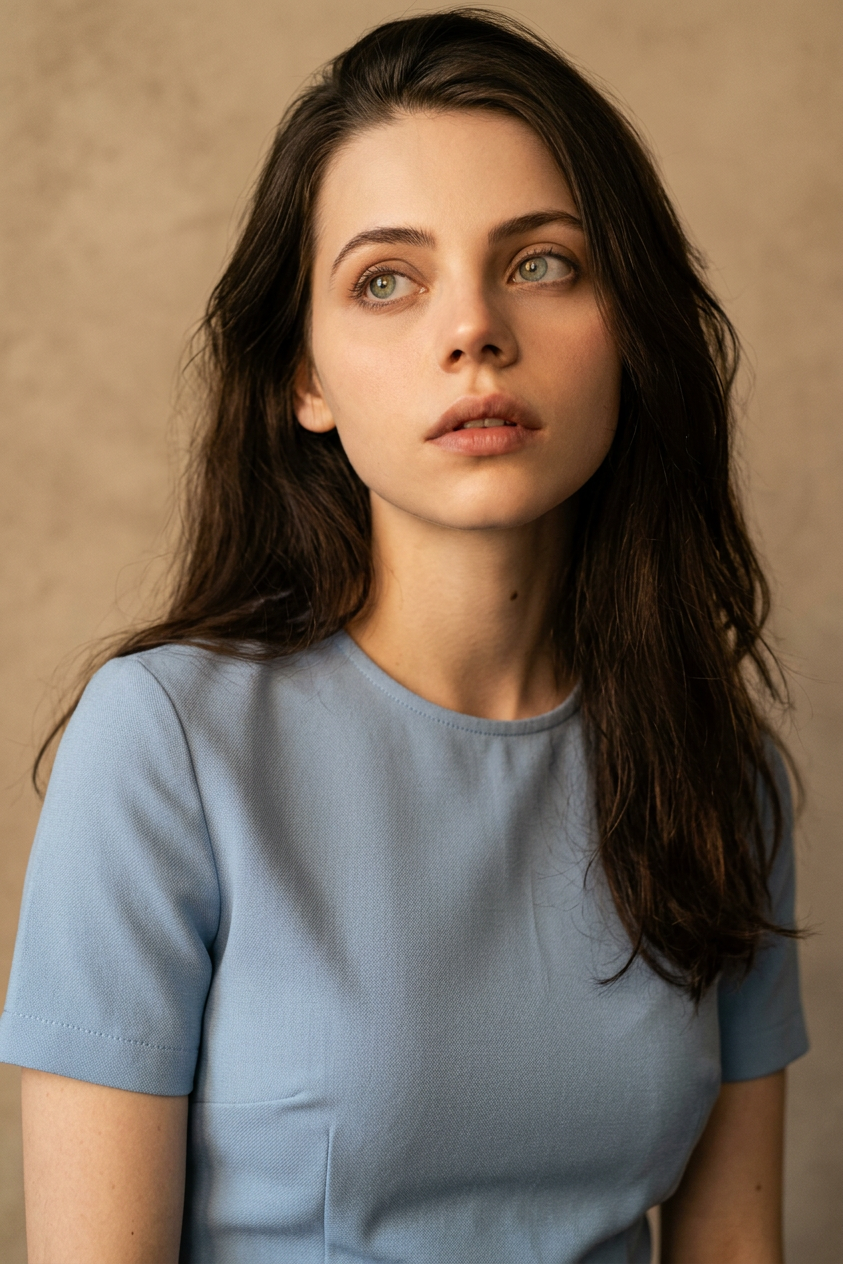
A 129-word portrait prompt — black turtleneck, geometric doodles, white background — came back as a full-body portrait from two engines and a centred, tighter composition from the third. A 64-word warm-light headshot went close-up on two engines and full-body on Nano Banana 2. Both prompts describe the subject thoroughly and never state the shot size in words the model can't misread. 'Headshot' is a genre word; 'head and shoulders, top of frame just above the hair' is an instruction.
What to change when you move a prompt
- 1.State the shot size in physical terms, not genre terms. Where the frame cuts the body is the single most portable instruction you can give.
- 2.Remove competing framing clauses. 'Close on the boots' and 'generous negative space' cannot both win; pick the one you actually mean.
- 3.Expect the palette to shift and decide whether you care. Half our cross-model pairs differ in dominant colour even when composition holds. If the colour is the point, name it as an object's colour rather than a mood.
- 4.Do not port parameter values. The three engines here expose size and reference image, not seed, CFG or steps — a prompt carrying '--cfg 7' is carrying nothing.
- 5.Re-run before you rewrite. Some divergence is just the roll of the dice, not the engine's character.
Every prompt page here lists which engine produced each image, so cross-model comparison is not something you have to take on trust — the multi-model prompts show their variants side by side.
- Which of the three models to use, and when
- Real prompt examples, taken apart
- When a reference image beats a rewrite
- Browse by model — See the same kind of prompt across all three engines we publish with