Why this works
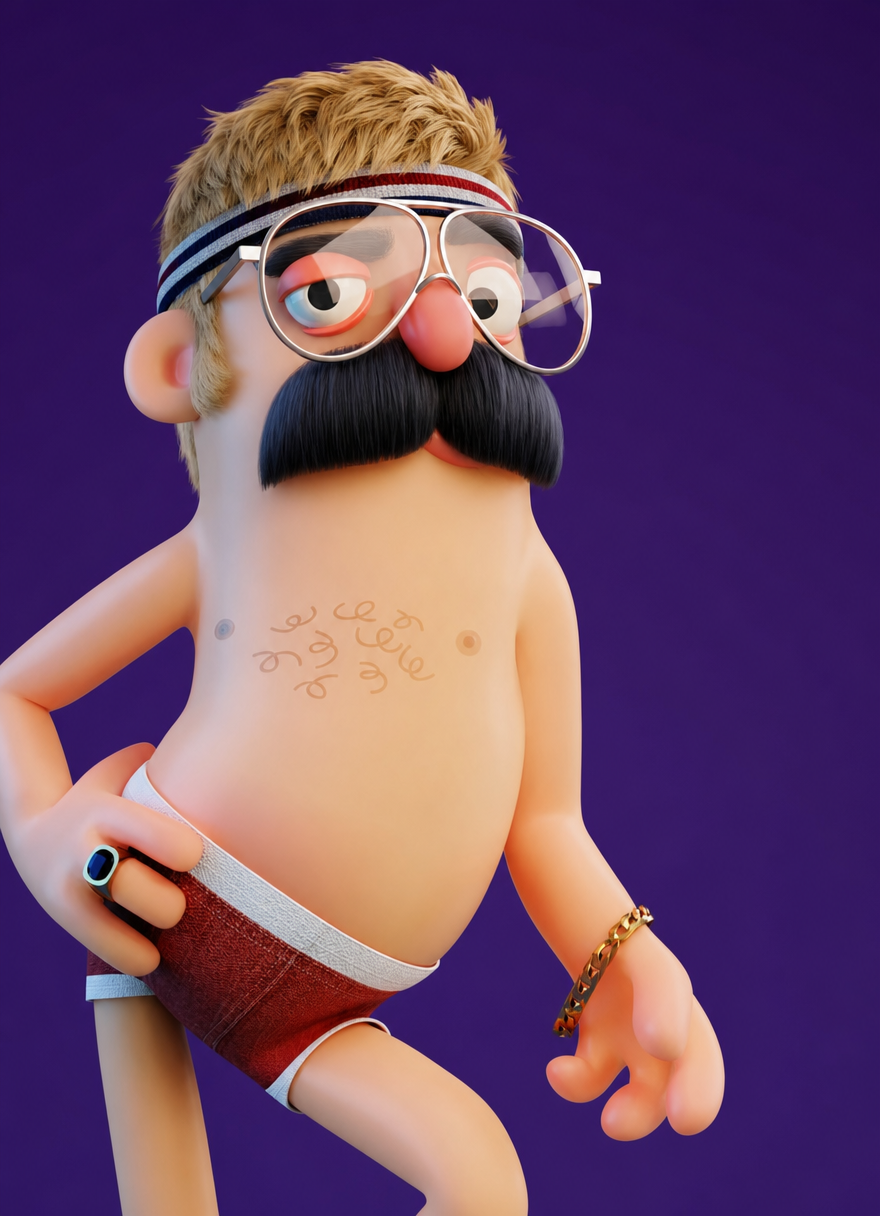
The character reads immediately because “oversized round silver glasses,” “thick black mustache,” and “short blonde hair with a messy textured crop” create three strong facial and silhouette anchors in the front-facing, full-body portrait framing. The playful tone comes from “teal-and-white striped headband” and “playful retro accessories,” while “solid deep purple background” supplies high contrast around the beige, tan, black, and red forms visible in the rendered palette. “Clean studio lighting” and “smooth stylized CGI” keep the evenly shaded 3D surfaces legible rather than letting the quirky details collapse into visual noise.
FAQ
→How do I make the character feel more eccentric and energetic?
Replace “casual stance” with “dynamic wide-legged pose with one hand raised,” and change “lighthearted playful mood” to “exuberant slapstick energy.” Add “bright red jacket and mismatched retro accessories” after the headband to amplify the dominant red accents.
→How do I make the glasses and mustache the main focus?
Change “Front-facing character framing similar to the original reference” to “tight chest-up portrait, face centered,” and replace “oversized round silver glasses” with “enormous reflective round glasses occupying most of the face.” Change “thick black mustache” to “dramatically oversized curled black mustache,” while removing “portrait-full-body” so the face receives more image area.
→How do I build a series of variations without losing this character’s identity?
Keep “adult man with oversized round silver glasses, a thick black mustache, and short blonde hair with a messy textured crop” unchanged, then swap only the setting and accessories: use “retro diner with checkerboard floor,” “sunny beach boardwalk,” or “futuristic arcade,” replacing “solid deep purple background.” Rotate wardrobe phrases such as “teal-and-white striped headband” to “red polka-dot scarf” or “yellow visor,” while retaining “clean 3D CGI render” and “smooth stylized CGI” for consistent rendering.
Learn the technique behind this
- Why can't AI spell, and how do I get readable text in an image? — Older diffusion models had no character-level representation of text, so they produced letterform-shaped texture instead of words.
- Why does the model ignore parts of my prompt? — Ignored instructions are almost always conflicts, counts, or spatial relationships — three things current models handle badly — rather than the model failing to read you.
- Do negative prompts work, and what should go in one? — Negative prompts work on models that support a separate negative conditioning channel — mainly Stable Diffusion and FLUX-family models.
Related prompts
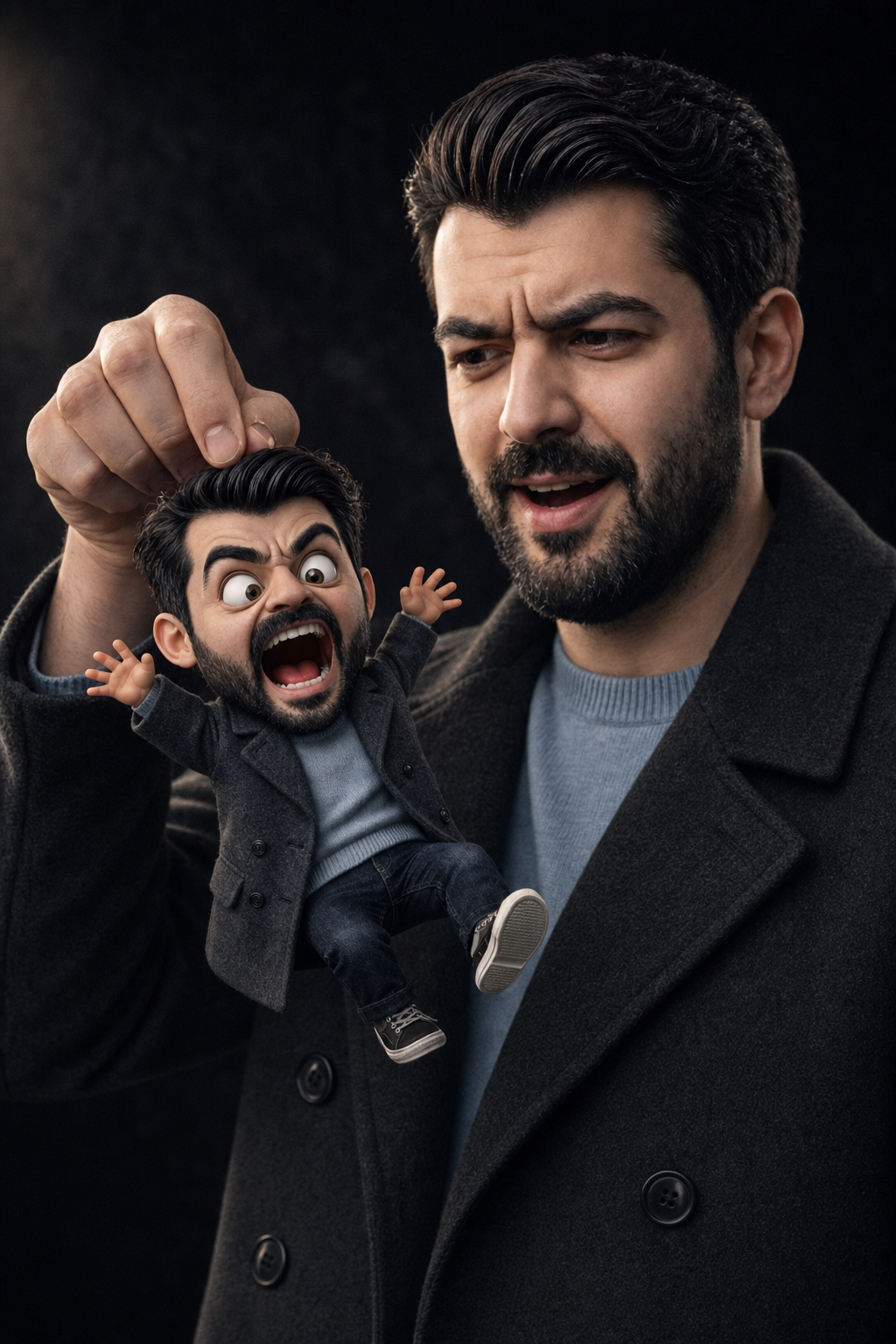
Surprised Man Holding Mini Cartoon Self
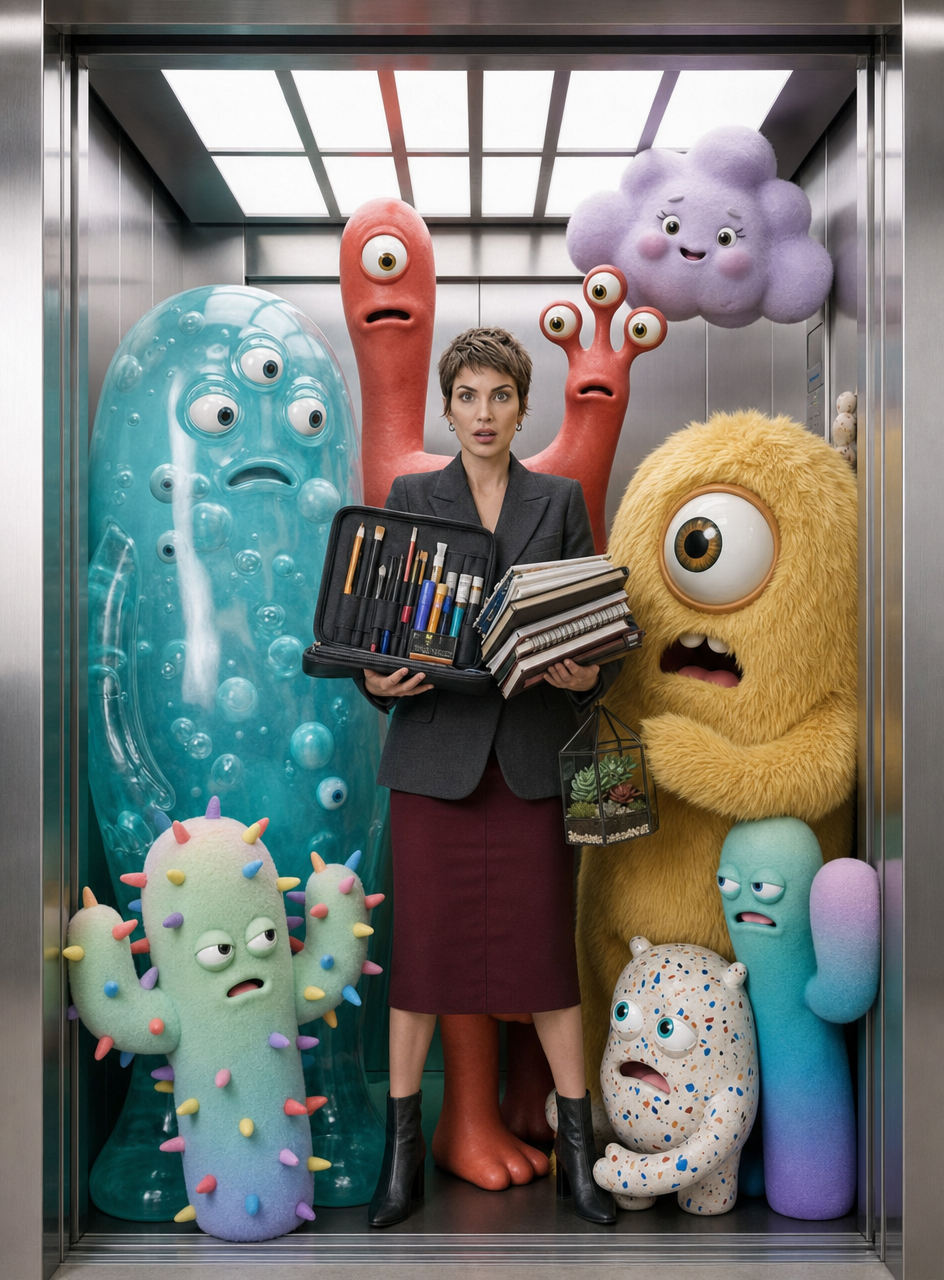
Charcoal-blazer woman with art monsters
Laid-back 3D Caricature Portrait with Streetwear Style
Muscular Figure With Icy Thorn Crown