There are two completely different situations behind this question, and mixing them up is why people spend an afternoon on tools that were never going to work. Either the prompt is still stored in the file you are holding, in which case reading it is trivial, or it is not, in which case no amount of processing recovers it — the image is the output of a one-way function, and thousands of different prompts can produce nearly the same picture.
First: check whether the prompt is inside the file
Local generation tools embed their whole run configuration in the PNG. Automatic1111 and Forge write a `parameters` text chunk; ComfyUI writes the entire node graph as JSON under `workflow` and `prompt`; InvokeAI writes its own `invokeai_metadata`. If your file came out of one of those, the original prompt is sitting in plain text a few hundred bytes into the file.
- 1.Drag the PNG into any EXIF/metadata viewer, or run `exiftool image.png` locally — the prompt appears under Parameters, or as a JSON blob for ComfyUI.
- 2.In the same block you usually get the negative prompt, seed, sampler, CFG scale, steps, model name and model hash. That is enough to rerun the image exactly.
- 3.JPEGs and WebPs almost never carry it: the chunk is a PNG text field, and re-encoding to JPEG discards it.
- 4.Anything that passed through a social platform is stripped. Instagram, X, Pinterest, Discord (as a compressed preview), WhatsApp and most CMS image pipelines re-encode uploads and delete text chunks. A screenshot destroys it too.
Hosted models are a hard no on this route. Images from gpt-image-2, FLUX 2 Pro or Nano Banana 2 are returned as clean files without the prompt inside them — including every image published on this site. That is why each of our prompt pages shows the full prompt as text next to the image instead: the metadata was never going to carry it.
Second: when the prompt is gone, you are describing, not extracting
Once metadata is out, the only thing available is a description written by you or by a vision model. Call it what it is: a reconstruction. A good reconstruction reproduces the look of the image; it does not reproduce the original sentence, and it will not reproduce the image pixel-for-pixel, because the seed is gone as well.
Vision-model captioning (asking GPT-4o-class or Gemini-class models to "write the prompt for this image") gets you a competent paragraph, and this is what every "image to prompt" tool on the market does under the hood. Its weakness is predictable: it names what is in the picture and under-describes how it was photographed. Subject and setting come out fine; lens, light direction, colour grade and style lineage — the parts that actually decide whether your regeneration looks like the reference — come out vague.
What to write down, in the order that works
The prompts in this library are stored as five separate components before they are flattened into a sentence, and that same five-part frame is the most reliable checklist for reading an image backwards. Go through it in order and force yourself to answer every line, including the ones you would rather skip.
| Component | What to look for in the image | Typical miss |
|---|---|---|
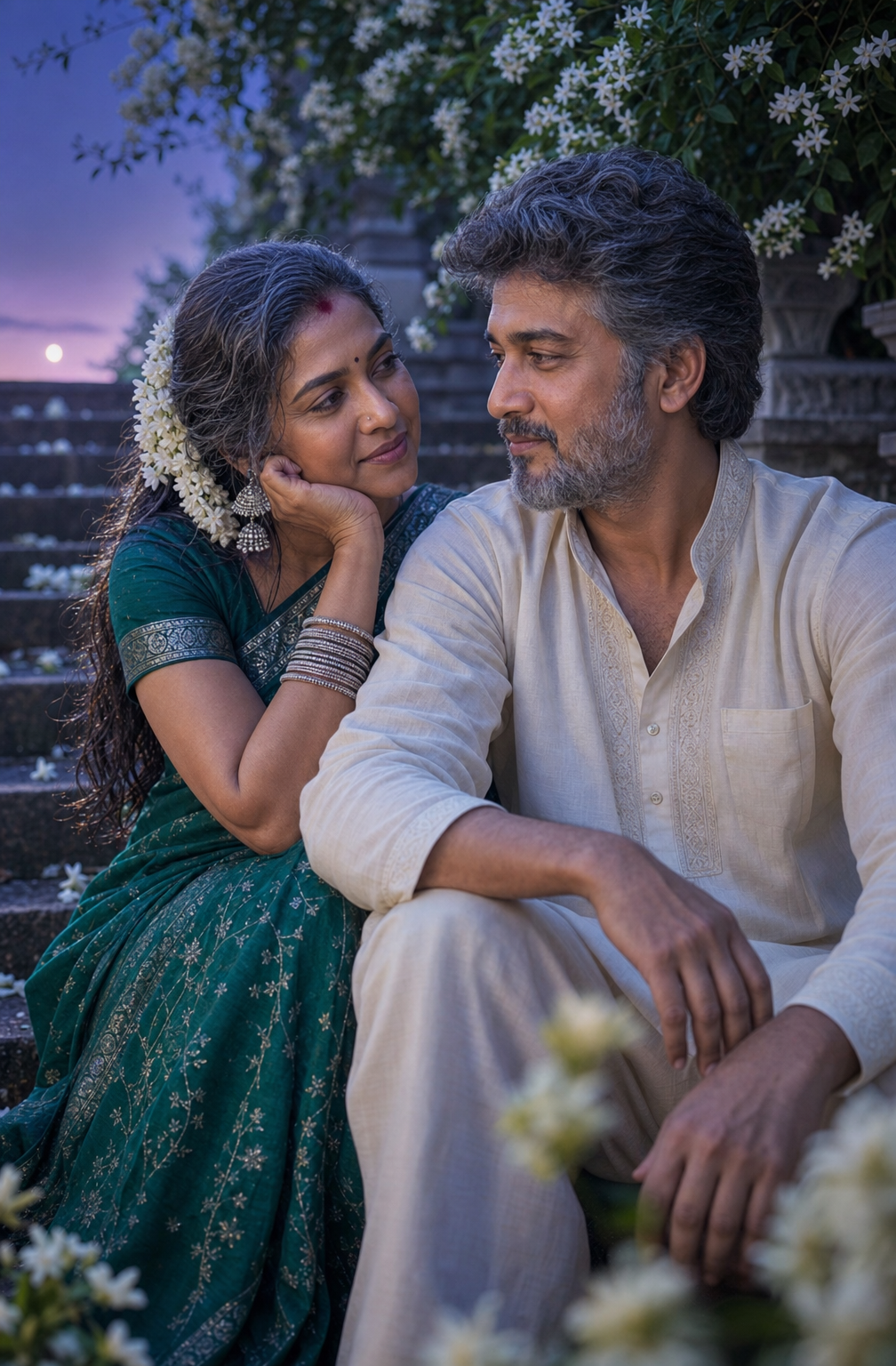
| Subject | Who or what, plus material, age, clothing, expression, pose | Writing "a woman" when the image says "mid-40s woman, deep emerald silk saree, seated, hands in lap" |
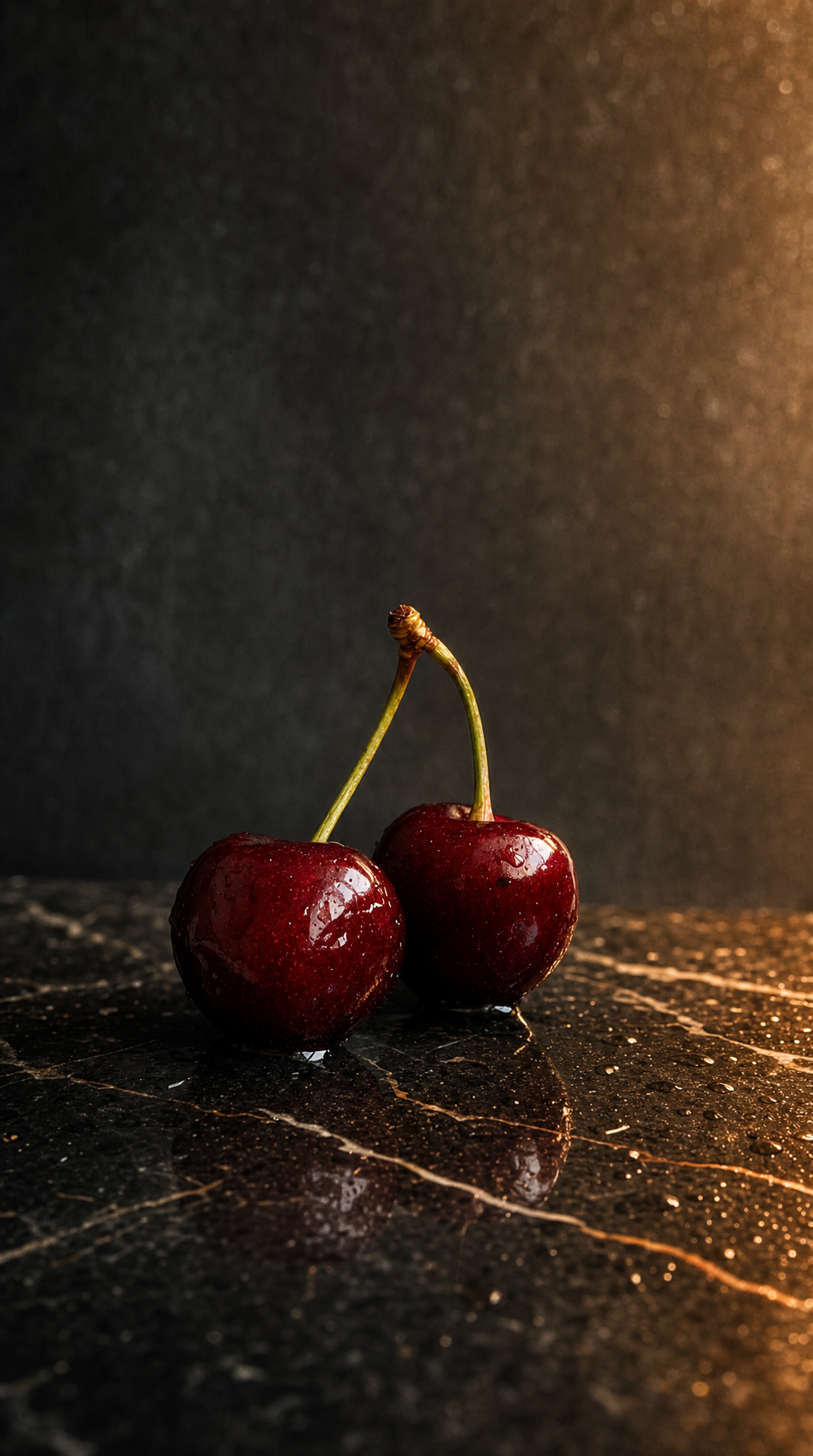
| Setting | Where it sits, surface, background depth, props | Ignoring the surface — wet marble, weathered stone and seamless paper read completely differently |
| Lighting | Direction, hardness, colour temperature, where shadows fall | The single biggest omission; "golden hour side light, long soft shadows" changes more than any style word |
| Camera | Distance, angle, lens feel, depth of field, orientation | Forgetting overhead vs eye level, and forgetting the frame is 3:4 not 1:1 |
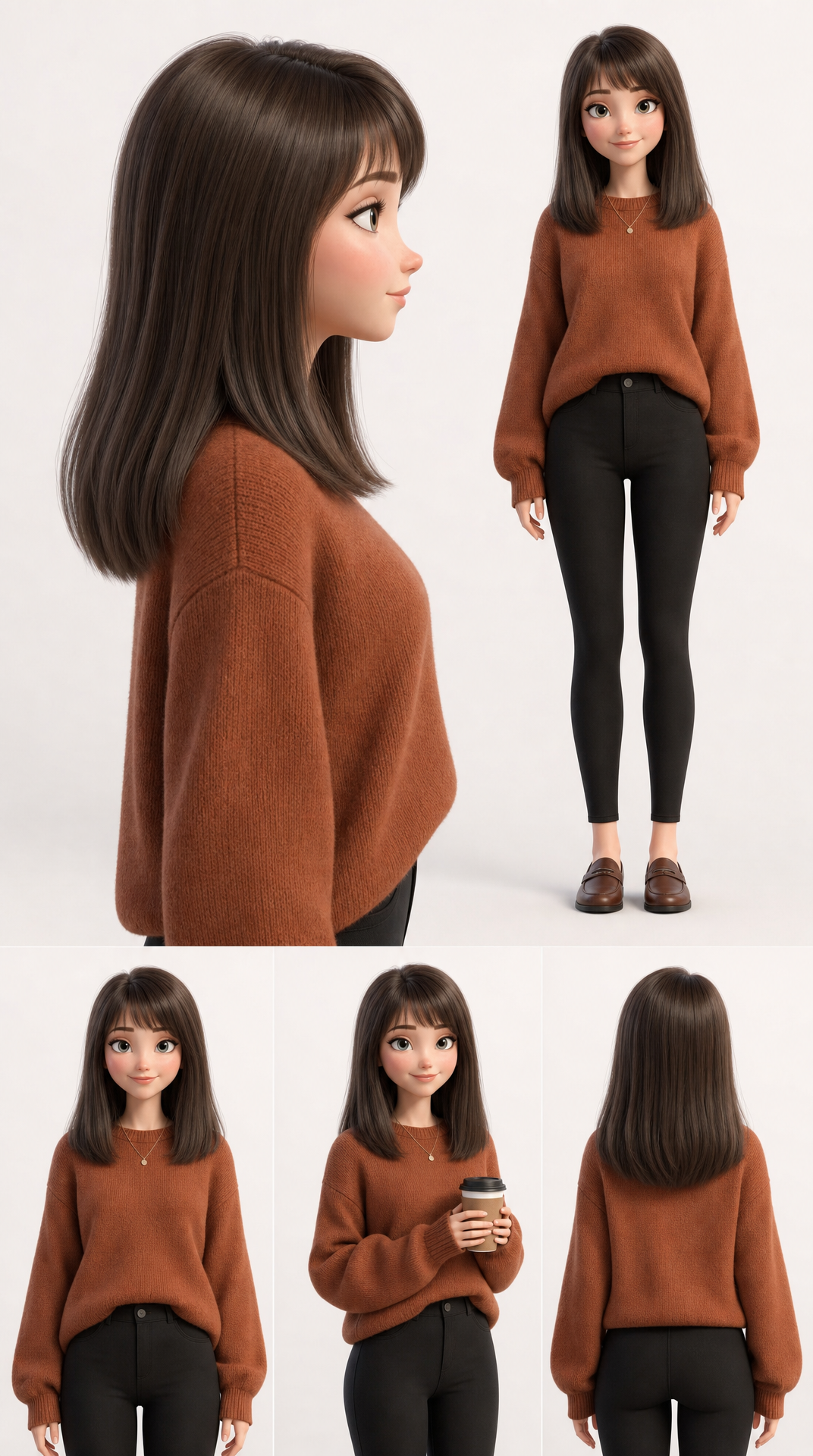
| Style | Photographic vs 3D render vs illustration, era, grade, finish | Naming a living artist instead of the visual traits — see the note below |
Two lines beyond that list are worth adding. Aspect ratio, because framing is decided by it, not fixed afterwards by cropping. And a short negative prompt, because reconstructions overwhelmingly fail on stray lettering and watermarks — every prompt published here carries a negative prompt, and almost all of them are about suppressing text.
How to check whether your reconstruction is any good
Generate it, put the two images side by side, and fix one component at a time. Reading a diff is much easier than reading a blank page: if the shape is right but the mood is off, the miss is in lighting; if the mood is right but the object sits wrong in frame, the miss is camera; if everything is right and the finish is plastic, the miss is style.
Expect the model to matter here. The same reconstruction handed to three engines gives three different images — in this library, 121 prompts have been run through all three, and the gap between them is largest exactly on the style and lighting lines you just guessed at.
One thing worth knowing before you copy someone's look
Reconstructing a prompt from an image you did not make is fine as a learning exercise and normal as a moodboard workflow. Naming a specific living artist to do it is a different act, legally unsettled and increasingly blocked by hosted models. Describing the visual traits instead — the grade, the light, the finish, the era — is both more effective and less exposed.
- What "image to prompt" actually means — How the tools work, and where they stop working
- Tag-style prompts vs sentences — Why tag lists behave differently from descriptions
- The five-part structure, measured — Where this checklist comes from
- Our image-to-prompt engine — What we are building on top of this library