Why this works
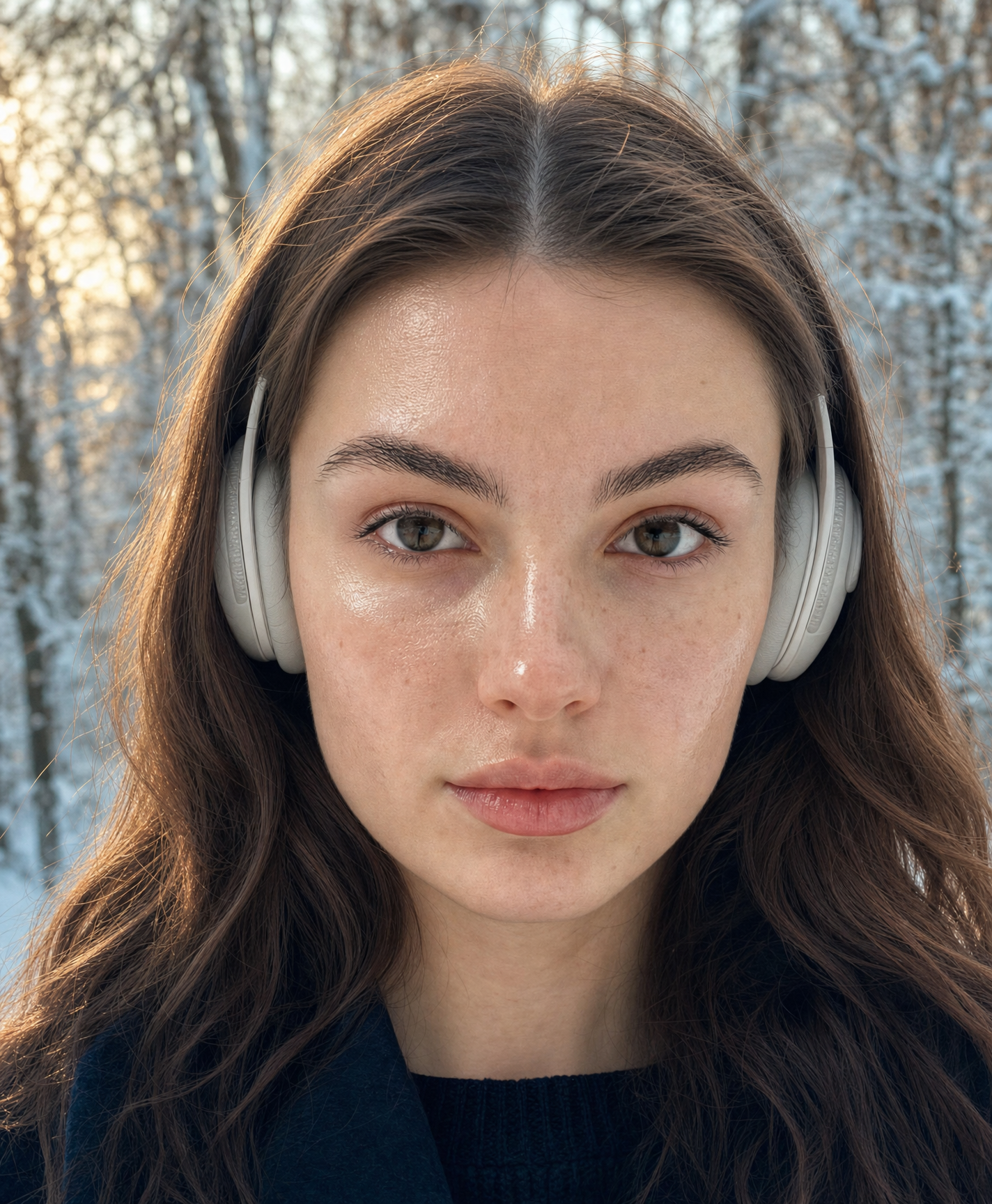
The phrase “centered face” and “tight framing on her face and upper shoulders” give the portrait its immediate, controlled composition, while “shallow depth of field” separates her from the snow-laden trees without losing the forest setting. “Soft golden-hour natural light” adds gentle warmth to her skin, but “a cooler color palette” keeps the dominant gray, beige, and black tones restrained and modern. The words “calm and serene” and “neutral, relaxed expression” directly establish the quiet mood, while “visible over-ear wireless headphones” supplies the contemporary editorial detail.
FAQ
→How do I make the snowy forest more prominent without losing the portrait focus?
Replace “tight framing on her face and upper shoulders” with “medium close-up including her head, shoulders, and upper torso,” and change “shallow depth of field” to “moderate depth of field with softly recognizable snow-laden trees.” Keep “centered face” if you want her to remain the visual anchor.
→How do I shift this from calm and modern to warmer and more intimate?
Replace “cooler color palette” and the style phrase “cool-toned color palette” with “warm amber and cream color palette,” and change “neutral, relaxed expression” to “soft thoughtful half-smile.” Keep “soft golden-hour natural light,” since that phrase already supports the warmer tone.
→How do I create a cohesive series of variations from this portrait?
Keep the fixed elements “photorealistic editorial portrait,” “centered face,” “visible over-ear wireless headphones,” and “tight framing on face and upper shoulders,” then vary one controlled block at a time: replace “snowy forest” with “misty pine forest,” “quiet urban winter street,” or “frosted lakeshore,” and swap “soft golden-hour natural light” for “diffused overcast daylight” or “cool blue-hour light.”
Learn the technique behind this
- Why can't AI spell, and how do I get readable text in an image? — Older diffusion models had no character-level representation of text, so they produced letterform-shaped texture instead of words.
- How should a prompt be structured, and does word order matter? — A prompt that behaves predictably names one subject first, then what it is doing, then where, then the light, then the lens or medium, then the style.
- Why does AI get hands and faces wrong, and how do I fix it? — Hands fail because they're small in frame, extremely variable in pose, and self-occluding — the model has less usable signal per pixel than for any other body part.
Related prompts
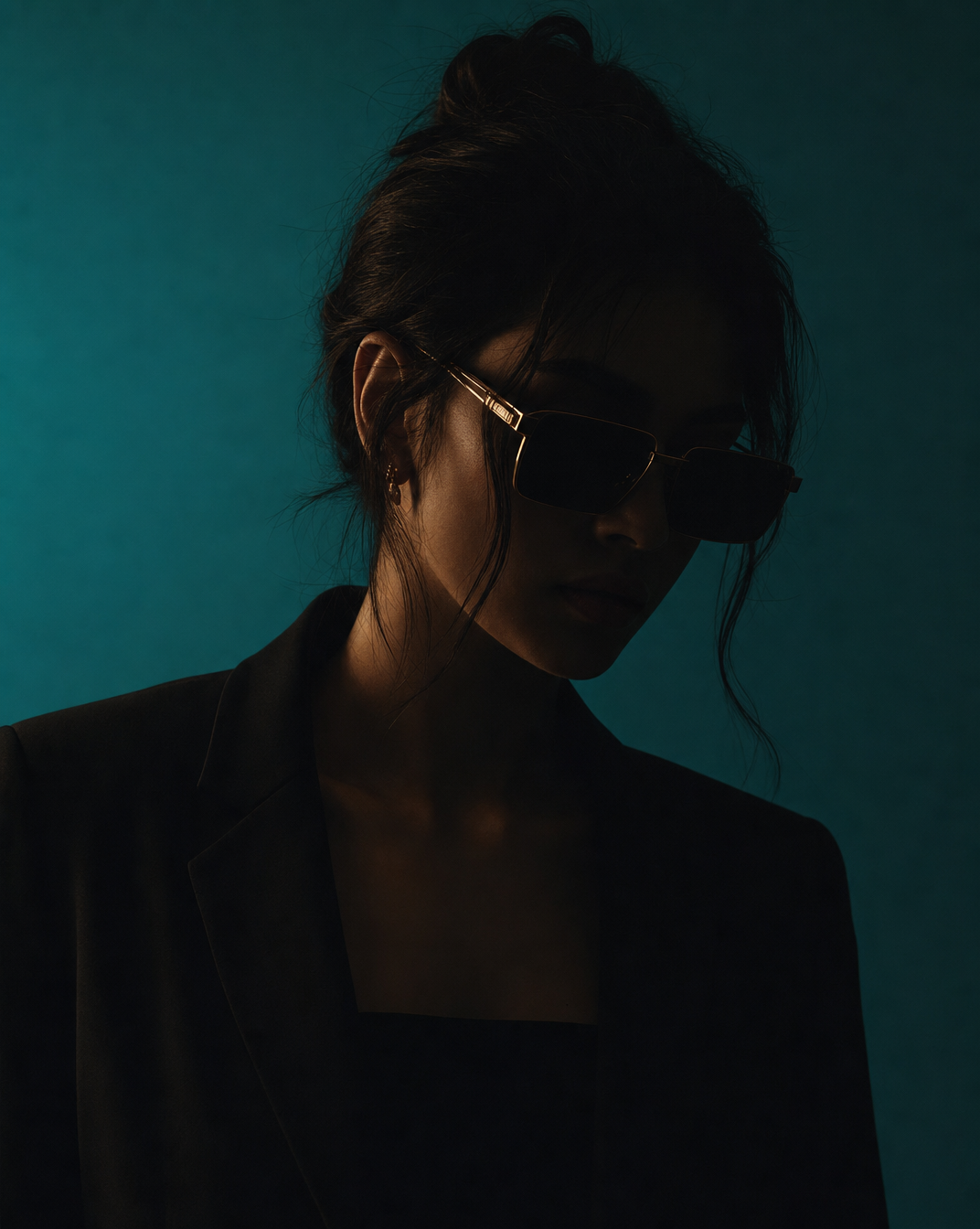
Woman in Teal Light, Shadowed Fashion Portrait
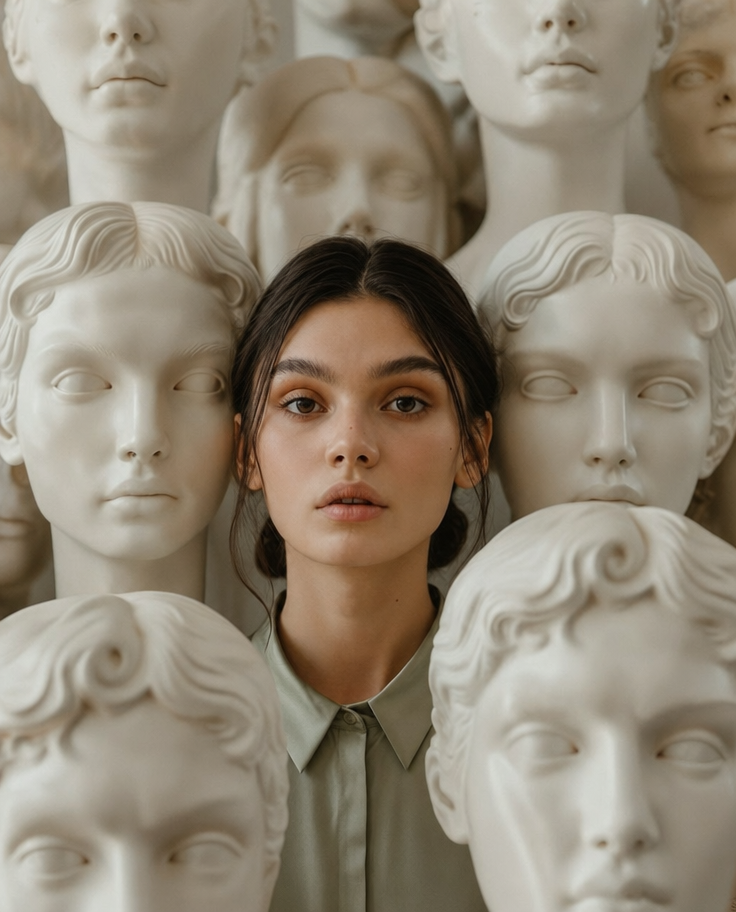
Eerie Elegance Among Marble Busts
Charcoal turtleneck with red eye-beam
Dreamy Macro Portrait in Cool Water