Why this works
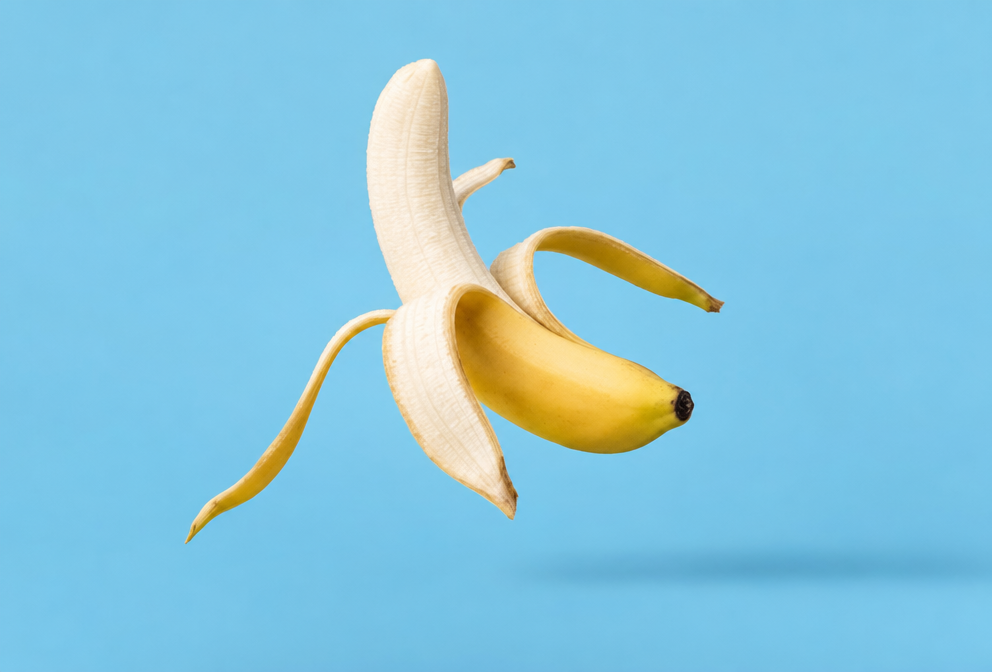
“Partially peeled,” “floating in midair,” and “subtle soft shadow beneath” create the playful, weightless product concept, while the centered minimalist composition keeps the banana immediately legible. “Solid cool light-blue background” separates the yellow peel and white fruit with clean color contrast, and “clean commercial lighting,” “sharp focus,” and “ultra-high detail” preserve crisp texture without adding visual clutter. “Natural color accents” lets the brown stem and peel marks remain visible against the otherwise controlled palette.
FAQ
→How do I make the banana feel more dramatic and premium?
Replace “clean commercial lighting” with “dramatic directional studio lighting with deep controlled shadows,” and change “solid cool light-blue background” to “dark charcoal background with a subtle gradient.” Keep “ultra-high detail” and “sharp focus” so the peel texture remains precise rather than disappearing into the darker setting.
→How do I make the peeled fruit more prominent than the yellow peel?
Replace “partially peeled” with “mostly peeled, with the white banana fruit fully exposed and peel folded downward,” and add “fruit centered as the primary focal point.” Retain “centered” and “sharp focus,” but change “natural color accents” to “bright creamy-white fruit with restrained yellow peel accents” to shift the visual emphasis.
→How do I build a series of variations from this prompt without losing its visual identity?
Keep “photorealistic studio product photograph,” “minimalist composition,” “solid cool light-blue background,” “clean commercial lighting,” and “subtle soft shadow beneath” unchanged. Vary only the subject action, replacing “floating in midair” with phrases such as “resting upright,” “balanced vertically,” or “suspended at a slight diagonal,” and rotate the peel direction with additions like “peel curling left” or “peel folded toward the viewer.”
Learn the technique behind this
- Why can't AI spell, and how do I get readable text in an image? — Older diffusion models had no character-level representation of text, so they produced letterform-shaped texture instead of words.
- How should a prompt be structured, and does word order matter? — A prompt that behaves predictably names one subject first, then what it is doing, then where, then the light, then the lens or medium, then the style.
- Do negative prompts work, and what should go in one? — Negative prompts work on models that support a separate negative conditioning channel — mainly Stable Diffusion and FLUX-family models.
Related prompts
Blueberries Bursting Into Vanilla Cream
Chocolate Filled Cookie Splitting Midair With Dark Drip
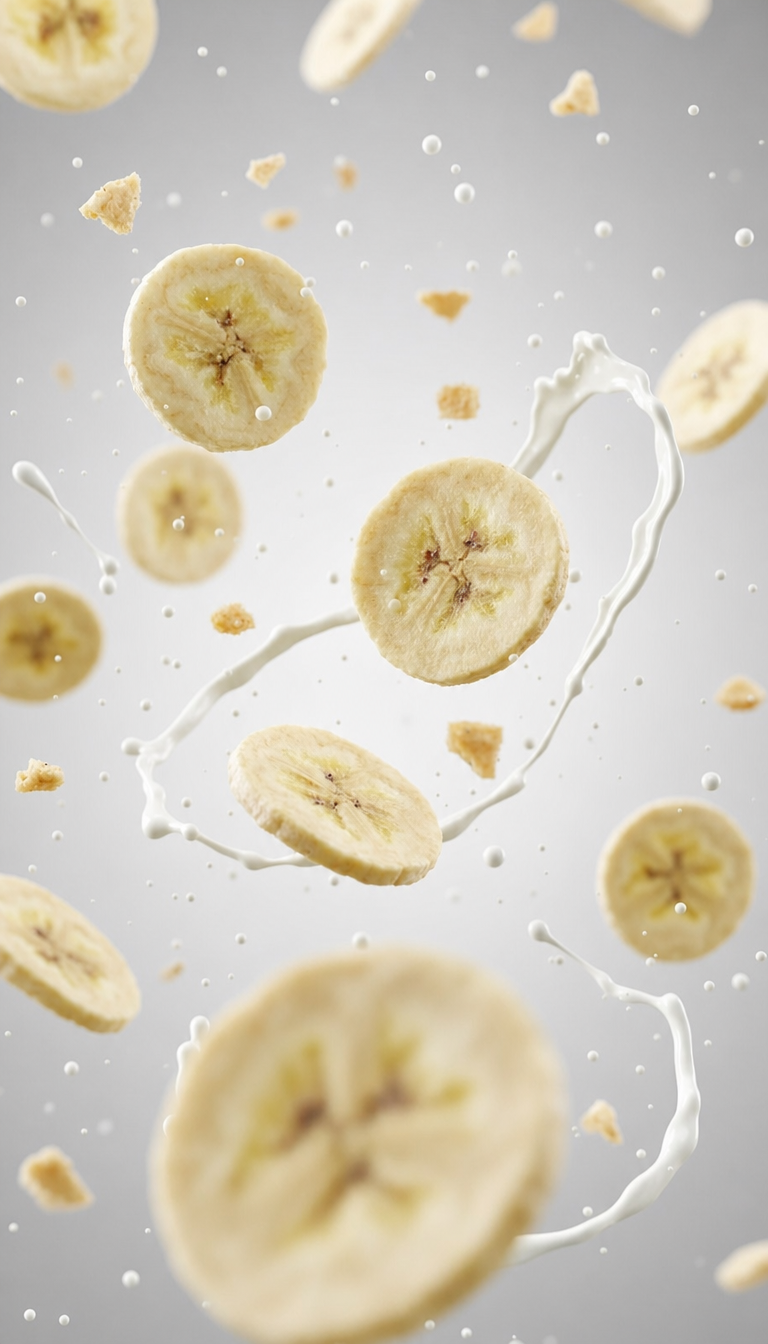
Banana slices in cool milk splash background
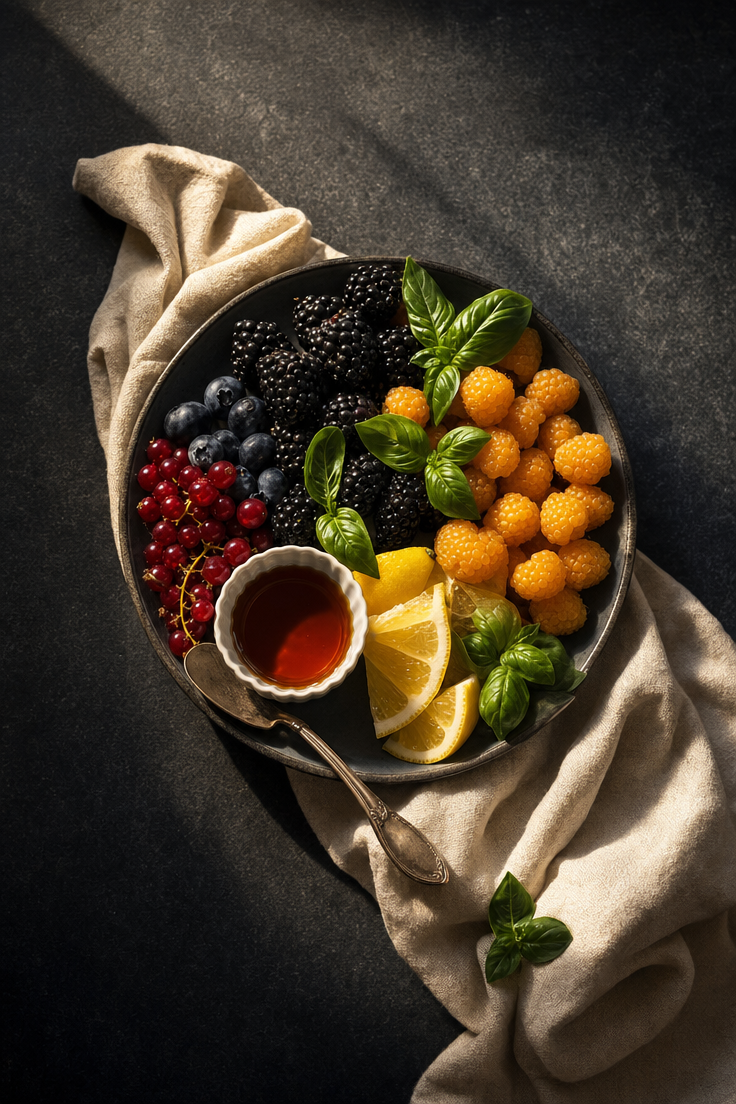
Luxe Berry Medley with Citrus and Herbs