Why this works
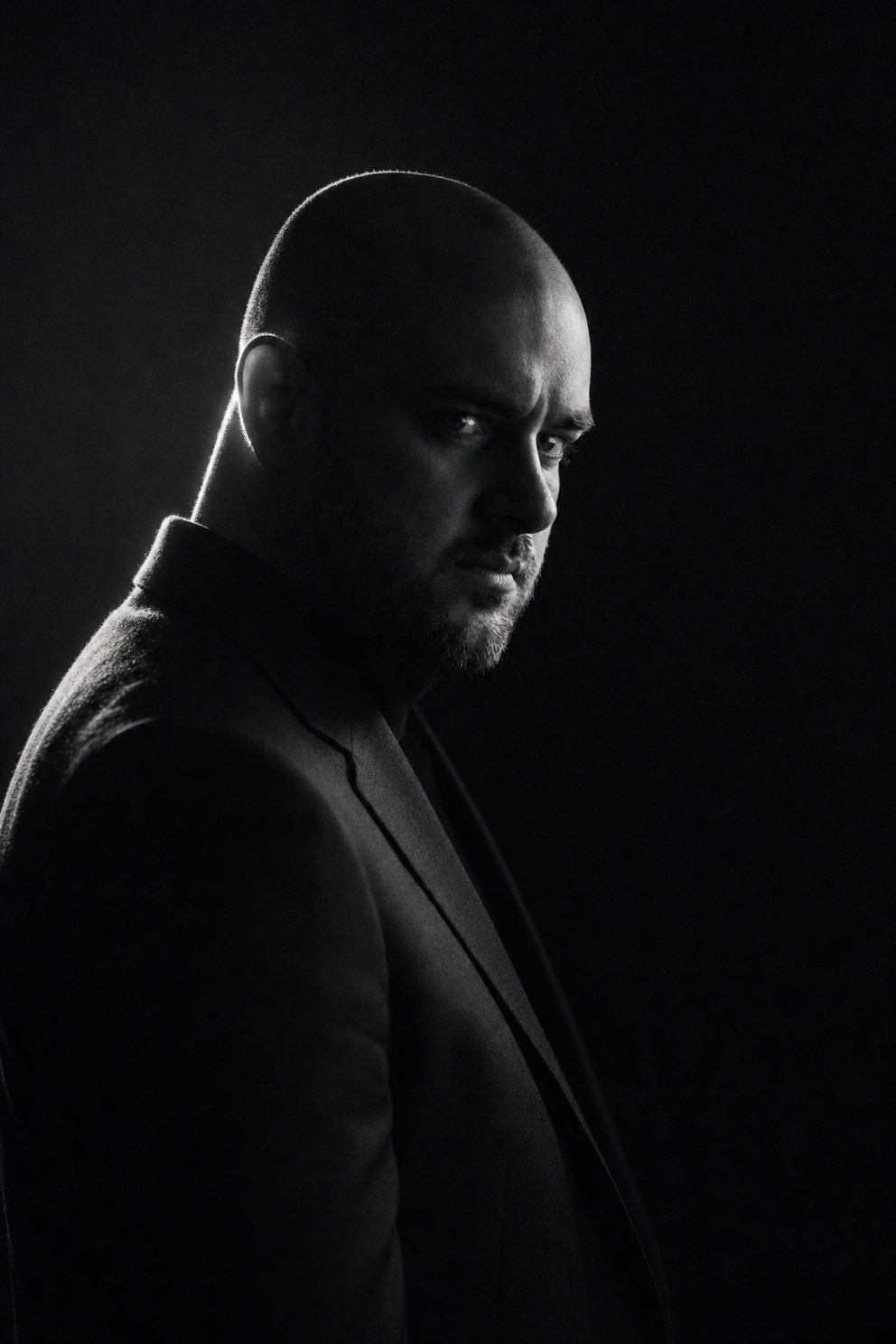
The tight fashion-editorial framing and three-quarter view make the bald, bearded face fill the portrait-closeup, while “sharp etched facial texture” keeps attention on pores, beard, and contours. “Single hard rim light” against “deep shadow” and a “deep black background” produces the severe split illumination and nearly monochrome gray range visible in the image. The intense neo-noir mood comes from the explicit phrases “cinematic chiaroscuro,” “nearly pure black,” and “minimal styling,” with “subtle film-grain finish” adding a restrained photographic surface.
FAQ
→How do I make the eyes and expression more prominent?
Keep “tight fashion-editorial framing,” but replace “three-quarter view” with “front-facing close-up, eyes centered toward camera” and add “catchlight sharply visible in the lit eye, intense direct gaze.” Replace the softer “sharp etched facial texture” emphasis with “eyes and brow ridge rendered with maximum micro-contrast” so facial detail supports the expression.
→How do I shift this from mysterious noir to a colder, more severe mood?
Replace “Intense dramatic neo-noir atmosphere” with “clinical, austere, confrontational atmosphere,” and change “single hard rim light” to “cold overhead key light with a narrow vertical strip of illumination.” Keep “nearly pure black” on the shadow side, but replace “subtle film-grain finish” with “clean, almost textureless digital sharpness” for a less cinematic and more severe result.
→How do I create a matching series with different subjects while preserving this visual identity?
Keep the structural phrases “high-contrast black-and-white low-key studio portrait,” “minimal black studio backdrop,” “single hard rim light,” “cinematic chiaroscuro,” and “fashion-editorial portrait photography.” Swap only “bald, bearded man” and “sharp etched facial texture” for a consistent subject template such as “older woman with cropped silver hair” and “etched cheekbone and expression detail,” then vary pose with replacements like “profile view” or “straight-on view.”
Learn the technique behind this
- Why can't AI spell, and how do I get readable text in an image? — Older diffusion models had no character-level representation of text, so they produced letterform-shaped texture instead of words.
- How should a prompt be structured, and does word order matter? — A prompt that behaves predictably names one subject first, then what it is doing, then where, then the light, then the lens or medium, then the style.
- Why does AI get hands and faces wrong, and how do I fix it? — Hands fail because they're small in frame, extremely variable in pose, and self-occluding — the model has less usable signal per pixel than for any other body part.
Related prompts
Woman in Teal Light, Shadowed Fashion Portrait
Eerie Elegance Among Marble Busts
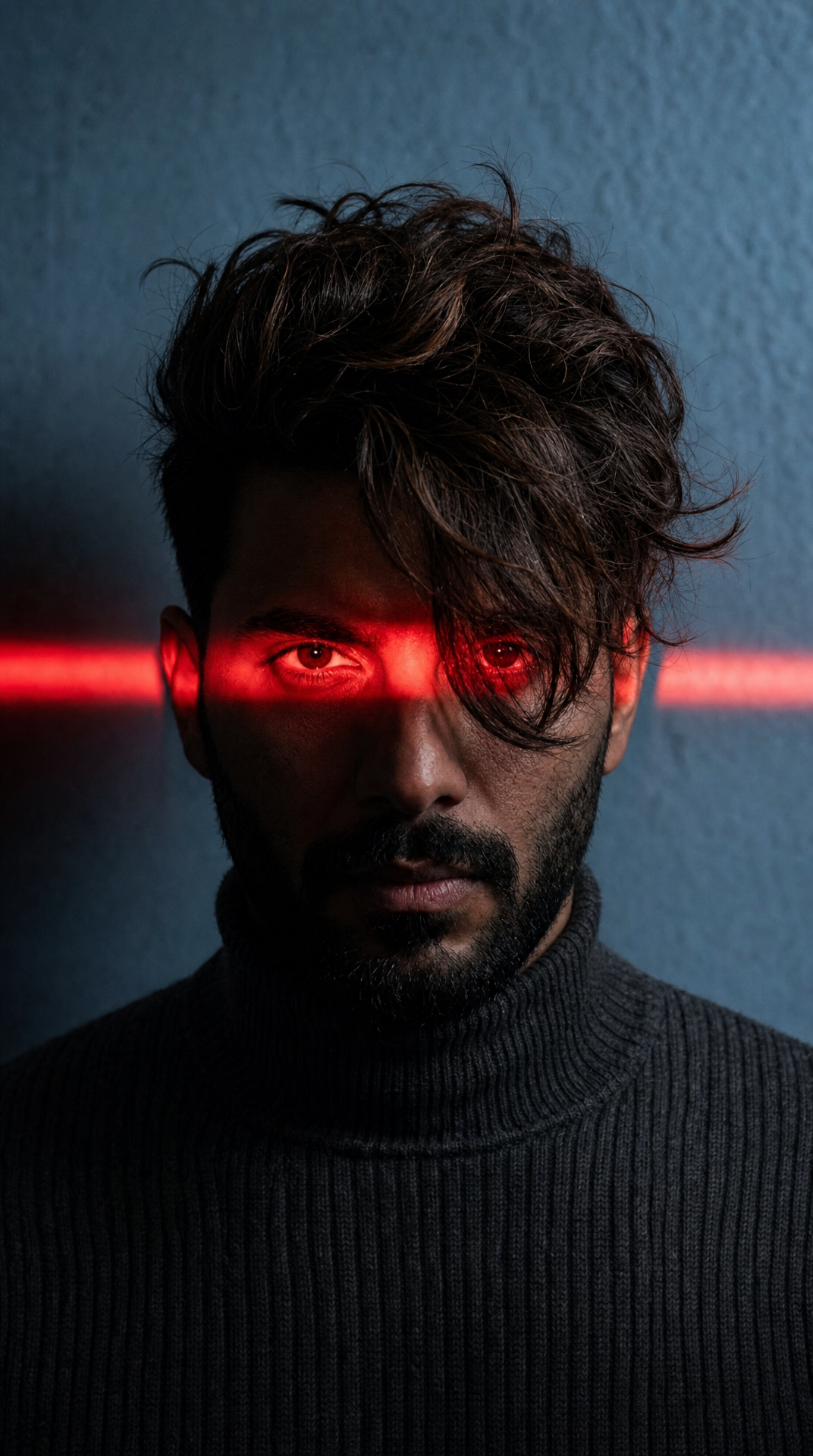
Charcoal turtleneck with red eye-beam
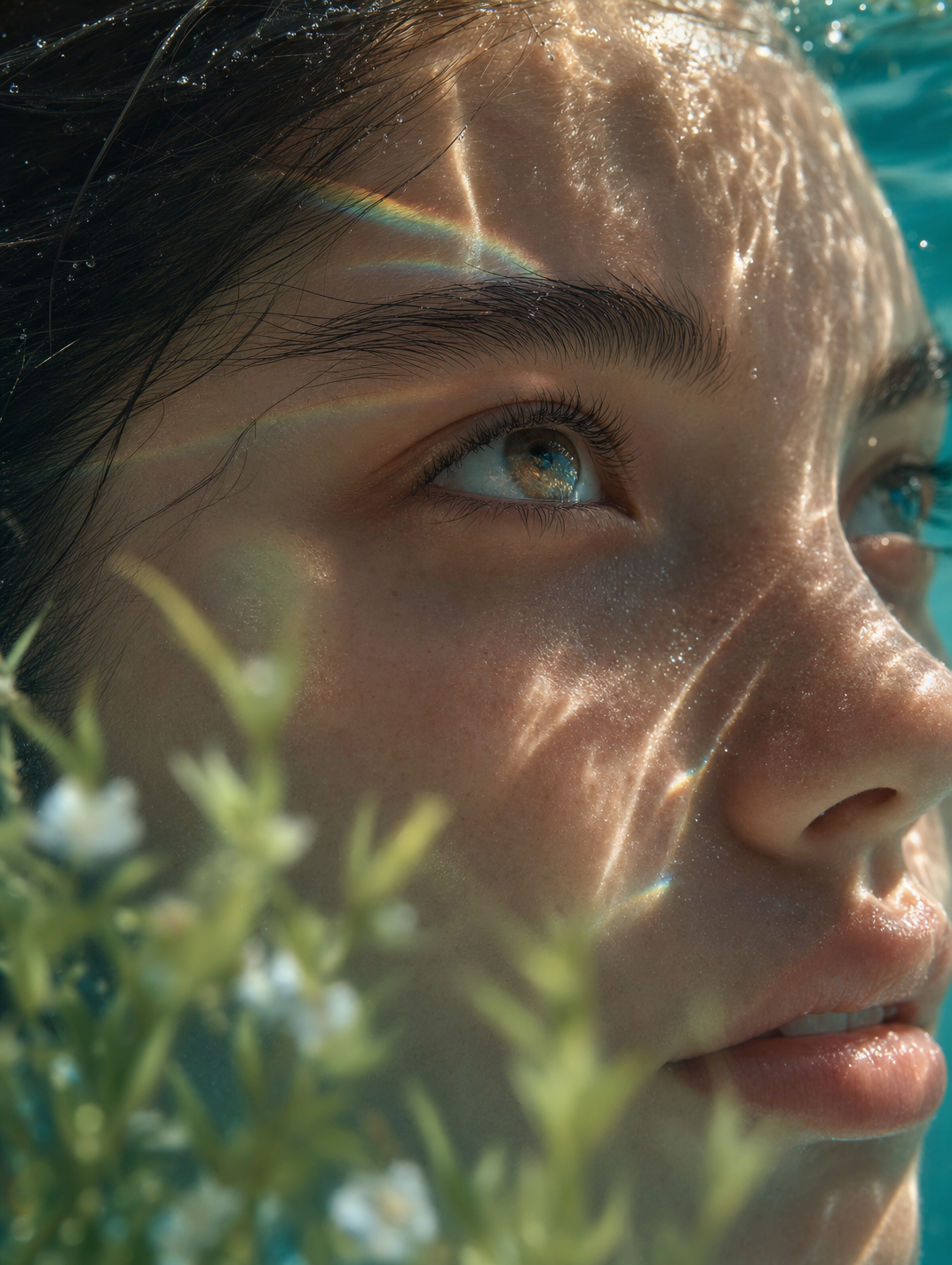
Dreamy Macro Portrait in Cool Water