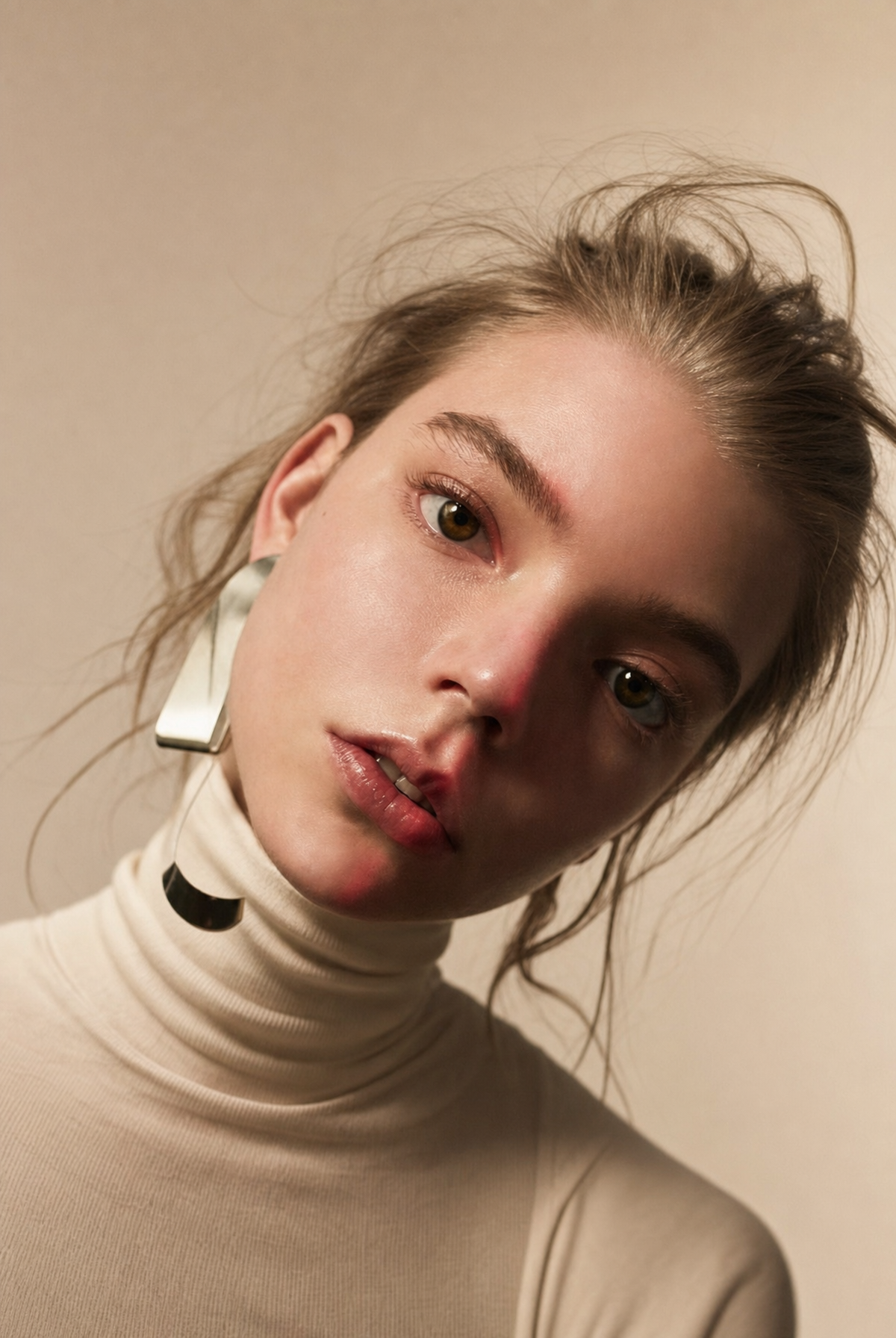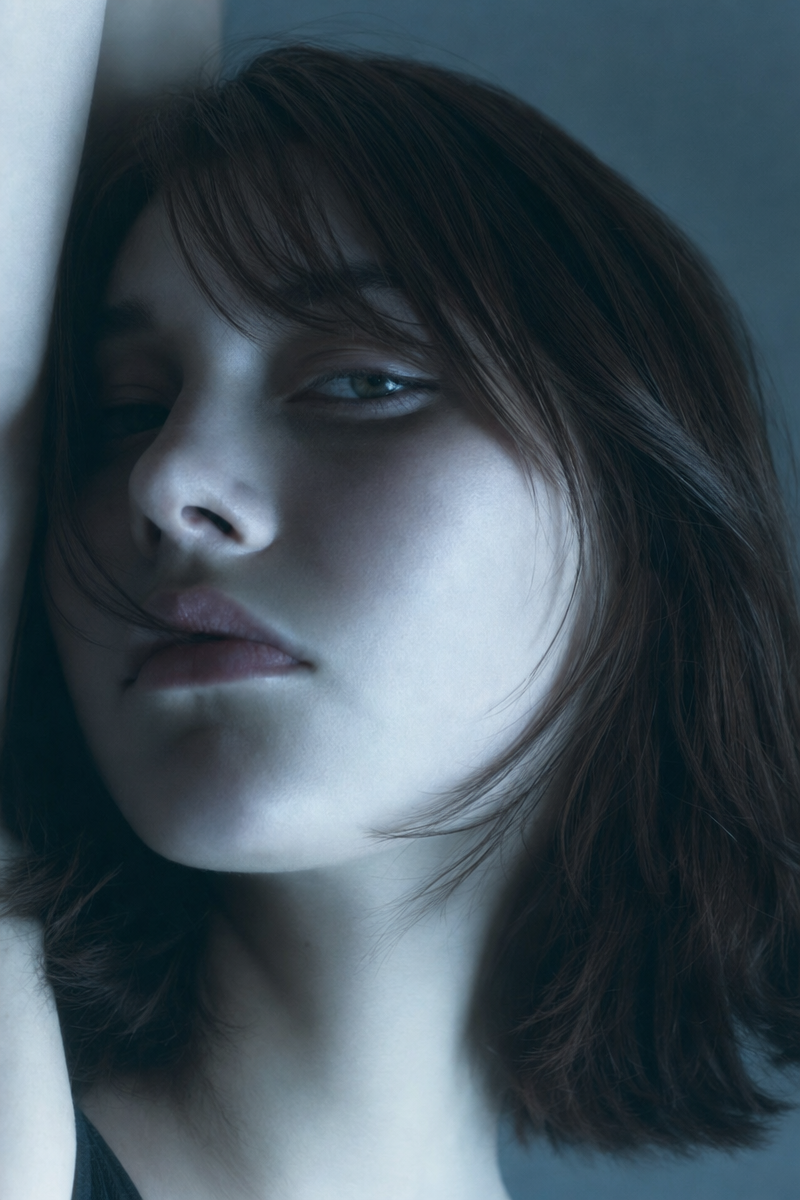
Same prompt, generated with each model separately — click one to see how it holds up.
Why this works
The phrase “intimate tight framing” and the repeated “close-up” language make her face and wispy side-swept bangs the unquestionable focal point, while “head slightly turned” avoids a static passport-like pose. “Cool blue-gray cinematic lighting” against a “deep textured dark background” produces the restrained gray-black palette, with chestnut-brown hair supplying the main warm counterpoint. The mood comes from the specific combination of “softly shadowed facial contours,” “contemplative moody atmosphere,” and “subtle soft-focus bloom,” which softens the high-end editorial sharpness without losing facial structure.
FAQ
→How do I make the portrait feel warmer and more approachable?
Replace “cool blue-gray cinematic lighting” with “warm amber window light with gentle golden fill,” and change “contemplative moody atmosphere” to “quietly joyful, approachable atmosphere.” Keep “softly shadowed facial contours” if you still want dimensionality, but replace “deep textured dark background” with “muted warm beige studio background” to remove the severe black-gray surround.
→How do I make the hair more prominent than the facial expression?
Replace “intimate tight framing” with “medium close-up framing including the shoulders,” and change “chestnut-brown shoulder-length hair” to “voluminous chestnut-brown shoulder-length hair with defined wispy side-swept bangs catching the light.” Add “hair sharply detailed, face slightly softer” after “subtle soft-focus bloom” so the generator gives the hair more visual priority.
→How can I create a consistent series using this portrait as the base?
Keep the identity and styling phrases “pale skin,” “natural lips,” “chestnut-brown shoulder-length hair,” and “wispy side-swept bangs” unchanged, then swap only the setting and lighting blocks. For example, replace “deep textured dark background” and “cool blue-gray cinematic lighting” with “rain-streaked window interior” and “soft overcast daylight,” then make a second variation with “aged cream plaster wall” and “late-afternoon peach side-light.”
Learn the technique behind this
- Why can't AI spell, and how do I get readable text in an image? — Older diffusion models had no character-level representation of text, so they produced letterform-shaped texture instead of words.
- How should a prompt be structured, and does word order matter? — A prompt that behaves predictably names one subject first, then what it is doing, then where, then the light, then the lens or medium, then the style.
- Which aspect ratio should I use, and how does it change the image? — Aspect ratio determines what the model composes, not how it's cropped afterwards.
Related prompts
Woman in Teal Light, Shadowed Fashion Portrait
Eerie Elegance Among Marble Busts
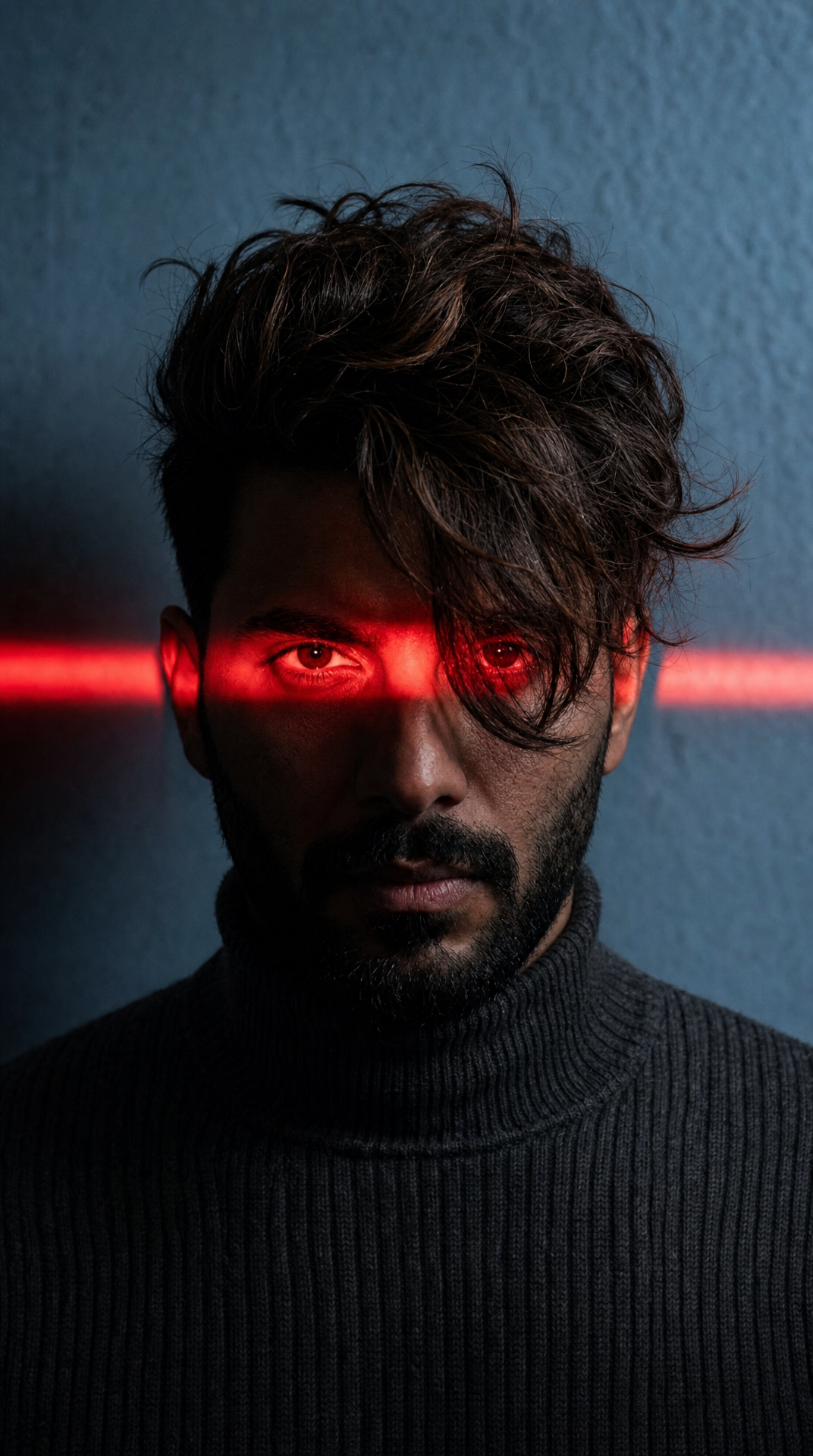
Charcoal turtleneck with red eye-beam
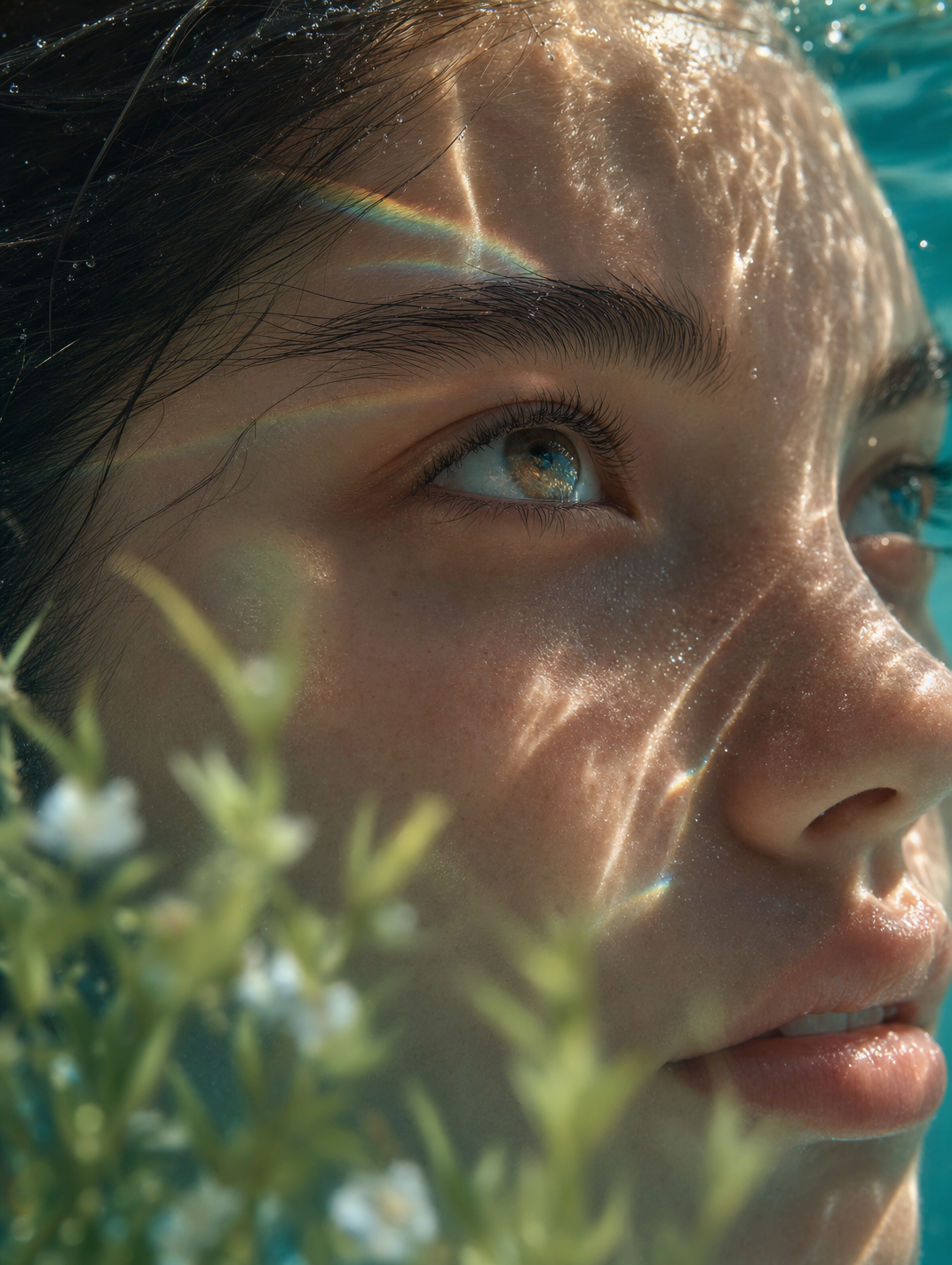
Dreamy Macro Portrait in Cool Water