Why this works
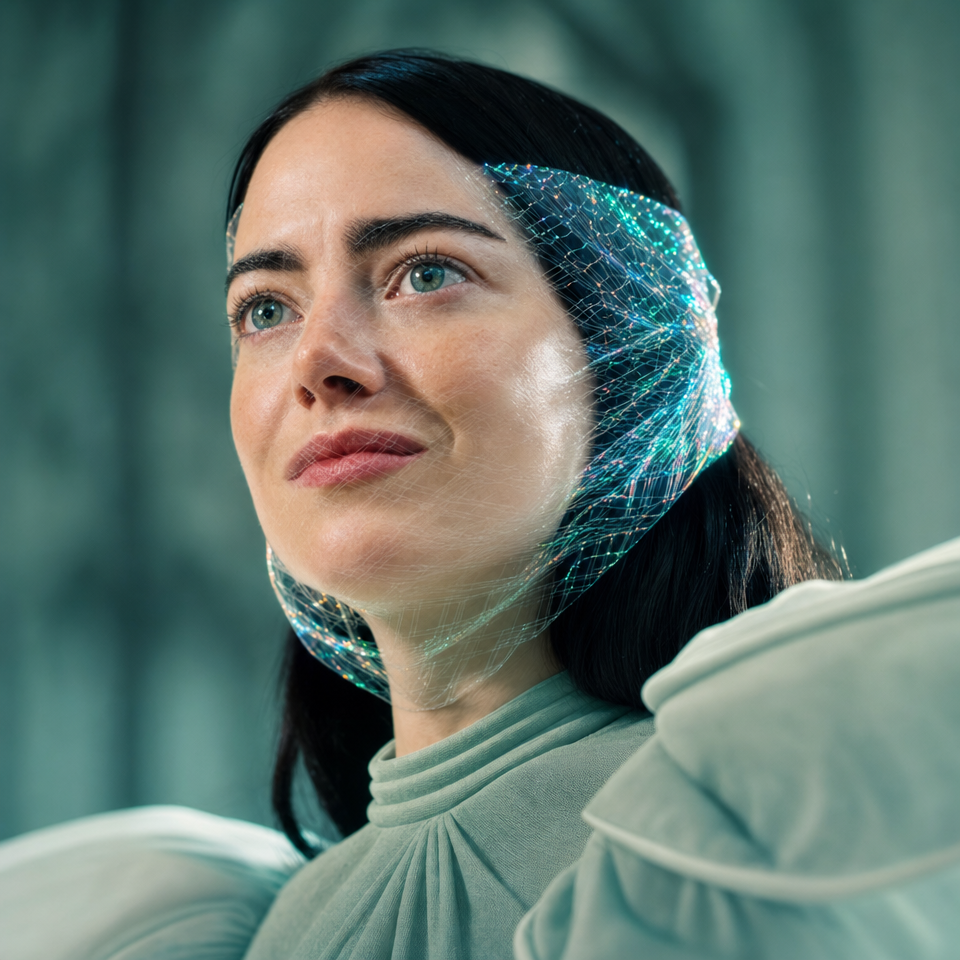
The “close-up” framing and “elegant centered composition” keep the woman’s blue eyes and face-wrapped mesh as the visual anchors, while “shallow depth of field” removes detail from the blurred warm teal background. “Translucent iridescent holographic mesh,” “subtle geometric patterns,” and “soft glow” provide the futuristic effect without overpowering the realistic skin texture. The calm, contemplative tone comes from the explicit “calm contemplative mood” paired with “cinematic soft lighting” and “gentle rim light,” while the muted sage-green clothing and black, beige, and gray dominant image tones keep the palette restrained.
FAQ
→How do I change this prompt to make the portrait feel darker and more dramatic?
Replace “cinematic soft lighting with gentle rim light” with “low-key cinematic lighting, hard side-lighting, deep facial shadows, and a narrow cool rim light.” Change “calm contemplative mood” to “mysterious, tense mood,” and replace “blurred warm teal background” with “dark charcoal background with faint blue reflections.”
→How do I make the holographic mesh more central and visually prominent?
Replace “subtle geometric patterns and a soft glow” with “large intricate geometric holographic panels, sharply defined iridescent refractions, and luminous cyan-magenta highlights.” Change “elegant centered composition” to “centered frontal composition with the holographic mesh occupying most of the frame,” while keeping “close-up” so the face remains legible.
→How do I build a series of variations from this portrait without losing its visual identity?
Keep the fixed anchors “photorealistic futuristic editorial portrait,” “dark brown hair and blue eyes,” “translucent iridescent holographic mesh,” “highly detailed realistic skin texture,” and “close-up framing.” Create controlled variants by replacing “muted sage-green high-neck clothing” with colors such as “matte cobalt-blue collar,” “soft ivory high-neck clothing,” or “deep burgundy fabric,” and swap “blurred warm teal background” for “blurred amber studio background,” “cool violet background,” or “soft silver-gray background.”
Learn the technique behind this
- Why can't AI spell, and how do I get readable text in an image? — Older diffusion models had no character-level representation of text, so they produced letterform-shaped texture instead of words.
- How should a prompt be structured, and does word order matter? — A prompt that behaves predictably names one subject first, then what it is doing, then where, then the light, then the lens or medium, then the style.
- Why does AI get hands and faces wrong, and how do I fix it? — Hands fail because they're small in frame, extremely variable in pose, and self-occluding — the model has less usable signal per pixel than for any other body part.
Related prompts
Woman in Teal Light, Shadowed Fashion Portrait
Eerie Elegance Among Marble Busts
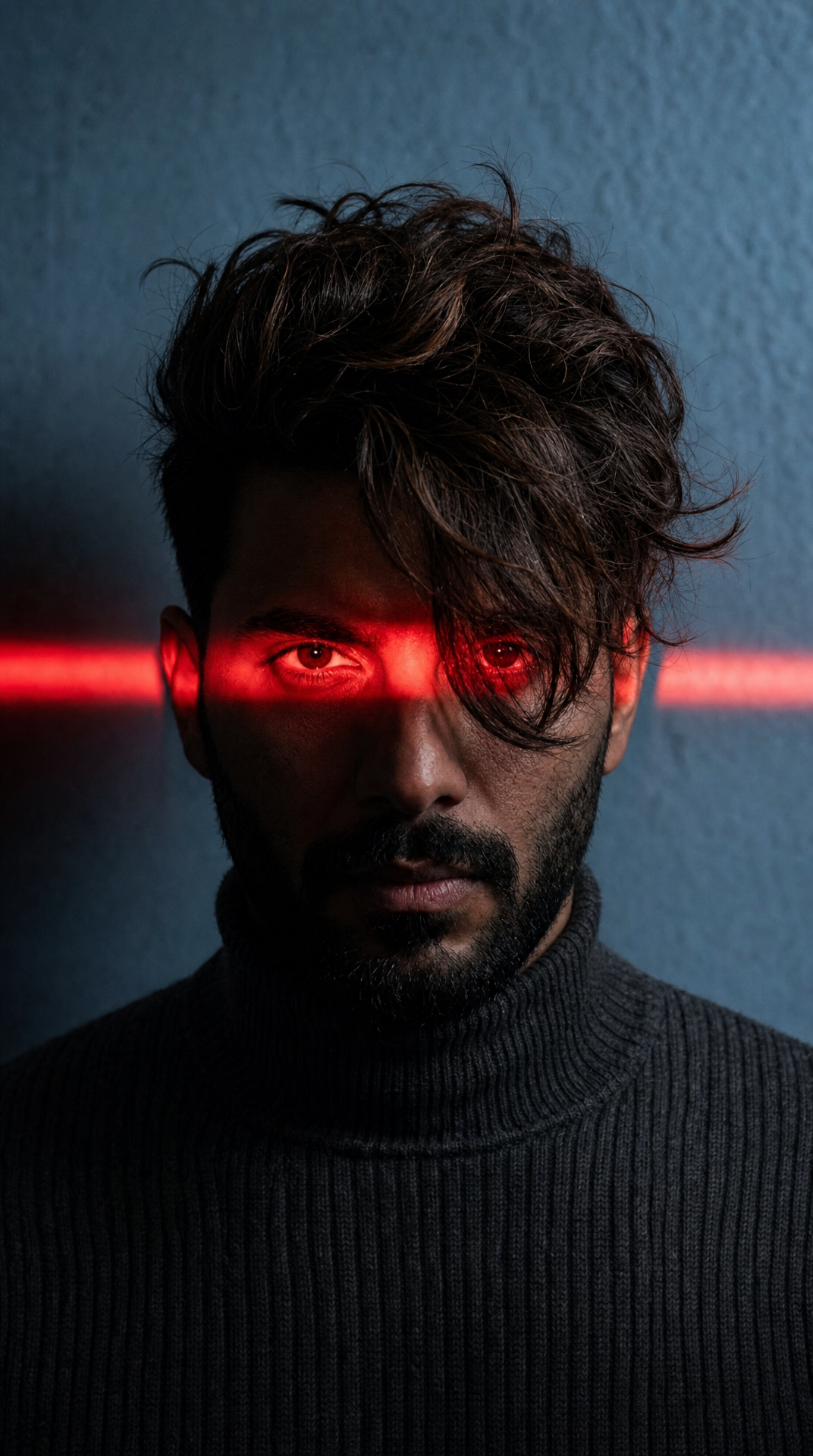
Charcoal turtleneck with red eye-beam
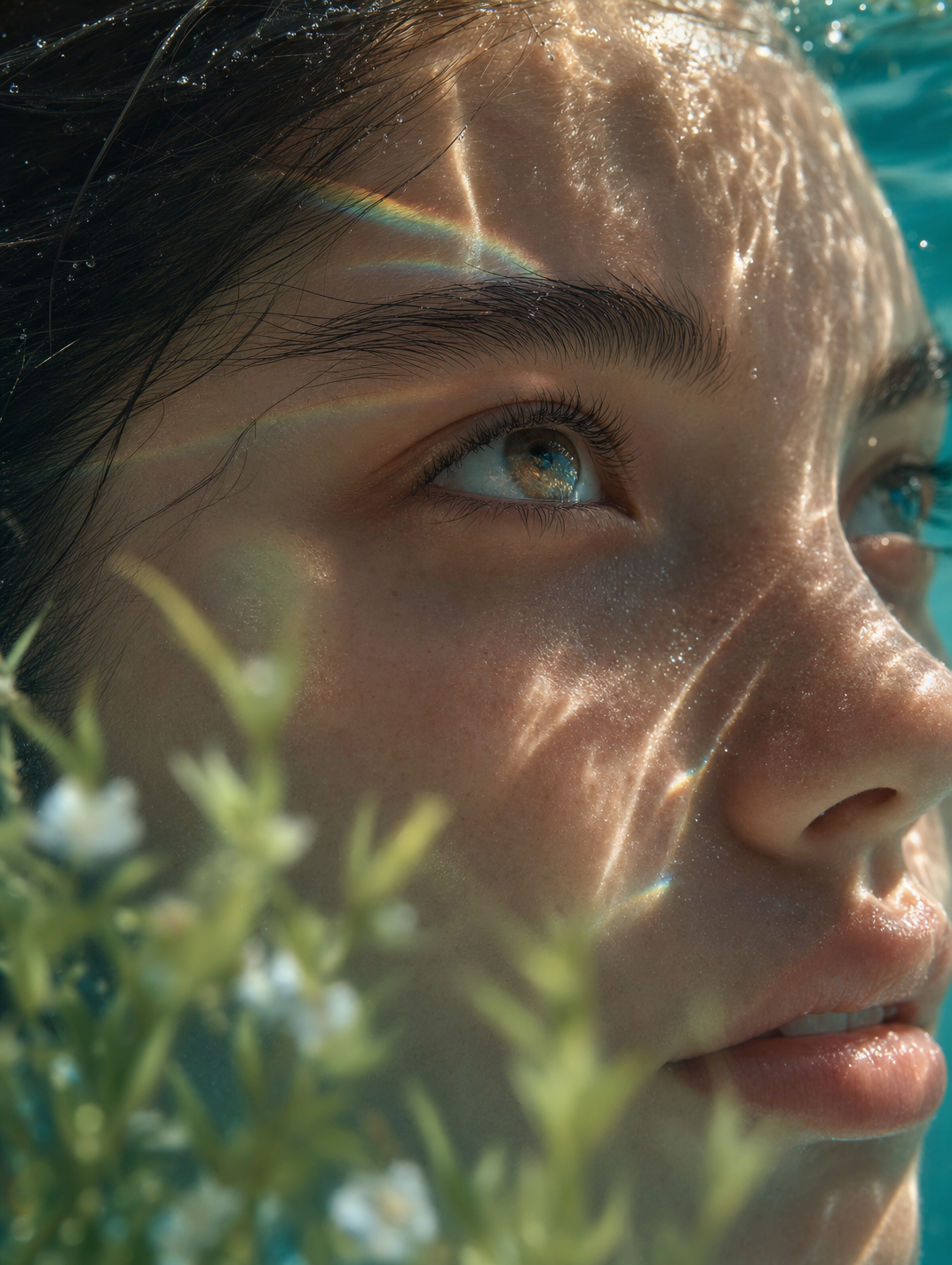
Dreamy Macro Portrait in Cool Water