Why this works
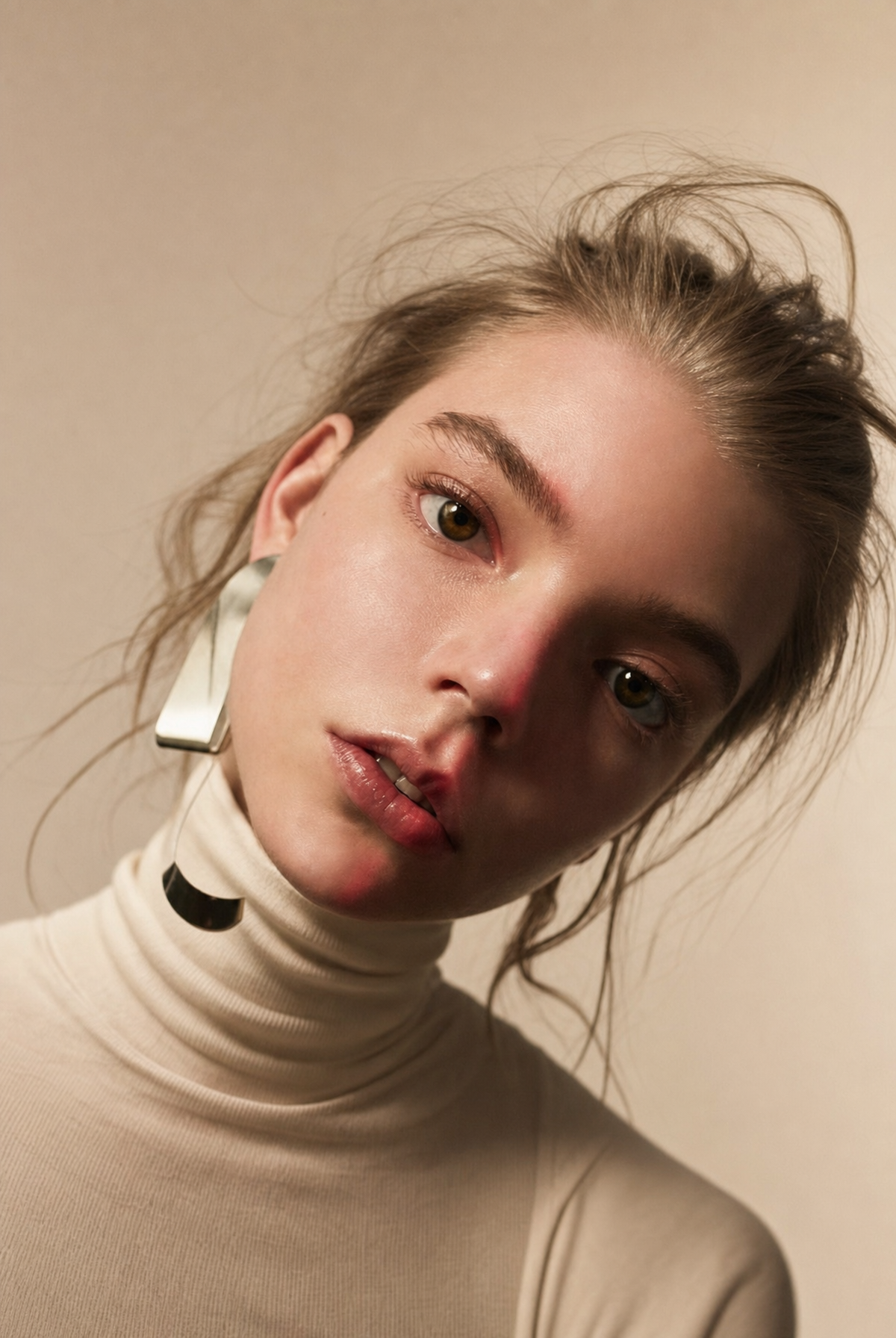
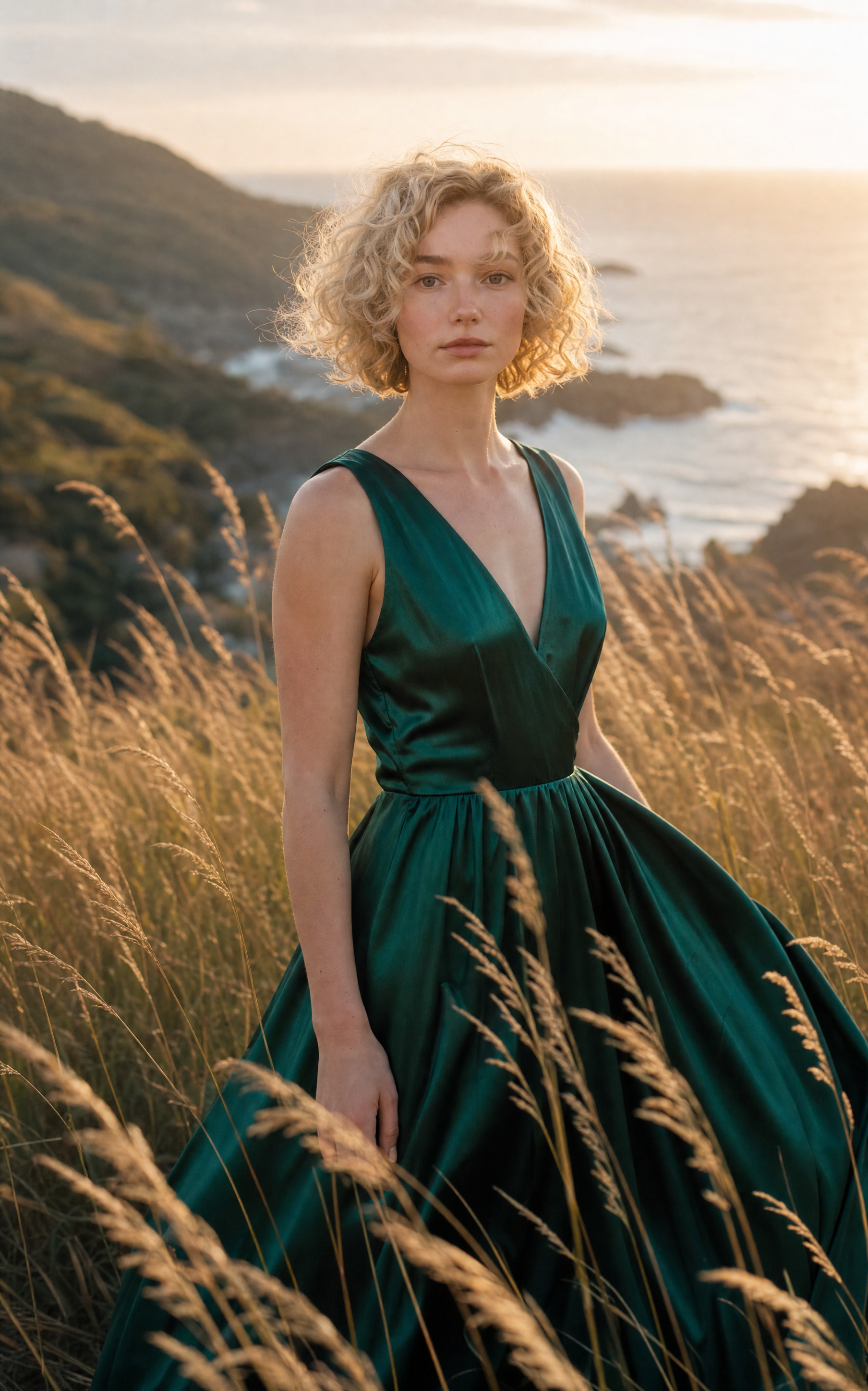
“Deep emerald satin dress” against “tall golden grasses” supplies the image’s strongest green-and-gold contrast, while the “late-afternoon coastal hillside” adds the beige, sun-washed background visible around the figure. The “waist-up shot with shallow depth of field” keeps her face and satin as the focal area, and “creamy background bokeh” separates her from the grass without losing the coastal setting. “Soft cool-warm sunlight” and “subtle highlights along her face and dress” establish the warm, serene glow, while “elegant and airy composition” supports the open spacing and restrained romantic mood.
FAQ
→How do I make the woman’s face and emerald dress more prominent?
Replace “waist-up shot” with “tight chest-up portrait” and change “shallow depth of field” to “very shallow depth of field focused sharply on her eyes and satin neckline.” Keep “deep emerald satin dress,” but add “dress occupying the lower foreground” so the green fabric carries more visual weight.
→How do I turn the serene romantic mood into a dramatic coastal portrait?
Replace “soft cool-warm sunlight” with “low, directional sunset light with strong side shadows” and change “golden coastal glow” to “stormy sunset contrast with deep shadows.” Replace “serene romantic mood” with “windswept, cinematic tension,” while keeping “tall golden grasses” and adding “darkening clouds over the sea.”
→How do I create a coordinated series with different dresses and landscapes?
Keep the fixed structure “photorealistic cinematic portrait,” “waist-up shot,” “shallow depth of field,” “natural-looking skin texture,” and “cinematic color grading,” then swap “deep emerald satin dress” and “late-afternoon coastal hillside.” For example, use “cobalt blue velvet dress” with “misty alpine meadow,” or “terracotta linen dress” with “sunlit desert garden,” while retaining “subtle highlights along her face and dress” for visual continuity.
Learn the technique behind this
- Why can't AI spell, and how do I get readable text in an image? — Older diffusion models had no character-level representation of text, so they produced letterform-shaped texture instead of words.
- Why does AI get hands and faces wrong, and how do I fix it? — Hands fail because they're small in frame, extremely variable in pose, and self-occluding — the model has less usable signal per pixel than for any other body part.
- How do I keep the same character across multiple images? — Text prompts alone won't hold a face across images — a description defines a type, not a person.
Related prompts
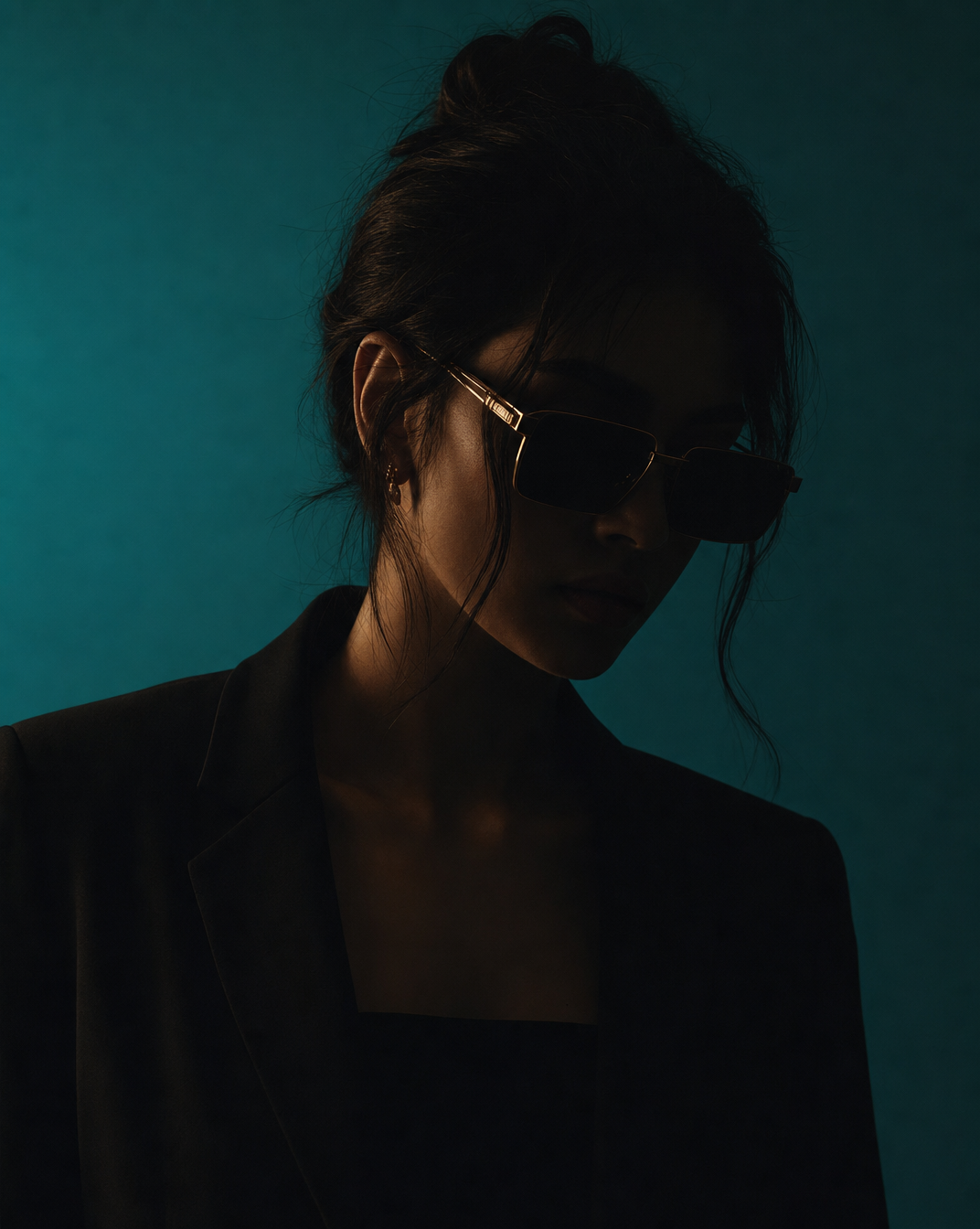
Woman in Teal Light, Shadowed Fashion Portrait
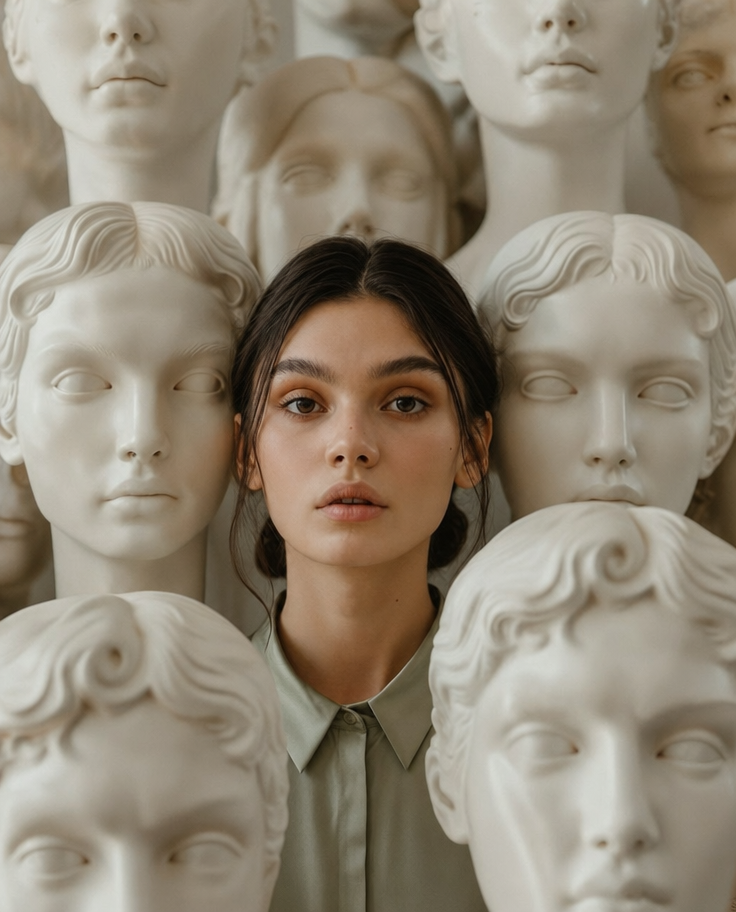
Eerie Elegance Among Marble Busts

Charcoal turtleneck with red eye-beam
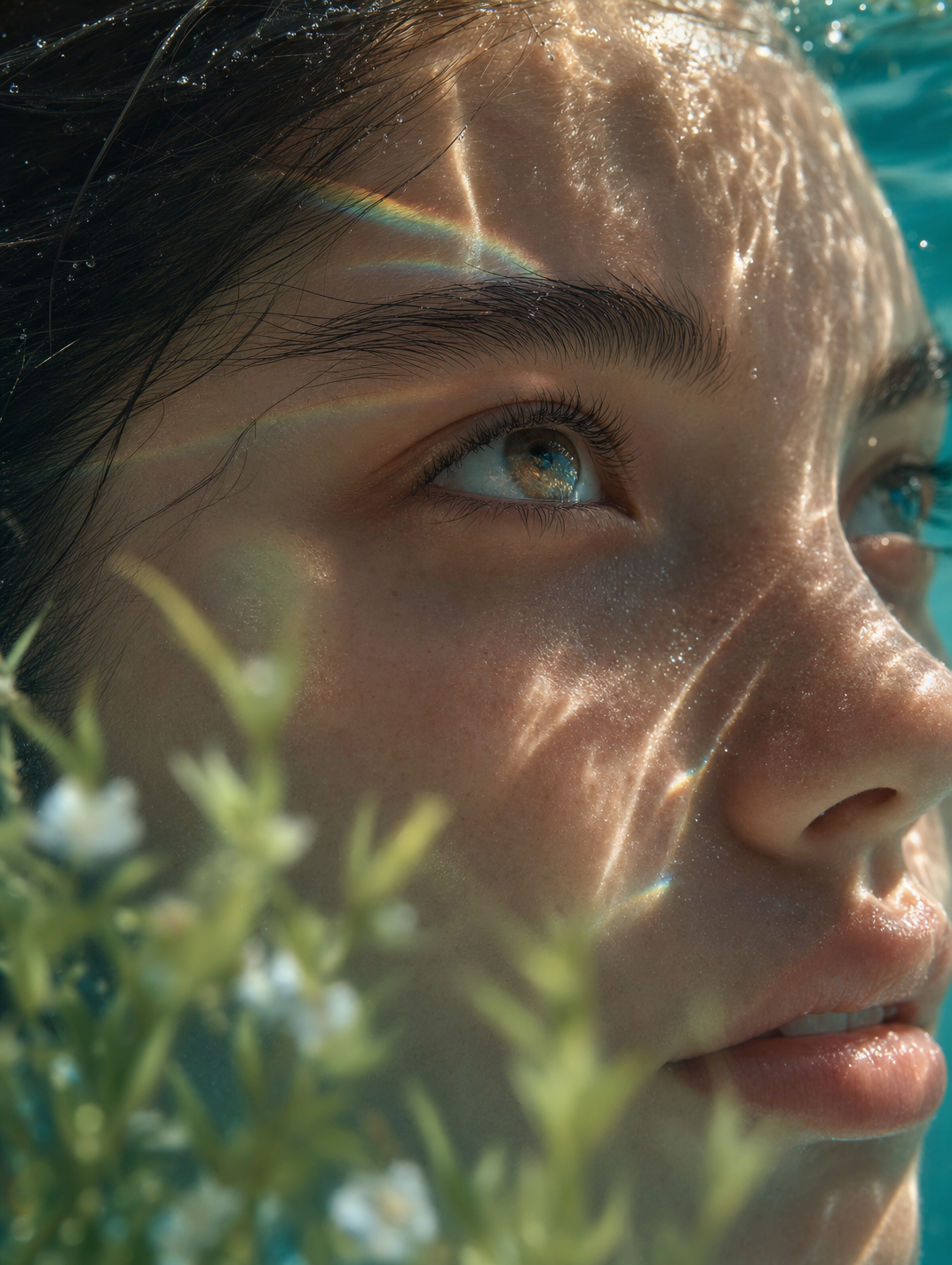
Dreamy Macro Portrait in Cool Water