Why this works
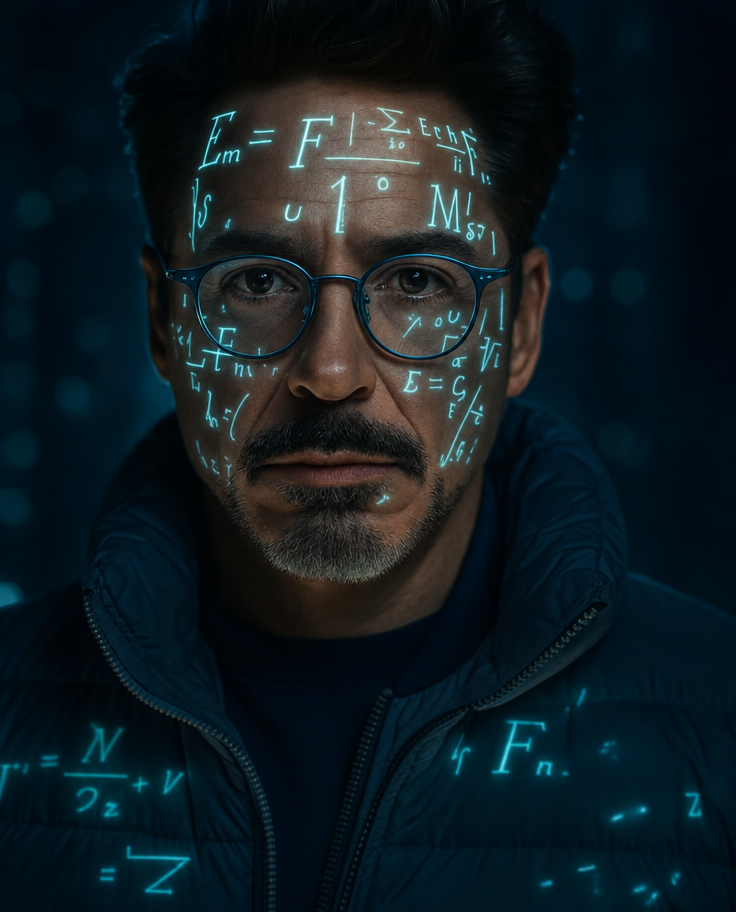
The “cinematic photorealistic close-up portrait” makes the face and projected equations the fixed focal point, while “sharp facial detail” and “realistic skin texture” preserve a tactile, human surface beneath the graphics. “Blue-rimmed round glasses” and a “deep navy jacket” explain the image’s dominant blue-gray harmony, and “high-contrast cyan/teal neon lighting” makes the luminous equations read as part of the wardrobe and face rather than flat overlay. The “dark moody studio background,” “dramatic studio light shaping,” and “subtle atmospheric glow” supply the intense futuristic mood by isolating the subject against controlled darkness.
FAQ
→How do I make the projected equations more central and visually dominant?
Replace “projected geometric equations across his face and jacket” with “dense, sharply legible luminous equations covering most of his face and spreading across the jacket,” and add “equations as the primary focal point, partially obscuring the glasses and facial planes.” Keep “cinematic close-up portrait” so the projection remains large in frame.
→How do I change the intense futuristic tone into a colder, more ominous mood?
Replace “intense futuristic mood” and “high-contrast cyan/teal neon lighting” with “ominous clinical mood” and “hard desaturated blue light with narrow white highlights.” Change “subtle atmospheric glow” to “thin cold haze and deep black falloff” to reduce the colorful neon effect while preserving the dark studio setting.
→How do I build a variation series without losing the visual identity?
Keep “cinematic photorealistic close-up portrait,” “luminous projected geometric equations,” “realistic skin texture,” and “sharp facial detail” unchanged. Create controlled variants by swapping only “blue-rimmed round glasses” and “deep navy jacket” for pairs such as “red angular glasses” and “charcoal leather jacket,” then replace “cyan/teal neon lighting” with a matching “red/magenta neon lighting” while retaining “dramatic studio light shaping.”
Learn the technique behind this
- Why can't AI spell, and how do I get readable text in an image? — Older diffusion models had no character-level representation of text, so they produced letterform-shaped texture instead of words.
- How should a prompt be structured, and does word order matter? — A prompt that behaves predictably names one subject first, then what it is doing, then where, then the light, then the lens or medium, then the style.
- How do I keep the same character across multiple images? — Text prompts alone won't hold a face across images — a description defines a type, not a person.
Related prompts
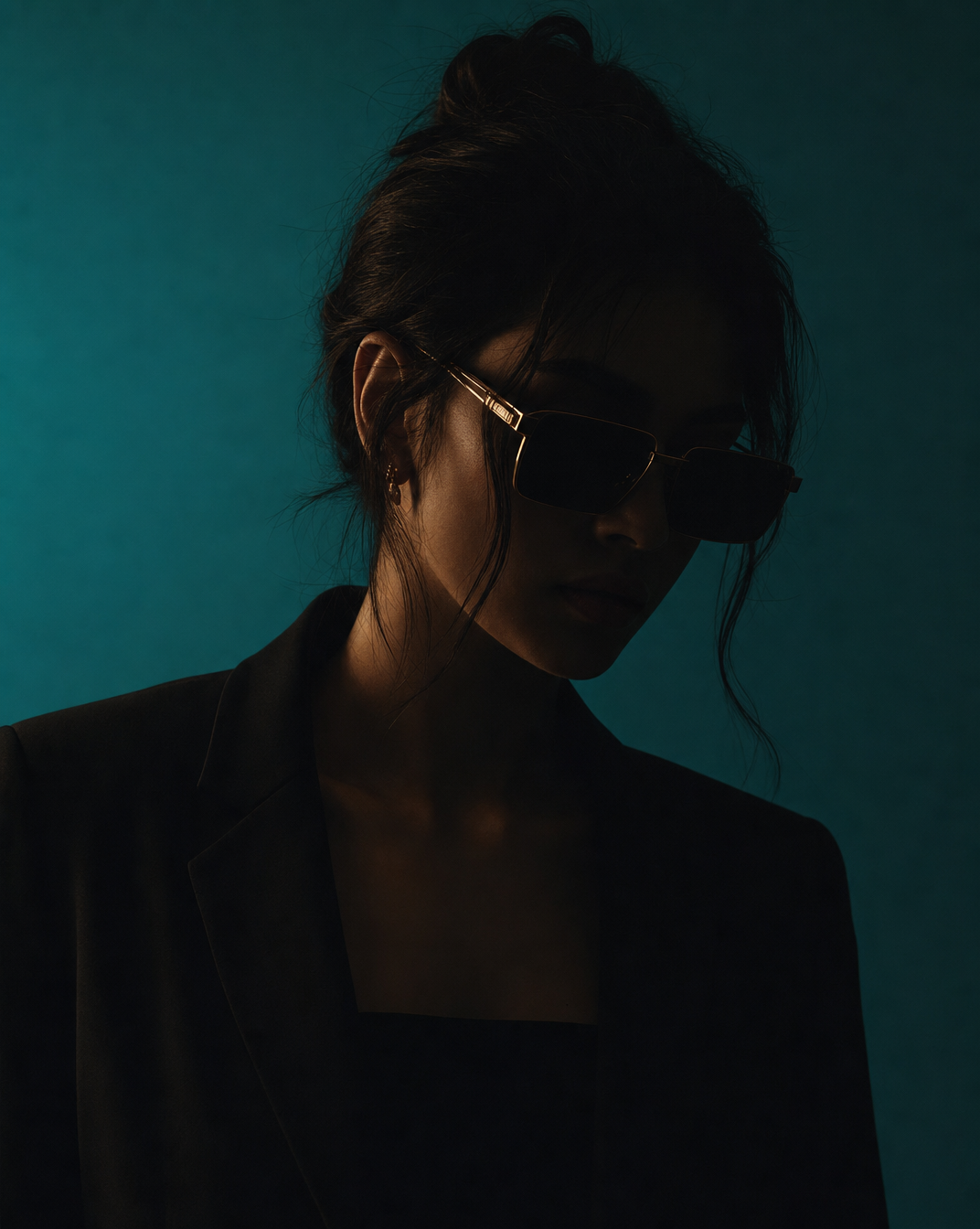
Woman in Teal Light, Shadowed Fashion Portrait
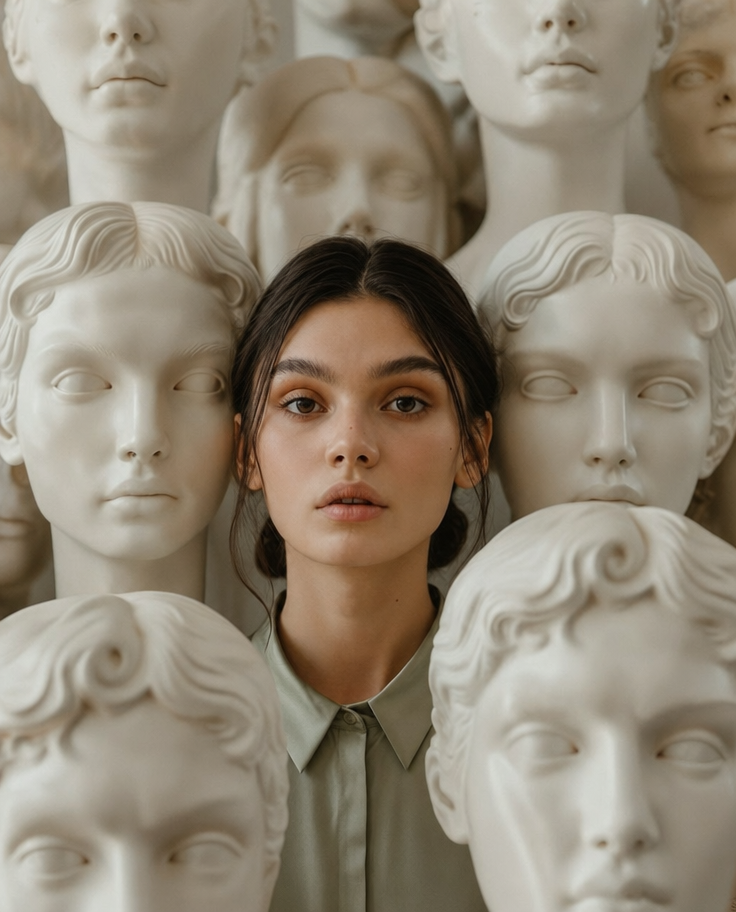
Eerie Elegance Among Marble Busts
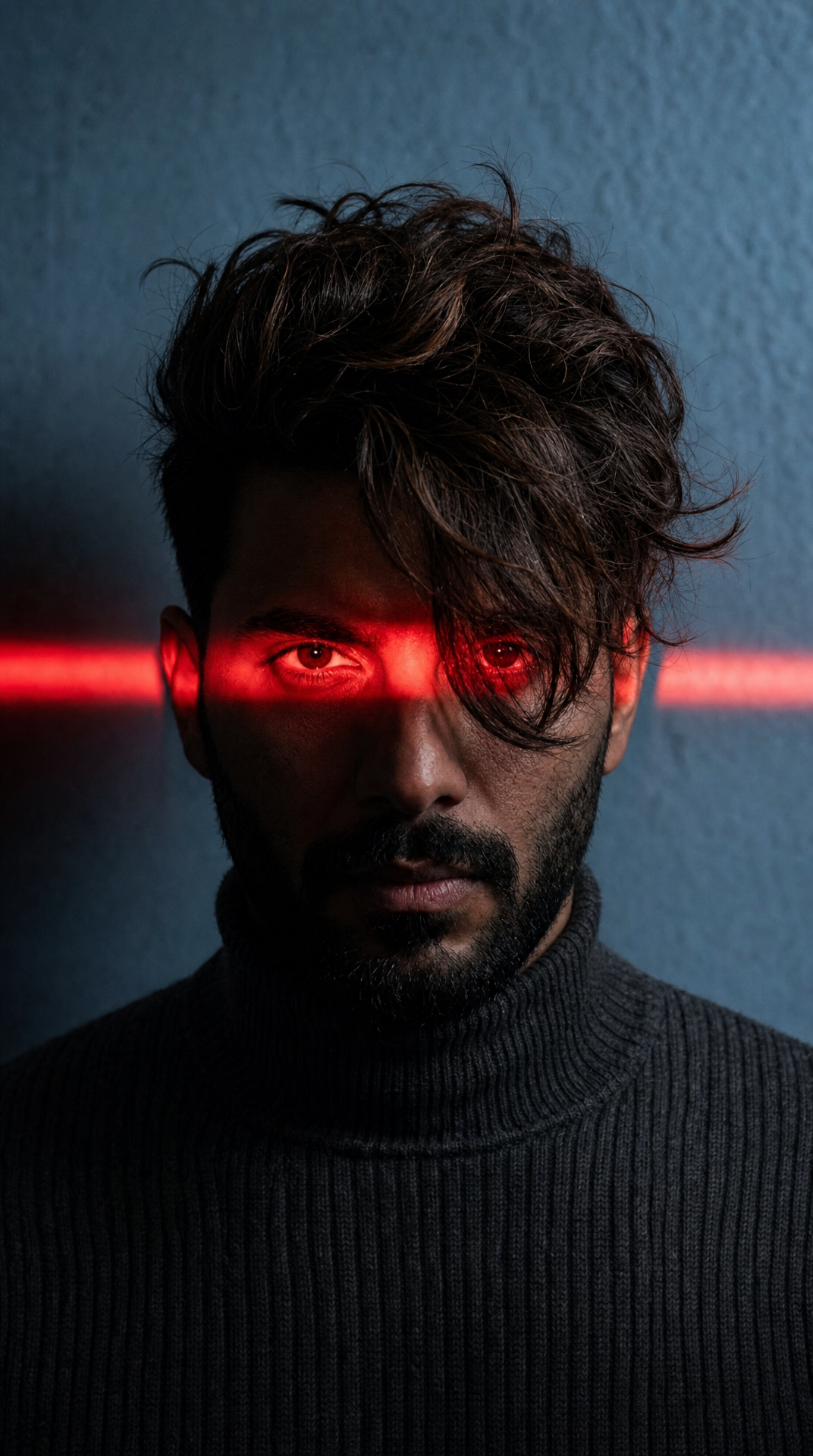
Charcoal turtleneck with red eye-beam
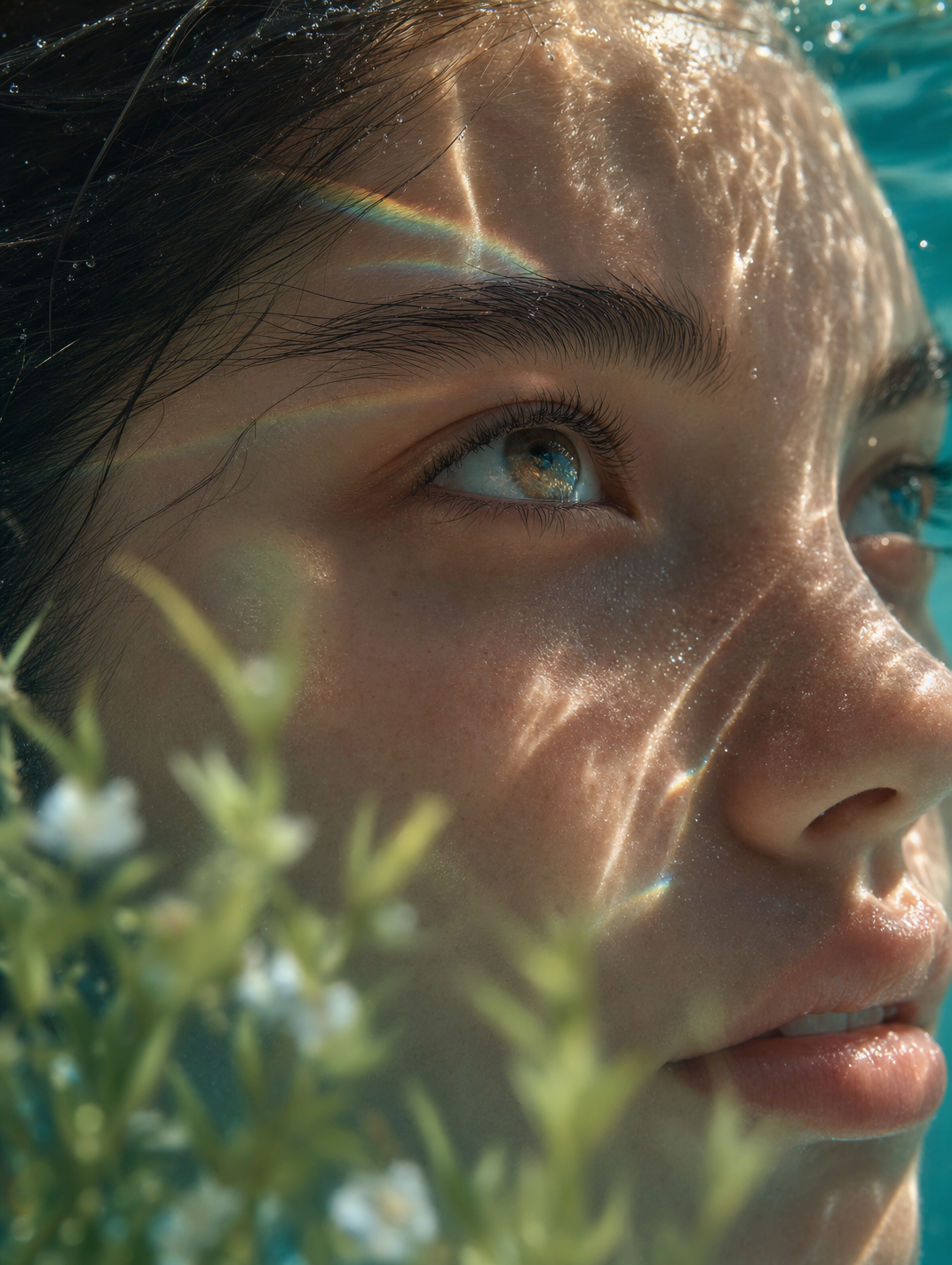
Dreamy Macro Portrait in Cool Water