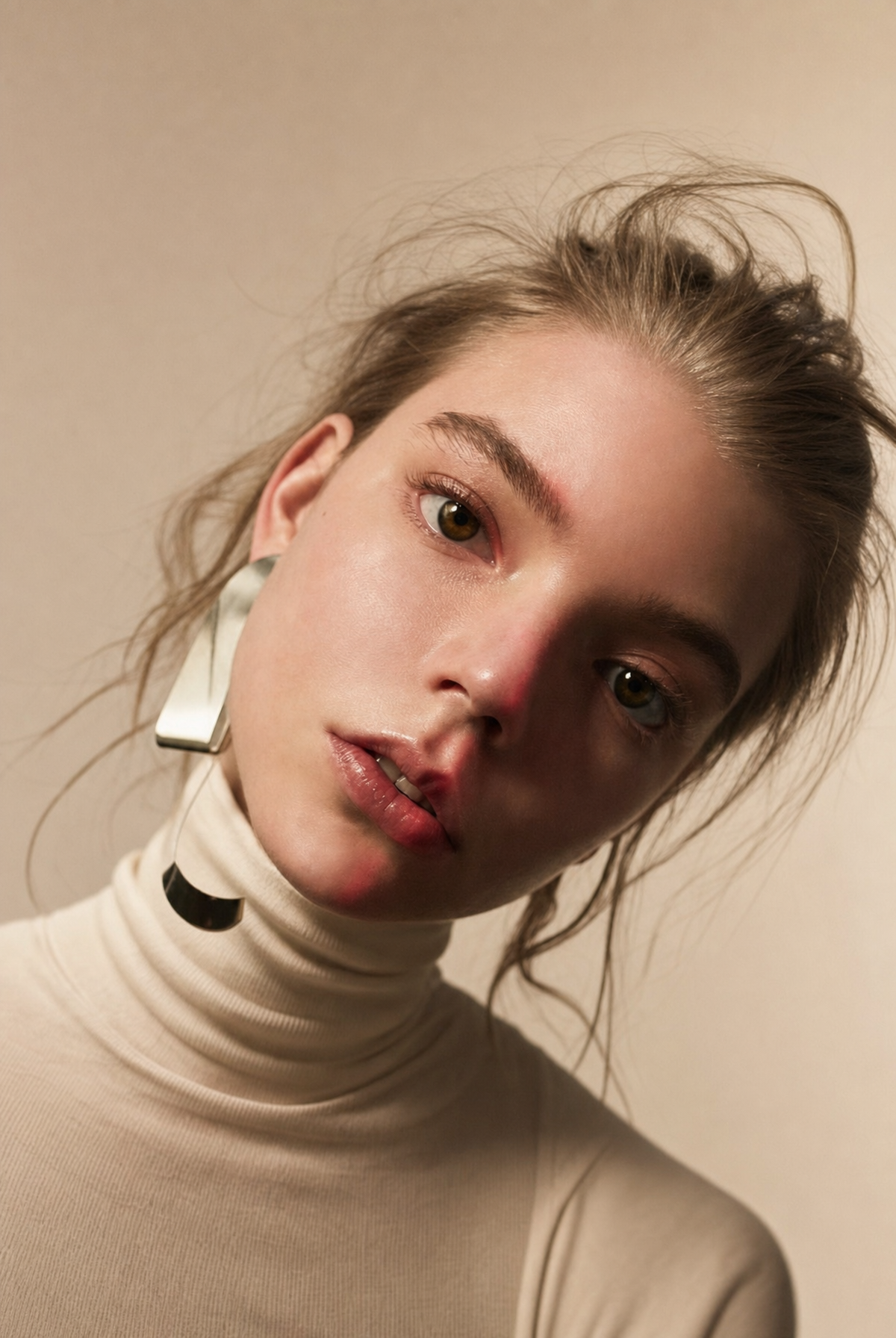
Why this works
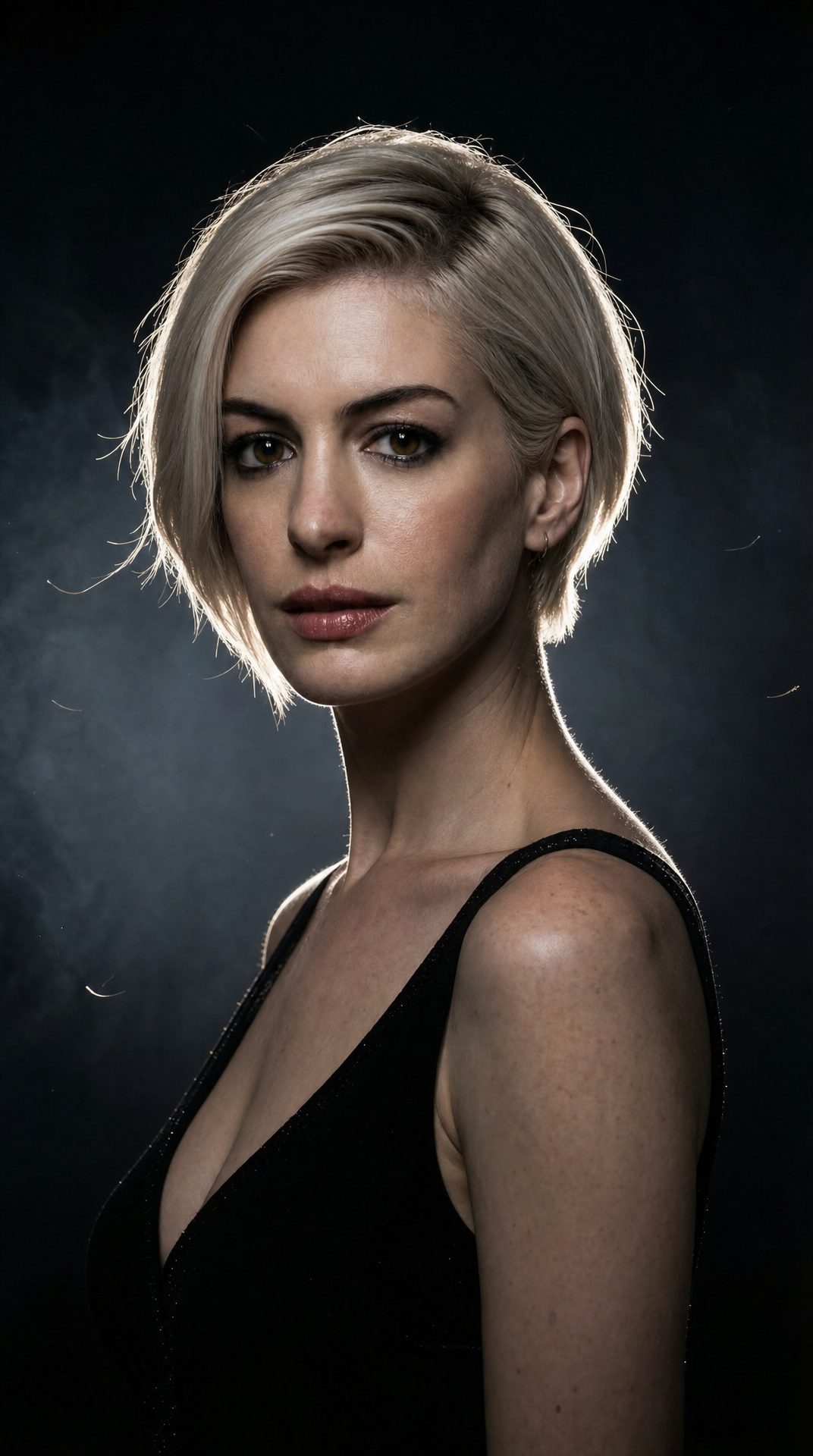
The moody, low-key feel comes directly from 'black seamless studio background' paired with 'dramatic shadows across her face' - that's what pushes the palette toward the gray and beige tones seen in the image rather than anything punchy or saturated. The rim-lit silhouette effect is entirely a product of 'strong backlight creating a bright contour glow around her silhouette' and 'intense back rim light', which is what separates her platinum hair from the black backdrop instead of letting her blend into it. 'Subtle haze catching the backlight' is the specific phrase responsible for the soft glow and slight atmospheric texture around the contour rather than a hard, clean edge. The tight portrait-closeup framing and skin detail trace back to 'photorealistic skin texture' and 'glossy eye reflections', which keep the focus locked on her face even with all the lighting drama happening around the edges.
FAQ
→How do I make the backlight glow even more dominant in the image?
Push 'strong backlight creating a bright contour glow' to something like 'intense blown-out backlight creating an overexposed contour glow' and bump 'subtle haze' to 'thick haze catching the backlight'. That combination will widen the glow and let it eat into the shadow detail more, which is what makes it read as the dominant feature instead of a supporting effect.
→How do I shift this from moody and mysterious to bright and glamorous?
Swap 'dramatic shadows across her face' and 'moody low-key lighting setup' for 'even, bright beauty lighting' and change 'black seamless studio background' to 'white seamless studio background'. Keep the 'three-point lighting scheme' language but change 'intense back rim light' to 'gentle back rim light' so the contrast drops and the mood lifts without losing the studio polish.
→How do I build a series of variations from this same setup?
Keep the lighting block ('strong backlight creating a bright contour glow', 'three-point lighting scheme with soft key light, subtle fill light, and intense back rim light') fixed since that's the signature look, and only rotate the subject description, for example changing 'a woman with short platinum blonde hair' to 'a man with a shaved head' or 'a woman with long dark curly hair'. That keeps the lighting and color palette consistent across the set while giving you different silhouettes against the same black backdrop.
Learn the technique behind this
- Why can't AI spell, and how do I get readable text in an image? — Older diffusion models had no character-level representation of text, so they produced letterform-shaped texture instead of words.
- How should a prompt be structured, and does word order matter? — A prompt that behaves predictably names one subject first, then what it is doing, then where, then the light, then the lens or medium, then the style.
- Why does AI get hands and faces wrong, and how do I fix it? — Hands fail because they're small in frame, extremely variable in pose, and self-occluding — the model has less usable signal per pixel than for any other body part.
Related prompts
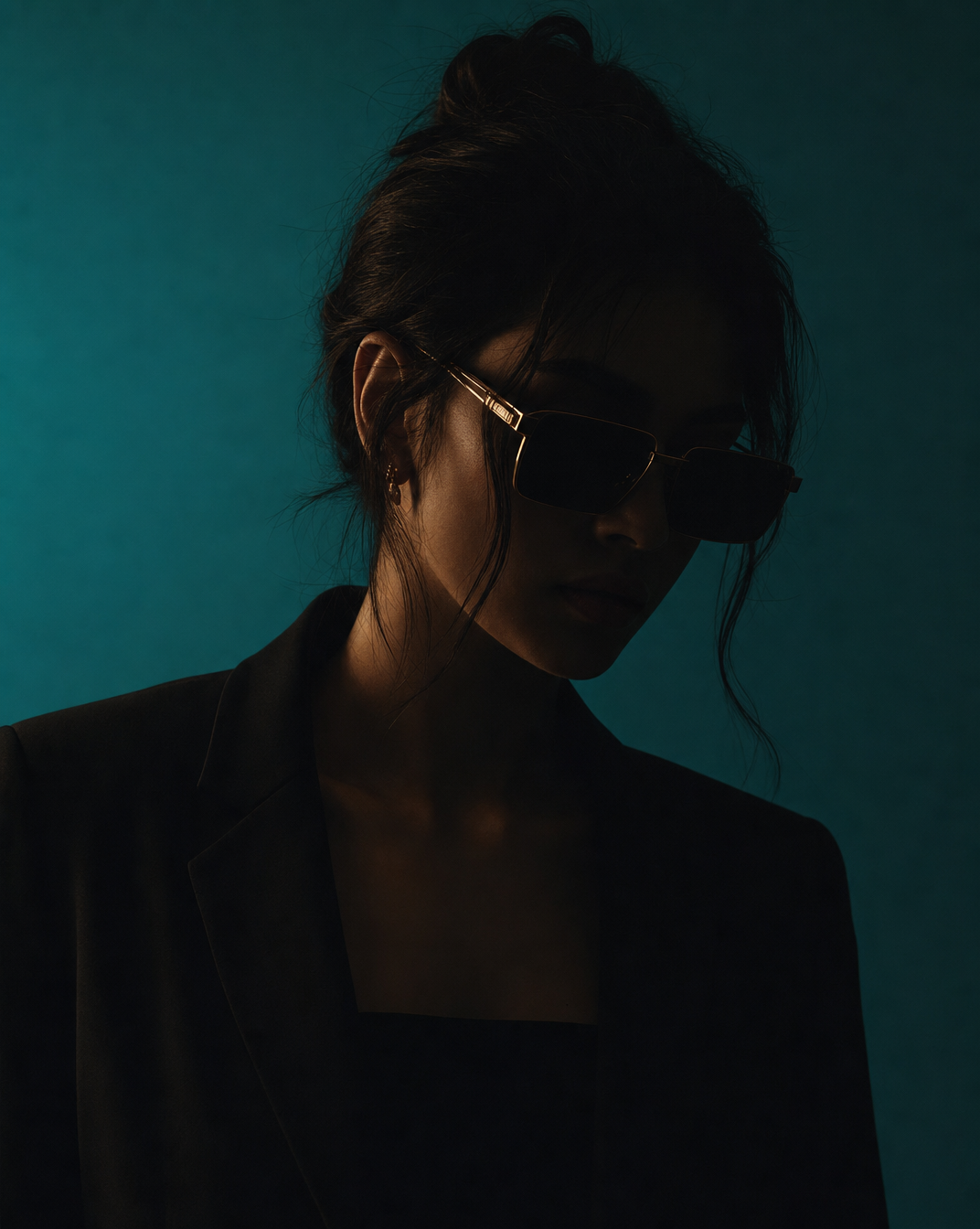
Woman in Teal Light, Shadowed Fashion Portrait
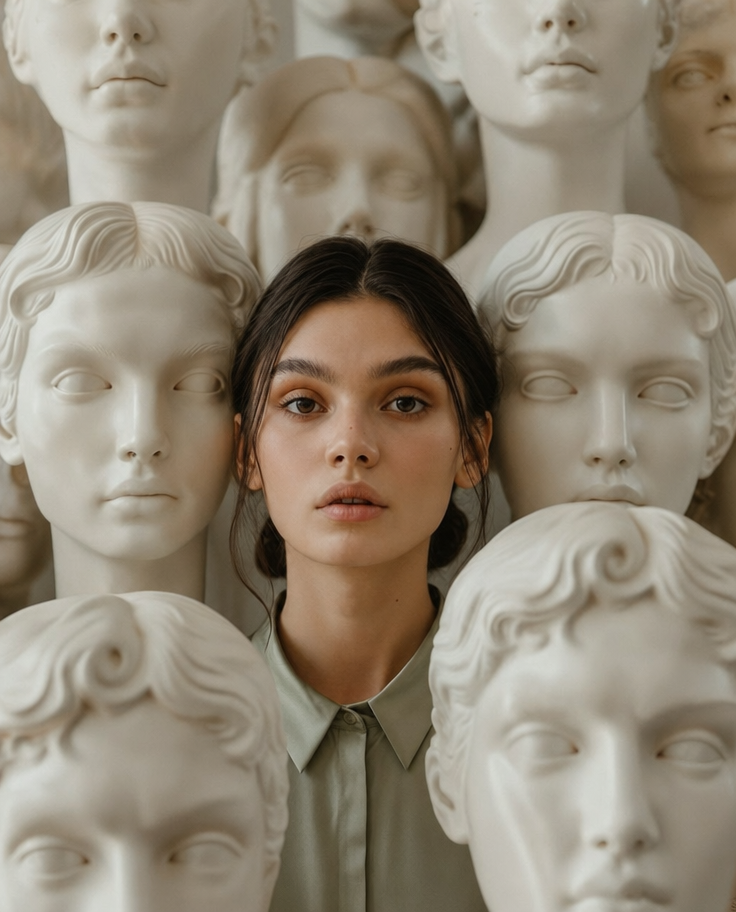
Eerie Elegance Among Marble Busts
Charcoal turtleneck with red eye-beam
Dreamy Macro Portrait in Cool Water