
Why this works
The centered, tightly composed close-up makes the AI microchip the immediate focal point, while “shallow depth of field with soft bokeh” pushes the surrounding traces and metallic components into controlled visual support. “Violet-magenta illuminated edges” and the “dramatic side lighting from the upper left” establish the futuristic purple glow and crisp highlights, while the dark circuit board gives the purple, gold, and gray palette enough contrast to read cleanly. “Sharper micro-surface detail,” “subtle reflections,” and “ultra-detailed photorealistic CGI product visualization” supply the convincing metallic texture and polished product-render finish.
FAQ
→How do I make the microchip feel more dominant and imposing?
Keep “photorealistic close-up” and “centered” framing, but replace “clean, tightly composed framing” with “extreme macro framing with the chip filling most of the image.” Change “surrounding metallic components and contact pads” to “minimal peripheral components partially cropped at the edges,” so the board supports the chip without competing with it.
→How do I shift this from sleek and controlled to ominous and industrial?
Replace “crisp, clean composition” and “sleek high-tech layout” with “gritty industrial layout with worn circuitry and exposed mechanical details.” Change “subtle reflections” to “hard specular reflections and deep occlusion,” and replace “violet-magenta illuminated edges” with “intermittent red warning illumination” for a more threatening tone.
→How do I create a consistent series of variations from this prompt?
Keep the fixed anchors “photorealistic CGI product visualization,” “shallow depth of field,” “dramatic side lighting from the upper left,” and “centered” composition. For each variation, change only the subject and accent phrase, such as replacing “futuristic artificial intelligence microchip” with “quantum processor,” “neural-network accelerator,” or “miniature robotic control module,” and replace “violet-magenta” with a controlled accent set such as “cyan,” “amber,” or “emerald.”
Learn the technique behind this
- Why can't AI spell, and how do I get readable text in an image? — Older diffusion models had no character-level representation of text, so they produced letterform-shaped texture instead of words.
- How should a prompt be structured, and does word order matter? — A prompt that behaves predictably names one subject first, then what it is doing, then where, then the light, then the lens or medium, then the style.
- Do negative prompts work, and what should go in one? — Negative prompts work on models that support a separate negative conditioning channel — mainly Stable Diffusion and FLUX-family models.
Related prompts
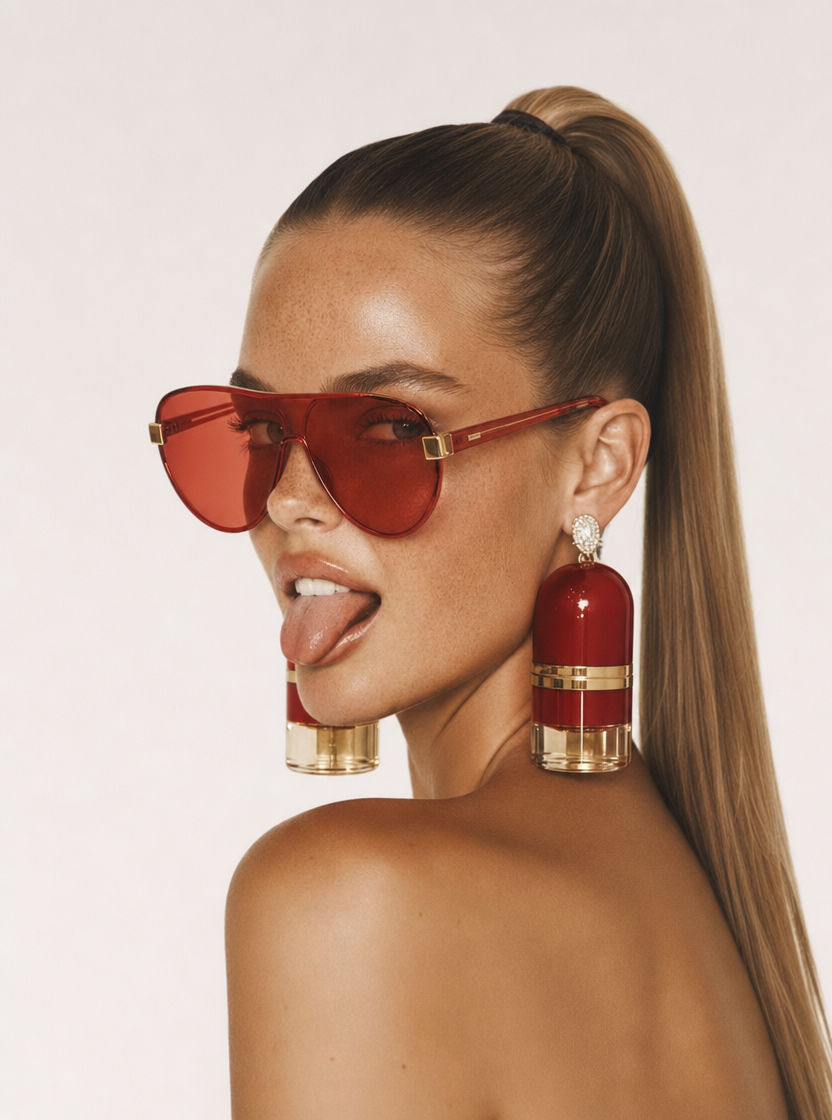
Playful brunette beauty ad portrait
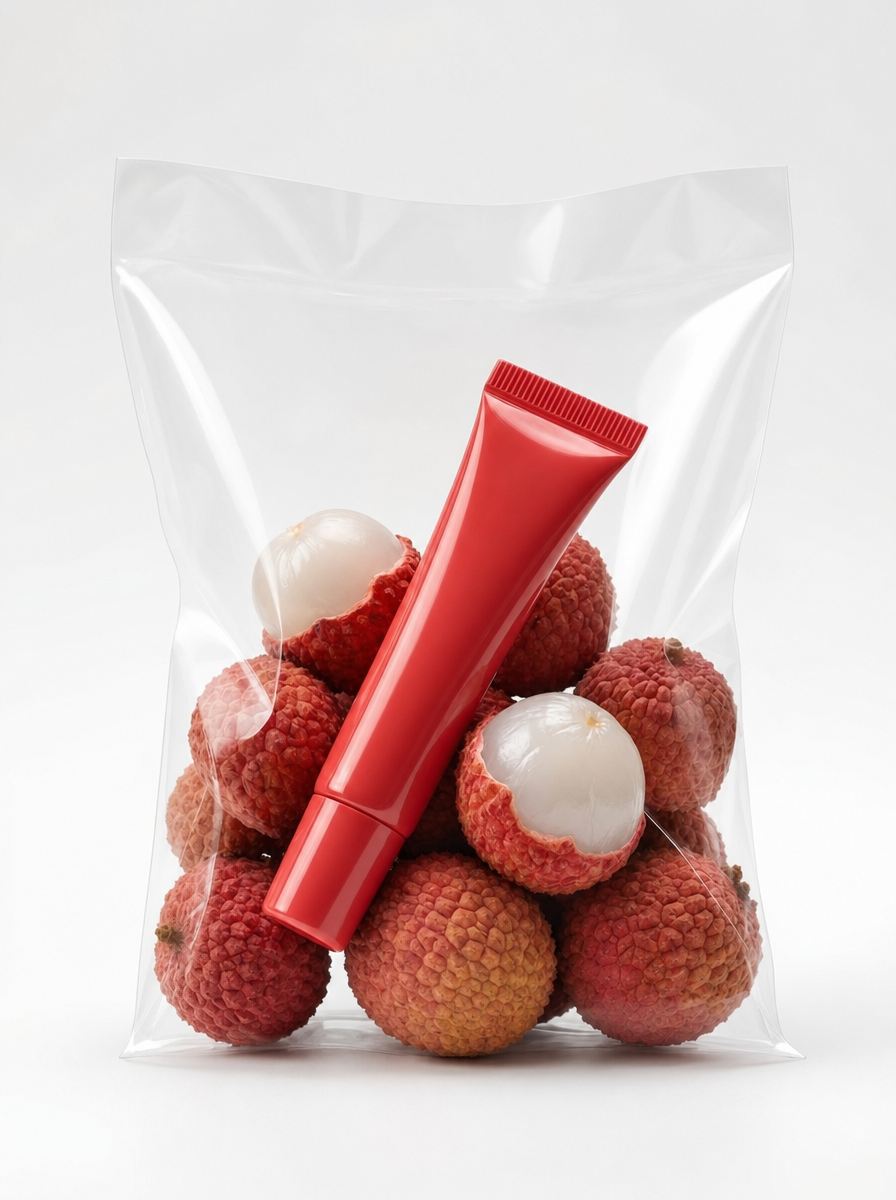
Red Lip Balm with Lychee Freshness
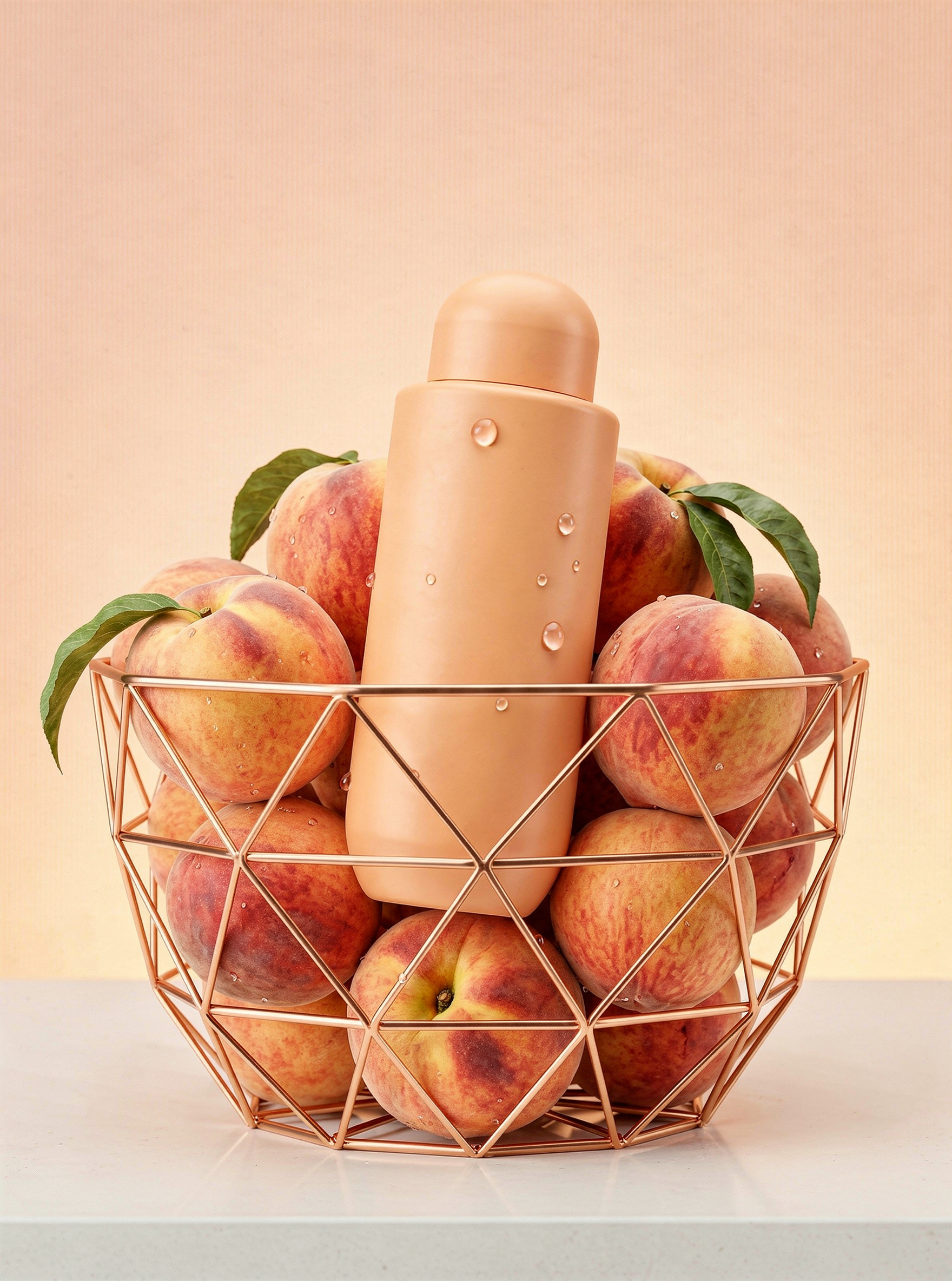
Pastel apricot body bottle in rose-gold peach basket
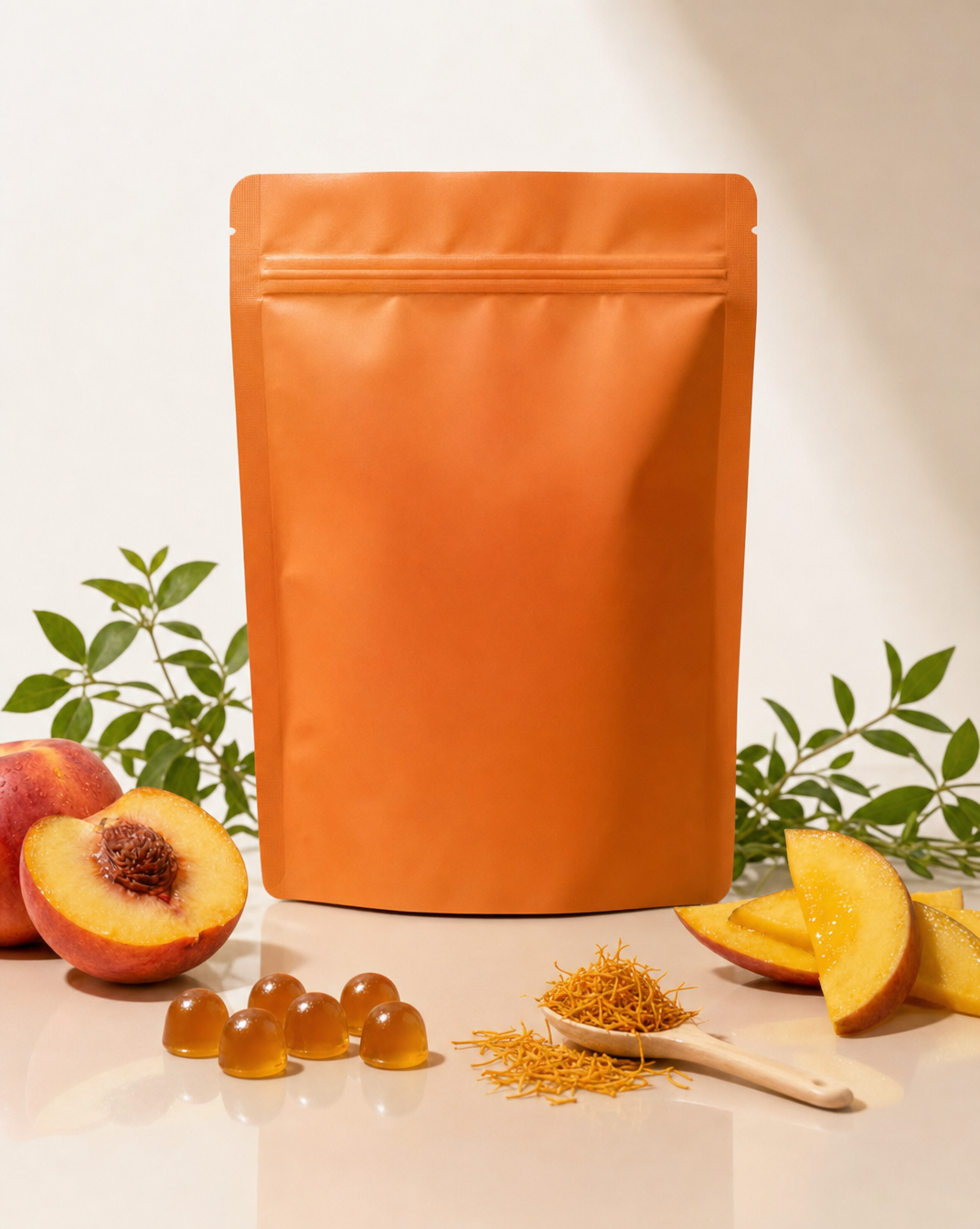
Premium wellness pouch with golden spices