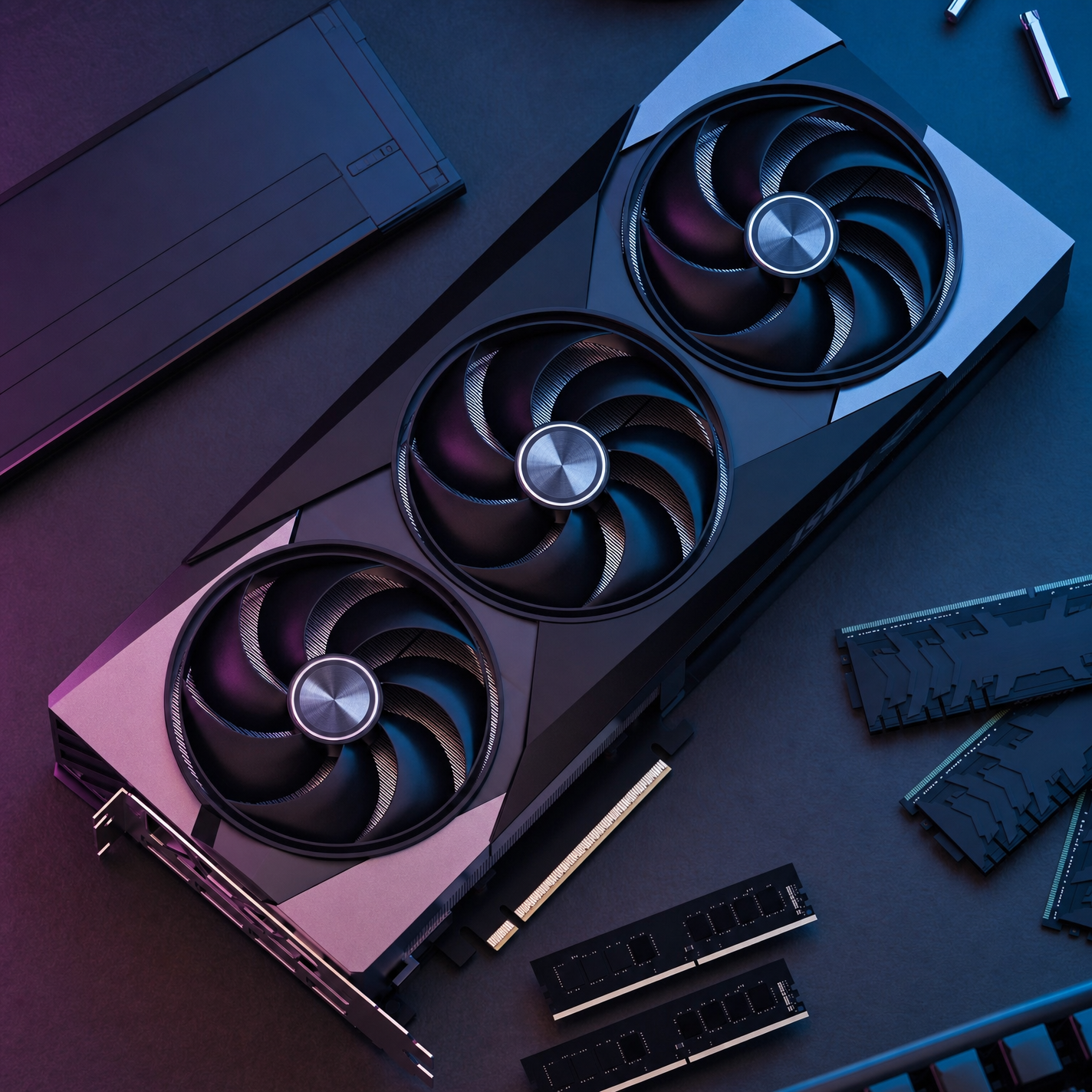
Why this works
“Top-down composition” and “studio product framing” lock the image into an overhead flatlay, while the “high-end triple-fan graphics card” gives the layout a clear central subject. The futuristic, premium mood comes from “cool blue and magenta cinematic lighting,” the “darker black-and-silver colorway,” and “premium industrial design,” reflected in the dominant black, purple, and gray palette. “Crisp visible fan blades and metal shroud” preserves product recognition, while “slightly softer specular highlights,” “realistic micro-scratches and machining textures,” and “subtle ambient haze for depth” keep the CGI materials detailed without making the reflections harsh or distracting.
FAQ
→How do I make the graphics card feel more dramatic and aggressive?
Replace “slightly softer specular highlights” with “hard, razor-sharp specular highlights,” and change “cool blue and magenta cinematic lighting” to “deep electric blue and saturated crimson rim lighting.” Add “deeper shadows beneath the shroud” after “high contrast” to give the triple-fan silhouette more force.
→How do I make one fan the main visual focus instead of keeping all three equally prominent?
Replace “crisp visible fan blades” with “the center fan sharply emphasized with the outer fans slightly receding,” and change “top-down composition” to “top-down three-quarter close-up centered on the middle fan.” Add “selective focus on the center fan hub” to concentrate detail in that area.
→How do I build a coordinated series of product shots from this prompt?
Keep “high-end triple-fan graphics card,” “darker black-and-silver colorway,” and “premium industrial design” unchanged, then replace “cool blue and magenta cinematic lighting” with a controlled palette such as “cool cyan and violet lighting” for one variation or “amber and deep red lighting” for another. Swap “top-down composition” for repeatable camera variants such as “front three-quarter studio view,” “low-angle hero view,” or “macro close-up of the metal shroud,” while retaining “ultra-clean studio presentation” and “neatly arranged surrounding PC components” for visual consistency.
Learn the technique behind this
- Why can't AI spell, and how do I get readable text in an image? — Older diffusion models had no character-level representation of text, so they produced letterform-shaped texture instead of words.
- How should a prompt be structured, and does word order matter? — A prompt that behaves predictably names one subject first, then what it is doing, then where, then the light, then the lens or medium, then the style.
- Do negative prompts work, and what should go in one? — Negative prompts work on models that support a separate negative conditioning channel — mainly Stable Diffusion and FLUX-family models.
Related prompts

Playful brunette beauty ad portrait

Red Lip Balm with Lychee Freshness

Premium wellness pouch with golden spices

Teal-Accented Bunny Toy Studio Portrait