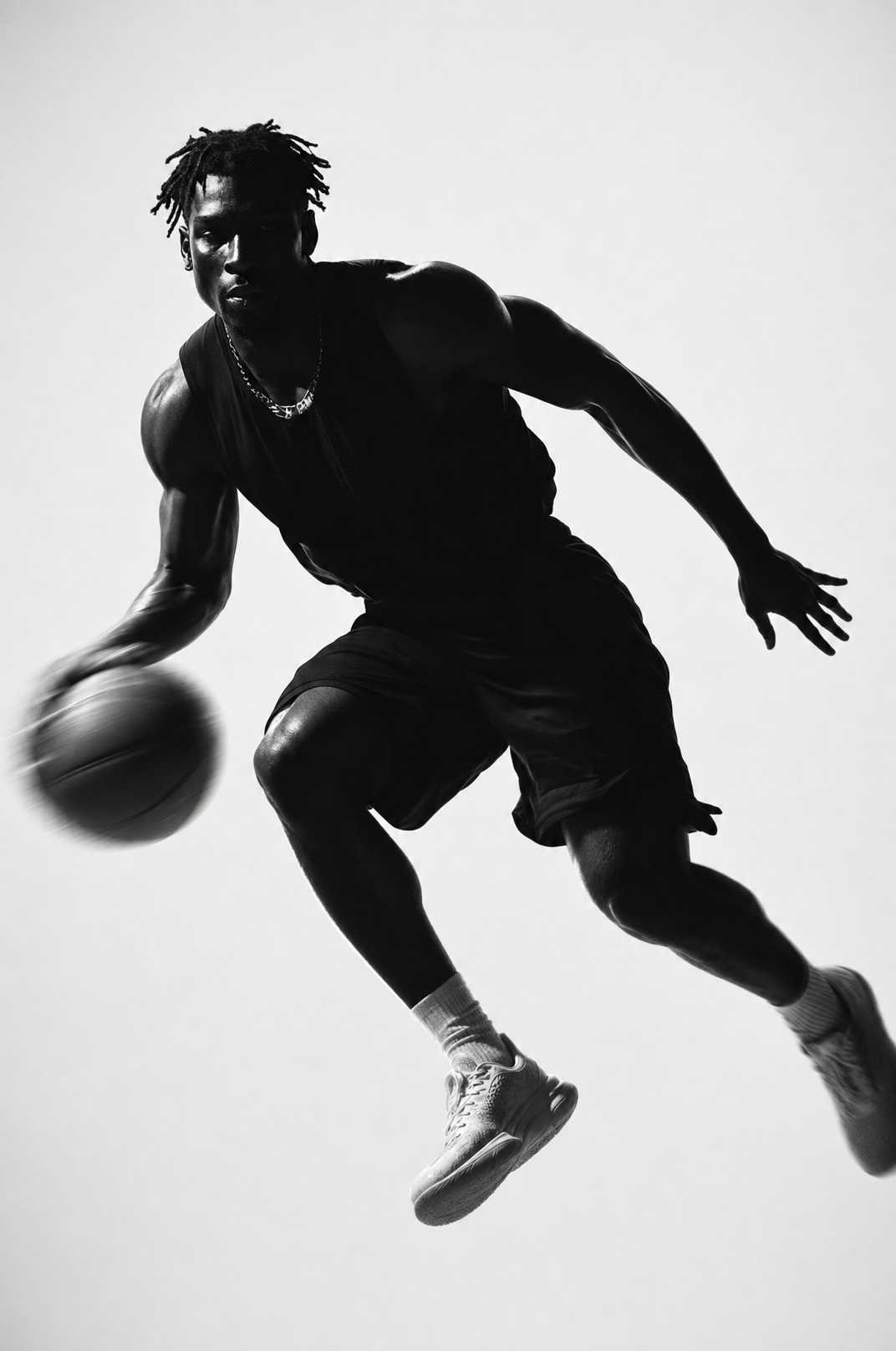
Why this works
“High-contrast monochrome,” “deep shadows,” and “sharp rim light along the silhouette edges” reduce the player to a graphic black-and-white figure while preserving the bent knee, extended arm, and ball. The “plain light background with no visible scene elements” creates the gray-and-white negative space that makes the airborne pose read immediately. “Subtle motion blur trailing the ball and the lead leg,” combined with the “athletic and energetic framing” and “85mm f/1.2 look,” adds speed without sacrificing the crisp outline of the body.
FAQ
→How do I make the player’s airborne pose more prominent?
Replace “athletic and energetic framing” with “full-body low-angle framing with the player centered and filling most of the vertical frame,” and add “basketball and outstretched hand placed near the upper-right third.” Keep “plain light background with no visible scene elements” so the enlarged silhouette remains isolated.
→How do I make the image feel more aggressive and dramatic?
Change “dramatic studio lighting from the side” to “hard, low-angle side lighting with a narrow, intense rim light and nearly black shadow areas,” and replace “subtle motion blur” with “strong directional motion blur trailing the ball and lead leg.” This increases the visual force while preserving the high-contrast monochrome structure.
→How do I build a matching series with different basketball actions?
Keep the fixed phrases “high-contrast monochrome studio scene,” “plain light background with no visible scene elements,” “sharp rim light,” and “85mm f/1.2 lens feel,” then replace “dribbling mid-motion” and the pose description with alternatives such as “jump shot at the release point with both arms extended,” “defensive slide with a wide stance and one hand reaching,” or “explosive dunk with the ball above the rim.”
Learn the technique behind this
- How should a prompt be structured, and does word order matter? — A prompt that behaves predictably names one subject first, then what it is doing, then where, then the light, then the lens or medium, then the style.
- Why can't AI spell, and how do I get readable text in an image? — Older diffusion models had no character-level representation of text, so they produced letterform-shaped texture instead of words.
- Which aspect ratio should I use, and how does it change the image? — Aspect ratio determines what the model composes, not how it's cropped afterwards.
Related prompts
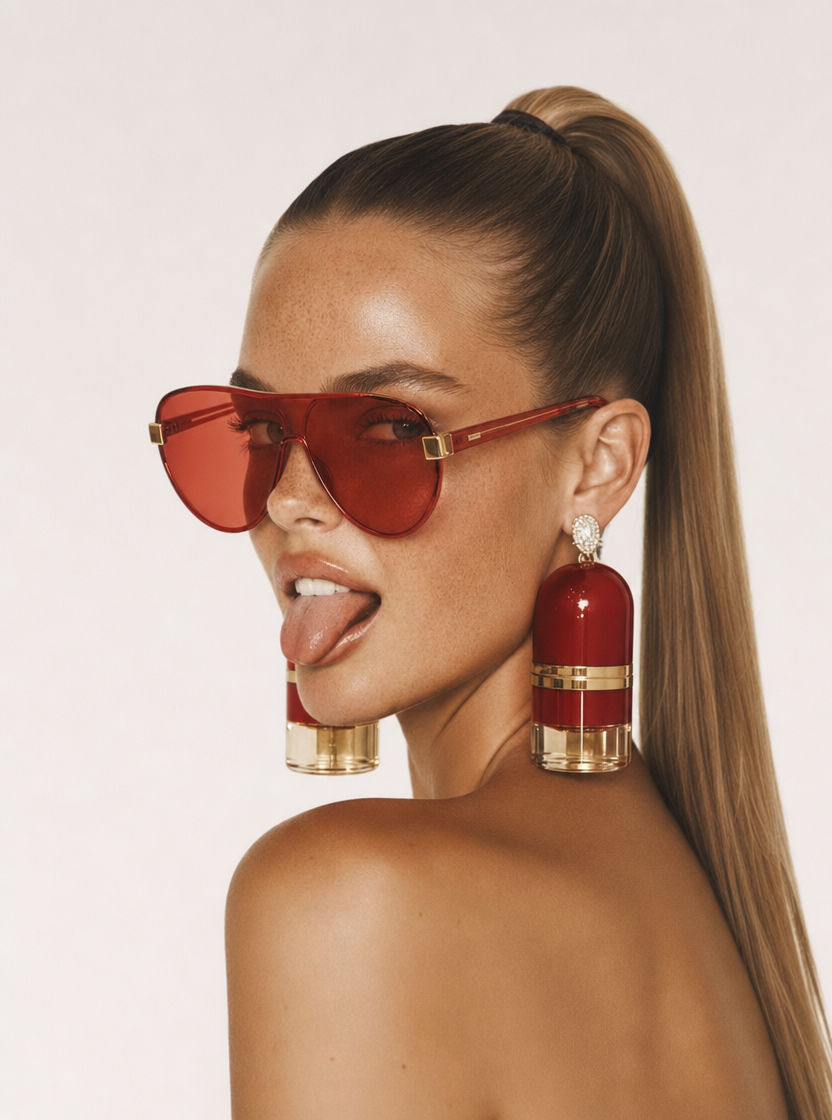
Playful brunette beauty ad portrait
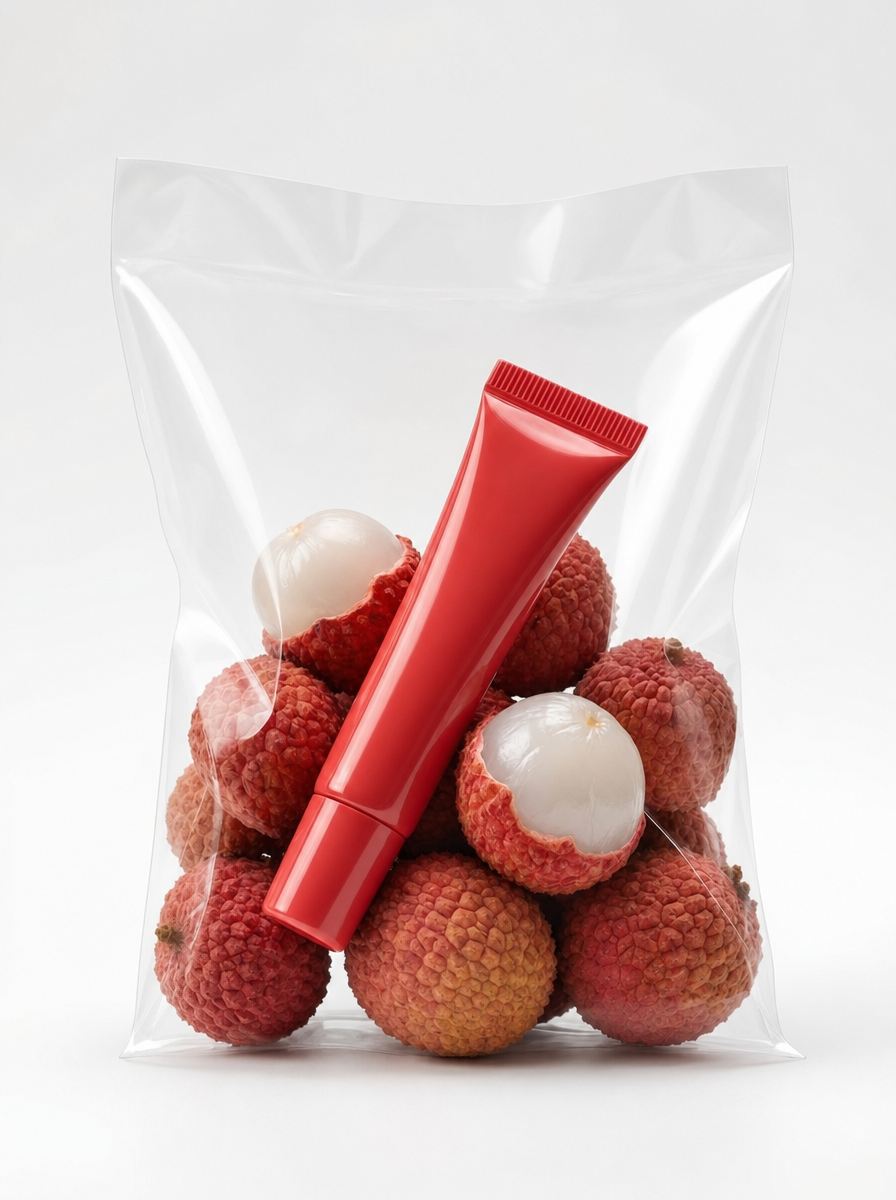
Red Lip Balm with Lychee Freshness
Premium wellness pouch with golden spices
Teal-Accented Bunny Toy Studio Portrait