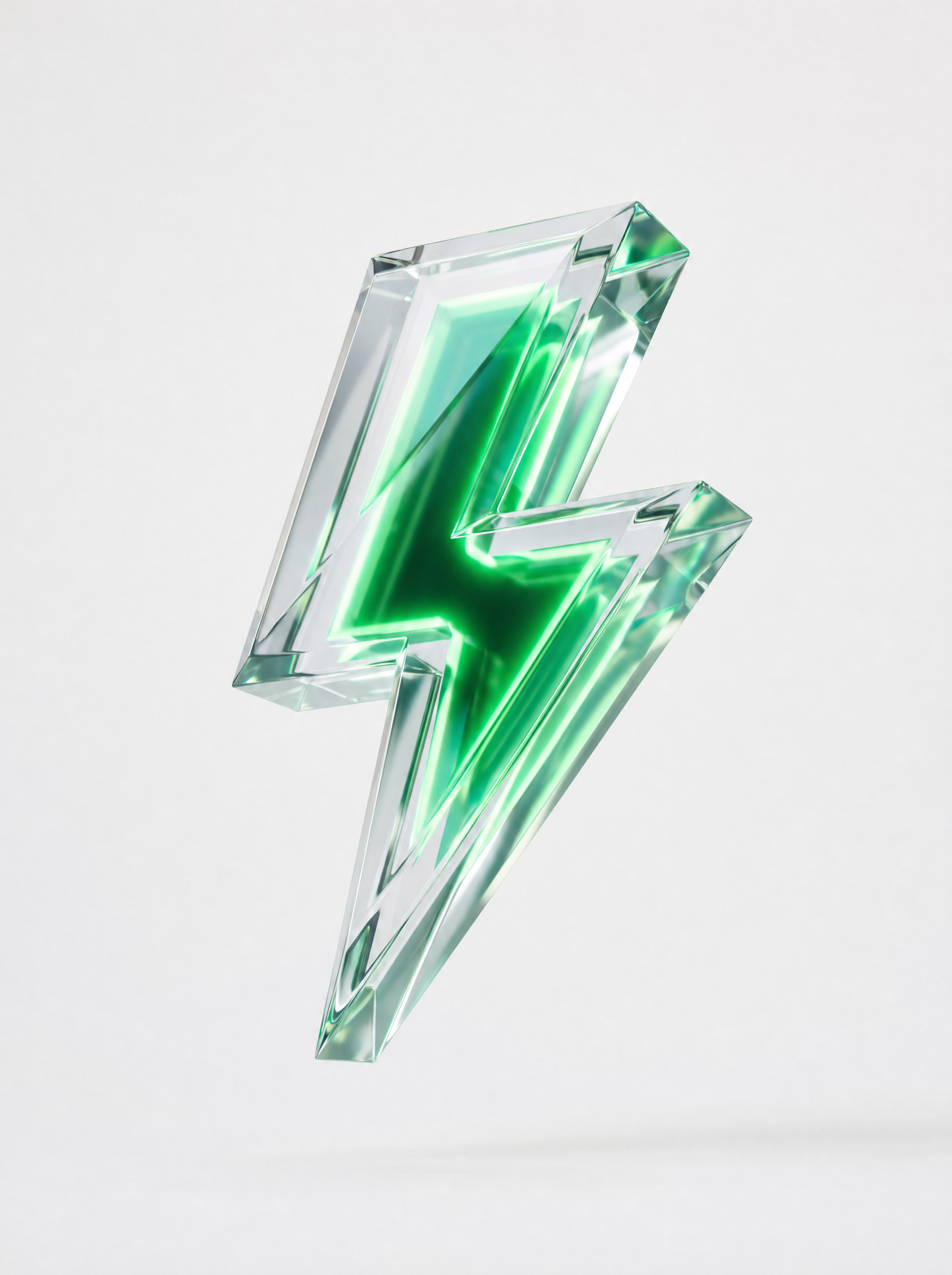
Why this works
The phrase “isolated floating single object, centered composition on a pure white background” gives the render its clean, icon-like framing, while “straight-on centered framing” keeps the bolt immediately legible. “Transparent crystal,” “subtle internal refractions,” and “premium high-contrast reflections” supply the gray-white tonal variation visible in the otherwise white image. The futuristic polished mood comes from “futuristic faceted design,” “crisp edges,” and the “emerald-green glowing energy core,” which adds a focused color accent without disrupting the minimal product presentation.
FAQ
→How do I make the emerald energy core more prominent?
Replace “emerald-green glowing energy core” with “large, intensely luminous emerald-green energy core occupying the central shaft and branching into each tip,” and replace “soft studio lighting” with “soft studio lighting plus strong internal green illumination.” This makes the color read as a primary structural feature rather than a small accent inside the crystal.
→How do I give the lightning bolt a darker, more dramatic presentation?
Replace “pure white background” with “deep charcoal-black seamless background,” and change “soft studio lighting” to “dramatic rim lighting with sharp cool highlights and controlled shadows.” Keep “premium high-contrast reflections” to preserve the crystal’s polished edges against the darker field.
→How do I create a matching series with different energy colors?
Keep “transparent crystal lightning bolt icon,” “futuristic faceted design,” “isolated floating single object,” and “centered composition” unchanged, then swap “emerald-green glowing energy core” for variants such as “electric-blue glowing energy core,” “violet plasma energy core,” or “amber-gold energy core.” Add “identical camera angle, scale, lighting, and white background” to each prompt so the color changes remain consistent across the series.
Learn the technique behind this
- Why can't AI spell, and how do I get readable text in an image? — Older diffusion models had no character-level representation of text, so they produced letterform-shaped texture instead of words.
- Do negative prompts work, and what should go in one? — Negative prompts work on models that support a separate negative conditioning channel — mainly Stable Diffusion and FLUX-family models.
- Which aspect ratio should I use, and how does it change the image? — Aspect ratio determines what the model composes, not how it's cropped afterwards.
Related prompts
Playful brunette beauty ad portrait
Red Lip Balm with Lychee Freshness
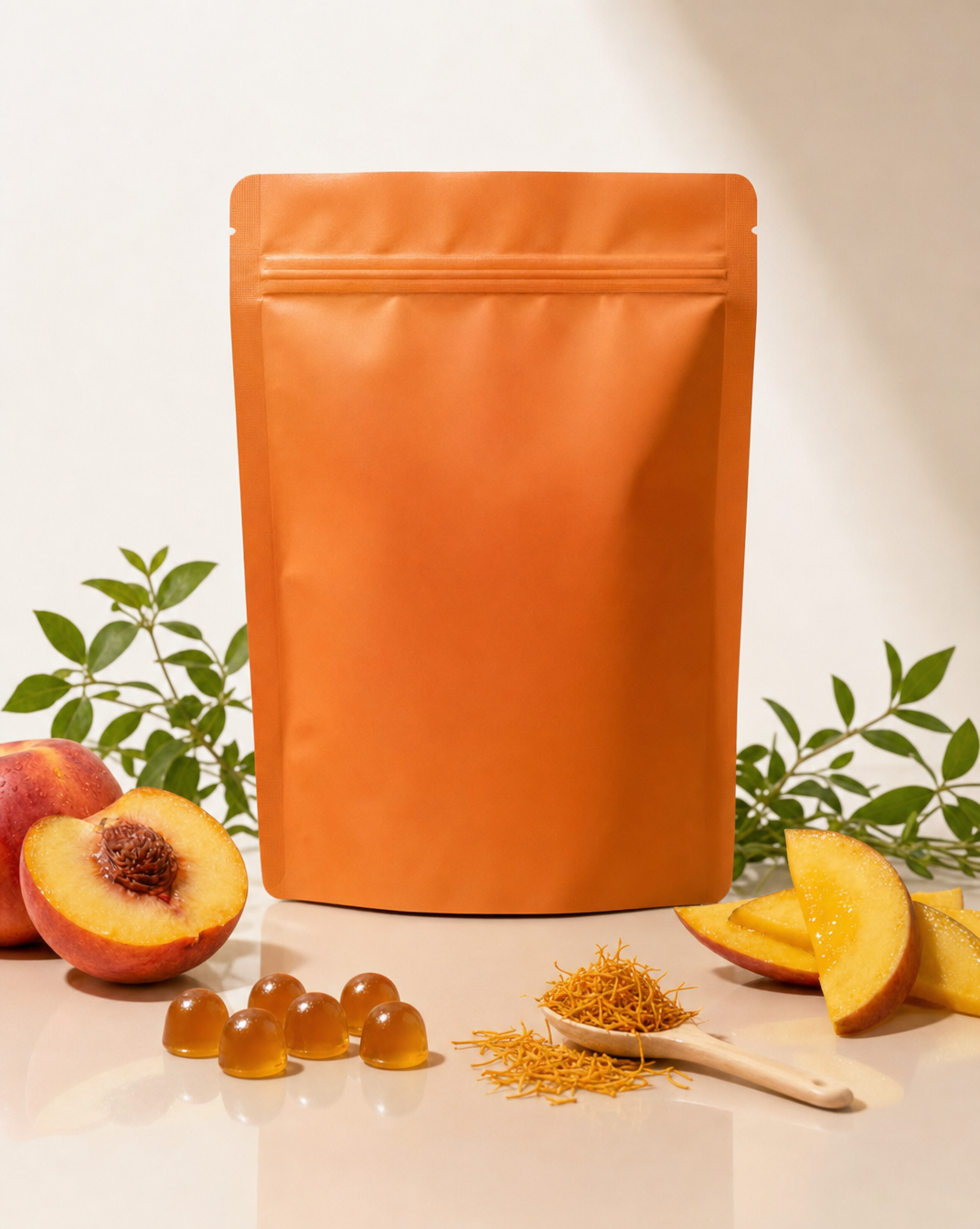
Premium wellness pouch with golden spices

Teal-Accented Bunny Toy Studio Portrait