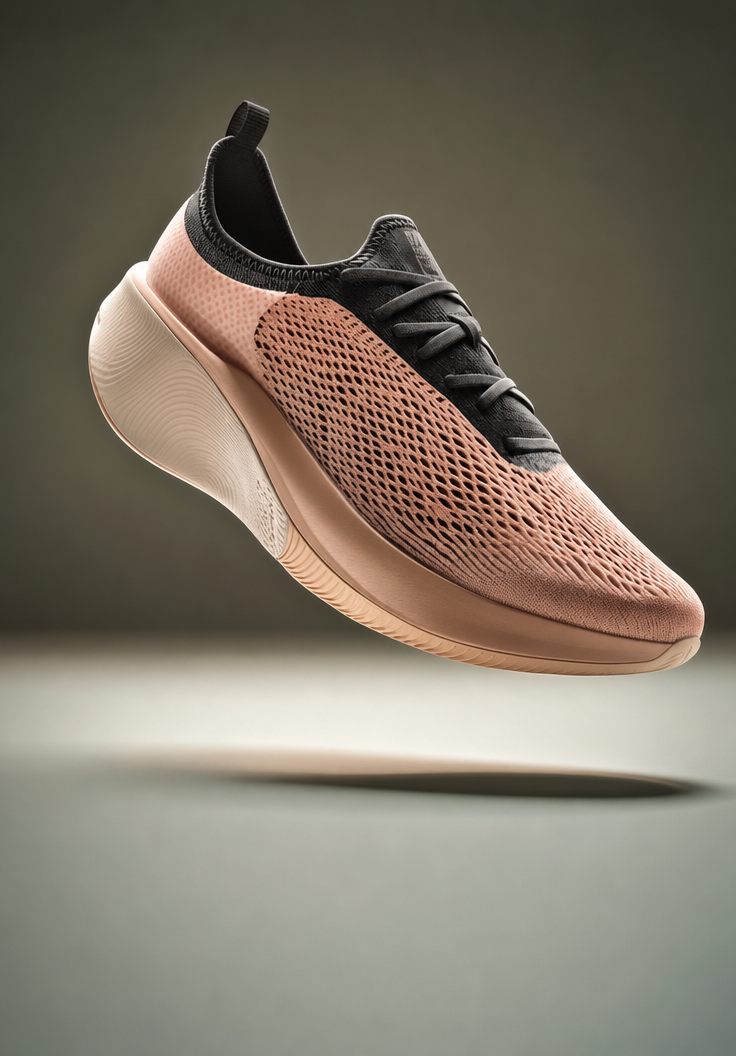
Why this works
The centered composition comes directly from “clean, minimal product-photography framing” and “sharp focus on the full shoe,” keeping the curved sole and mesh upper readable as one object. “Dusty coral and light sand with charcoal laces and a matching neutral collar” supplies a controlled accent-and-neutral palette, while the generated image’s dominant black, brown, and gray tones reinforce the charcoal details and warm-gray background. “Dramatic soft lighting with realistic specular highlights” defines the polished futuristic mood, and “floating dynamically” plus “subtle shadow beneath the shoe” gives the product lift without losing studio realism.
FAQ
→How do I make the shoe’s coral color more prominent?
Replace “dusty coral and light sand” with “saturated coral-red upper with pale sand panels,” and change “charcoal laces” to “light sand laces” so the darkest accent no longer competes with the coral. Keep “soft warm-gray background” to preserve separation and the minimal studio look.
→How do I make the sole the main visual feature?
Replace “sharp focus on the full shoe” with “three-quarter close-up framing prioritizing the curved sole,” and expand “sleek curved sole” to “oversized sculptural curved sole with visible layered geometry.” Reduce “floating dynamically” to “hovering with the sole angled toward camera” to make its shape more prominent.
→How do I create a darker, more dramatic variation of this product render?
Replace “soft warm-gray background” with “deep charcoal studio background,” and change “dusty coral and light sand” to “burnt orange and matte black.” Replace “dramatic soft lighting” with “hard directional rim lighting with controlled specular highlights,” while retaining “subtle shadow beneath the shoe” for the floating product effect.
Learn the technique behind this
- Why can't AI spell, and how do I get readable text in an image? — Older diffusion models had no character-level representation of text, so they produced letterform-shaped texture instead of words.
- How should a prompt be structured, and does word order matter? — A prompt that behaves predictably names one subject first, then what it is doing, then where, then the light, then the lens or medium, then the style.
- Do negative prompts work, and what should go in one? — Negative prompts work on models that support a separate negative conditioning channel — mainly Stable Diffusion and FLUX-family models.
Related prompts
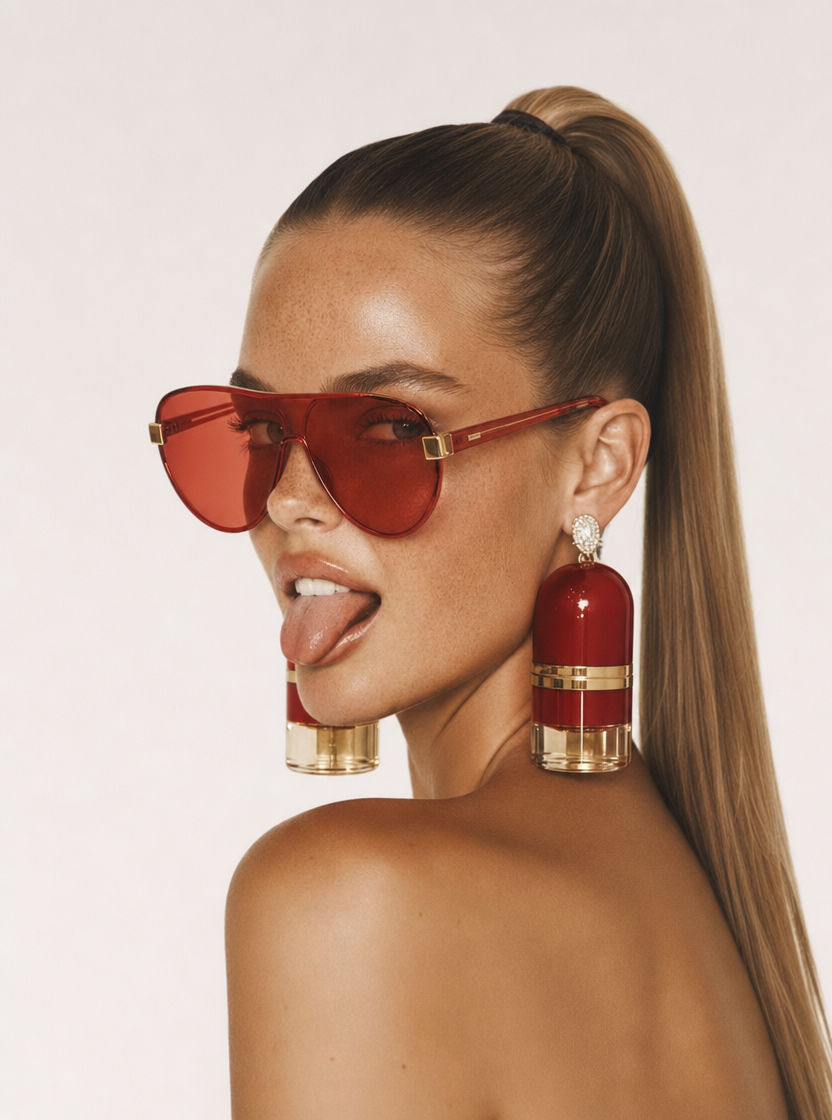
Playful brunette beauty ad portrait
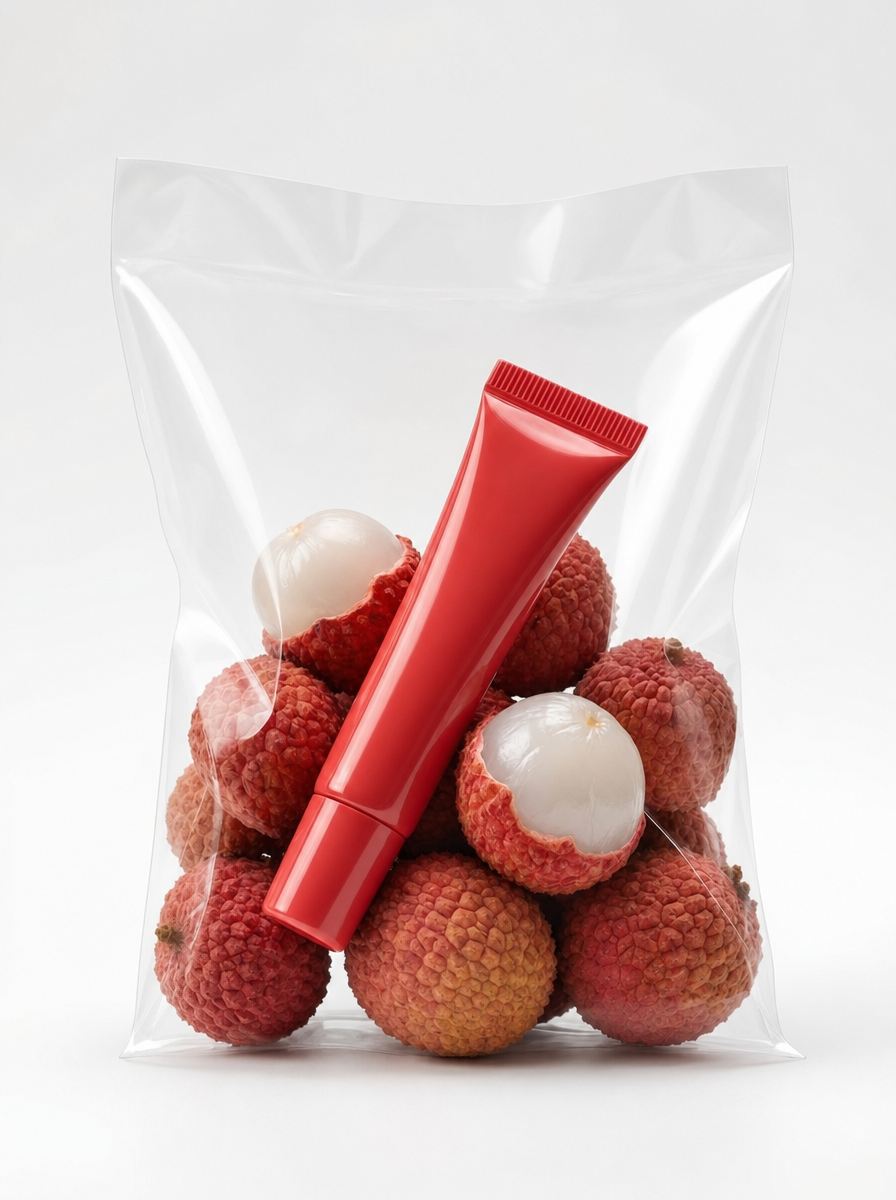
Red Lip Balm with Lychee Freshness
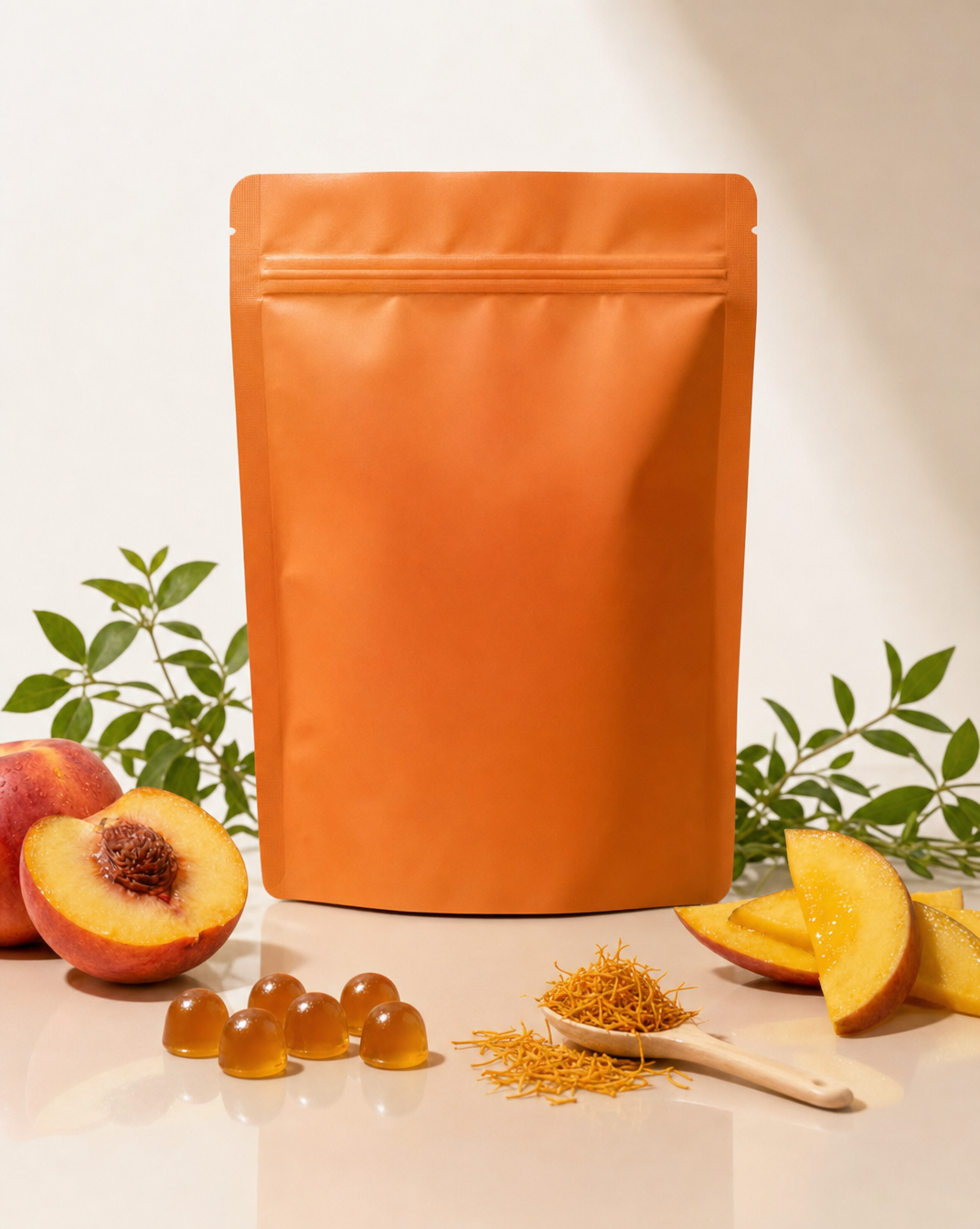
Premium wellness pouch with golden spices

Teal-Accented Bunny Toy Studio Portrait